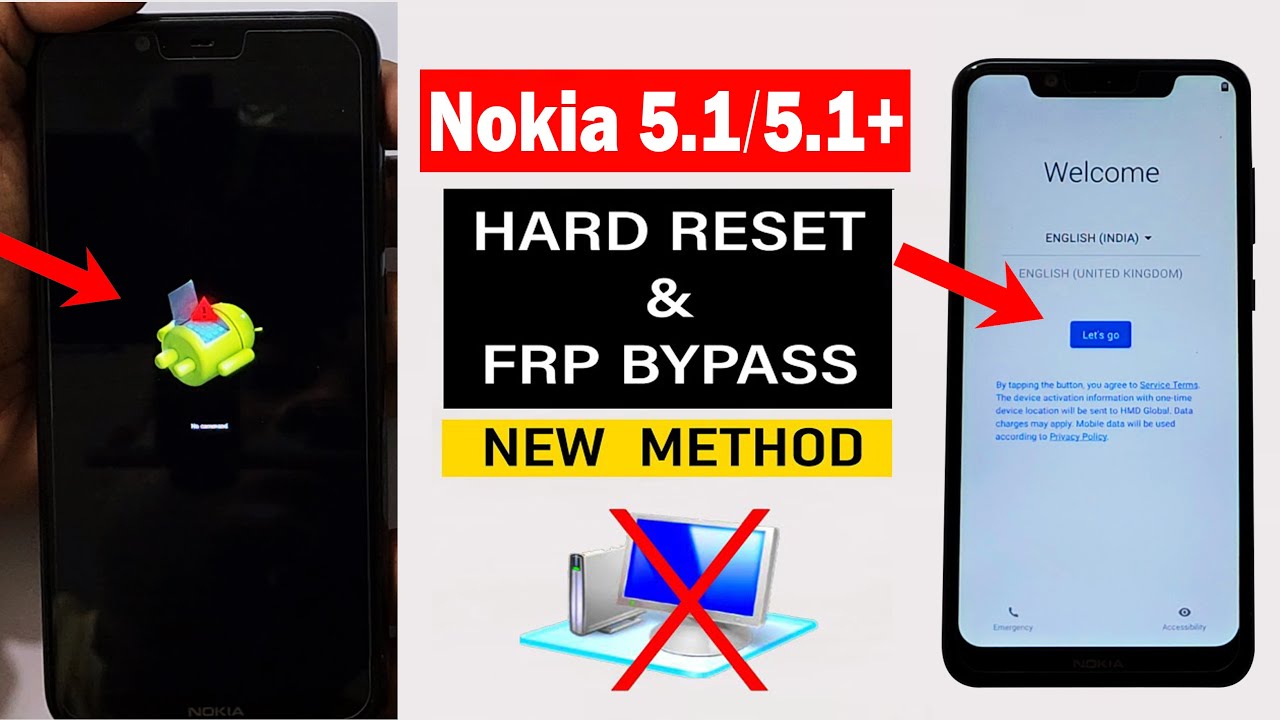
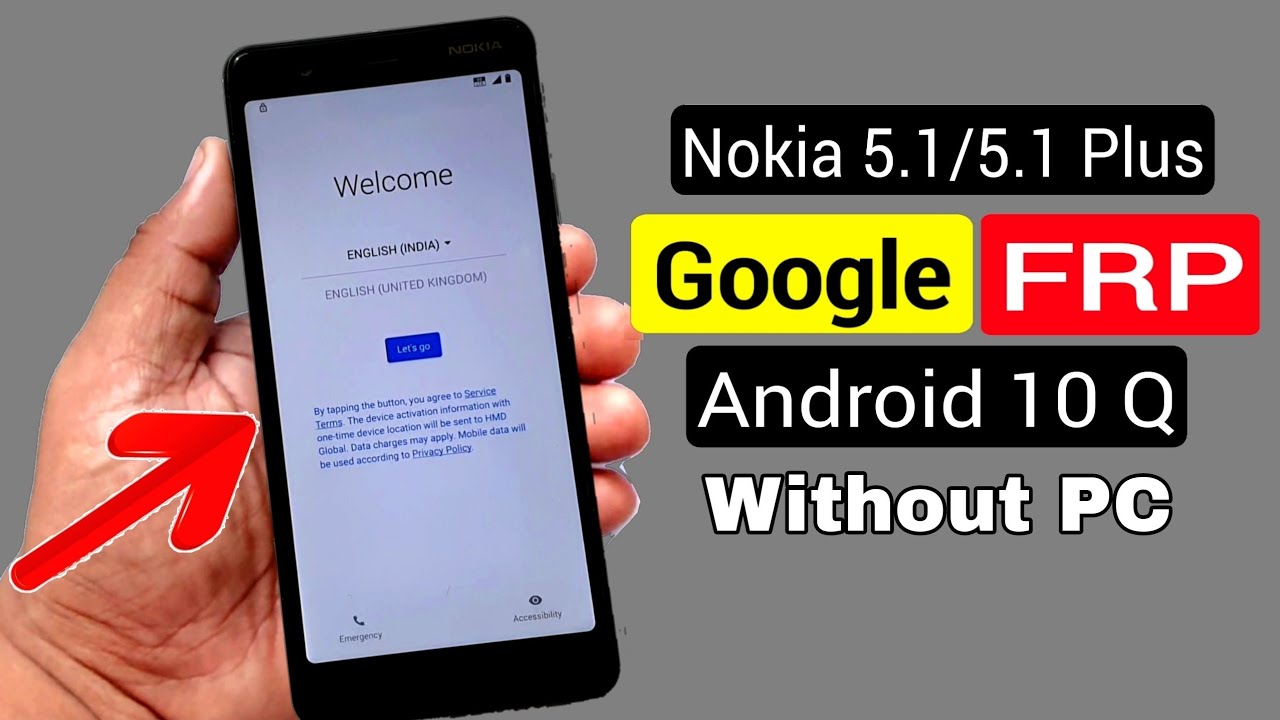
Nokia 5.1 Plus FRP Bypass |Android 10 | Nokia ( TA-1102 ) Google Account Bypass|Without Pc 2024 100%
Автор: Android Hospital
Загружено: 2024-09-21
Просмотров: 344
Описание:
Nokia 5.1 Plus FRP Bypass |Android 10 | Nokia ( TA-1102 ) Google Account Bypass|Without Pc 2024 100%
Nokia 5.1 Plus FRP Bypass |Android 10 |FRP Bypass
Have you ever reset your Android device back to its original settings?
After the reset, you usually need to enter your screen lock (such as a pattern, PIN, or password) or your email and password. But what if you forget both? This is where the Nokia 5.1 Plus FRP Bypass |Android 10 |frpbypass FRP Bypass app helps.
Nokia 5.1 Plus FRP Bypass |Android 10 |frpbypass FRP Bypass APK Download 2024
Download the Latest Nokia 5.1 Plus FRP Bypass |Android 10 |frpbypass FRP Bypass apk. We’ve also made it easier to access your pre-installed apps and settings with the provided tools below.
What is FRP?
Factory Reset Protection is a security feature introduced by Google for Android 5.1 Lollipop and onwards. It provides an extra layer of protection for Android devices, especially for those unfortunate instances where you misplace or lose your device.
When the FRP is active after performing an unauthorized factory reset, when you set up your device, it requires you to enter your Google account credentials to unlock your device.
What is Nokia 5.1 Plus FRP Bypass |Android 10 |frpbypass FRP Bypass APK?
Nokia 5.1 Plus FRP Bypass |Android 10 |frpbypass FRP Bypass apk is a powerful tool to bypass FRP security protection on your device. It helps you to regain access without requiring advanced technical skills or knowledge.
Features
Think of it as a magic key that unlocks your phone when you’re locked out. What makes it even more interesting are its simple and impressive features. Let’s take a closer look at them one by one:
Unlock Your Phone Easily: Helps you bypass FRP (Factory Reset Protection) after you reset your Android device when you’ve forgotten your screen lock and Google account credentials.
No Cost Involved: These apps are free to use. You don’t have to spend any money, which is great because other tools might be expensive.
Open Apps and Settings: You can open your apps and phone settings directly, making it easier to bypass FRP Lock.
Simple to Download: Getting these apps on your Android is easy. Just download and install them.
User-Friendly: These apps are designed to be simple. You won’t feel confused; they’re easy to understand.
Works on Many Android Devices: Use them on different Android phones and tablets. They’re versatile.
No Computer Needed: You don’t have to use a computer. Just install the app on your device and use it.
Quick Access: Speeds up the process of getting back into your device, so you don’t have to wait long.
How to use Nokia 5.1 Plus FRP Bypass |Android 10 |frpbypass FRP Bypass APK?
You can install the FRP APK file as you usually install any APK file; it’s a straightforward process. However, please remember to use these apps responsibly and only on devices you own or have permission to unlock.
Additionally, follow the latest Nokia 5.1 Plus FRP Bypass |Android 10 |frpbypass FRP Bypass method for your device. Here’s a simple step-by-step guide:
Step 1: Download the Nokia 5.1 Plus FRP Bypass |Android 10 |frpbypass FRP Bypass APK File
Begin by downloading the APK file to your Android device.
Step 2: Install the APK File
Navigate to the download folder, tap on the APK file to open it, and follow the instructions below to install it.
Step 3: Allow Installation from Unknown Sources
If you’re downloading the APK directly to your Android device, you must allow installations from unknown sources. Tap and enable “Allow from this source.”
Step 4: Open the App
Once the installation is complete, open the Nokia 5.1 Plus FRP Bypass |Android 10 |frpbypass FRP Bypass app from your app drawer.
Step 5: Bypass FRP Lock
Inside the app, you will find options and settings to help you bypass the Google account verification lock.
Step 6: Restart Your Device
After you’ve successfully bypassed the FRP lock, restart your Android device. It should now allow you to access the device without FRP Lock. Please remember that these steps and options may vary depending on your device’s manufacturer and Android version.
Повторяем попытку...
Доступные форматы для скачивания:
Скачать видео
-
Информация по загрузке: