Fix multiple vector issues instantly in Adobe Illustrator
Автор: Astute Graphics - Solutions for Adobe Illustrator
Загружено: 2026-02-20
Просмотров: 188
Описание:
Clean vector artwork is easier to edit, scales better, performs faster, and avoids production problems.
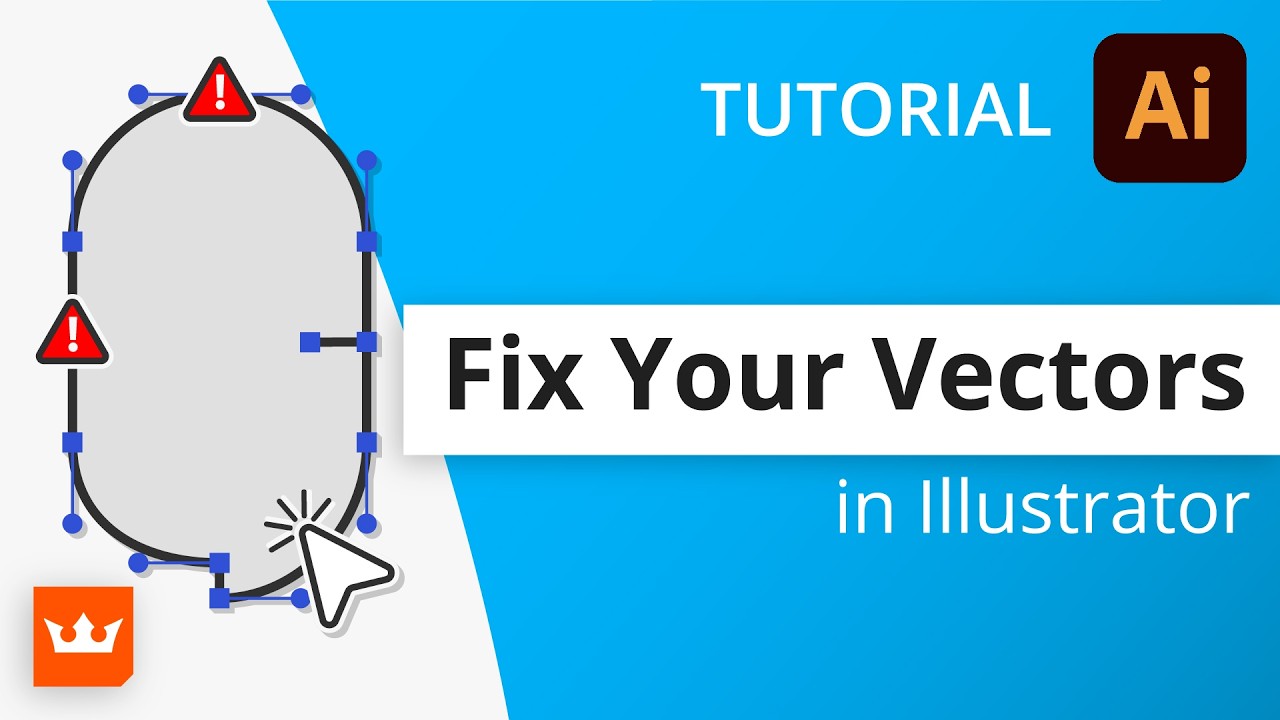
If you work with complex Illustrator files and ever wonder why they feel heavy, edit strangely, or contain hidden points, the issue is usually messy anchor points. In this video, we break down what causes unneeded points, redundant points, inconsistent point types, and close aligned points, and show you how to fix them in one click.
Using VectorFirstAid from Astute Graphics, you will learn how to scan your artwork, highlight path issues, clean entire illustrations in seconds, and intelligently reduce thousands of anchor points without changing the shape.
Cleaner vectors. Fewer points. Better performance.
Learn to love Illustrator with our FREE 7 day trial: https://astutegraphics.com/freetrial/
To learn more about the tool visit our dedicated documentation website: https://docs.astutegraphics.com/vecto...
Subscribe to our channel: / @astutegraphics
Follow us on Instagram: / astutegraphics
Like us on Facebook: / astutegraphics
Join our SLACK Community here: http://bit.ly/ag-slack
Повторяем попытку...
Доступные форматы для скачивания:
Скачать видео
-
Информация по загрузке: