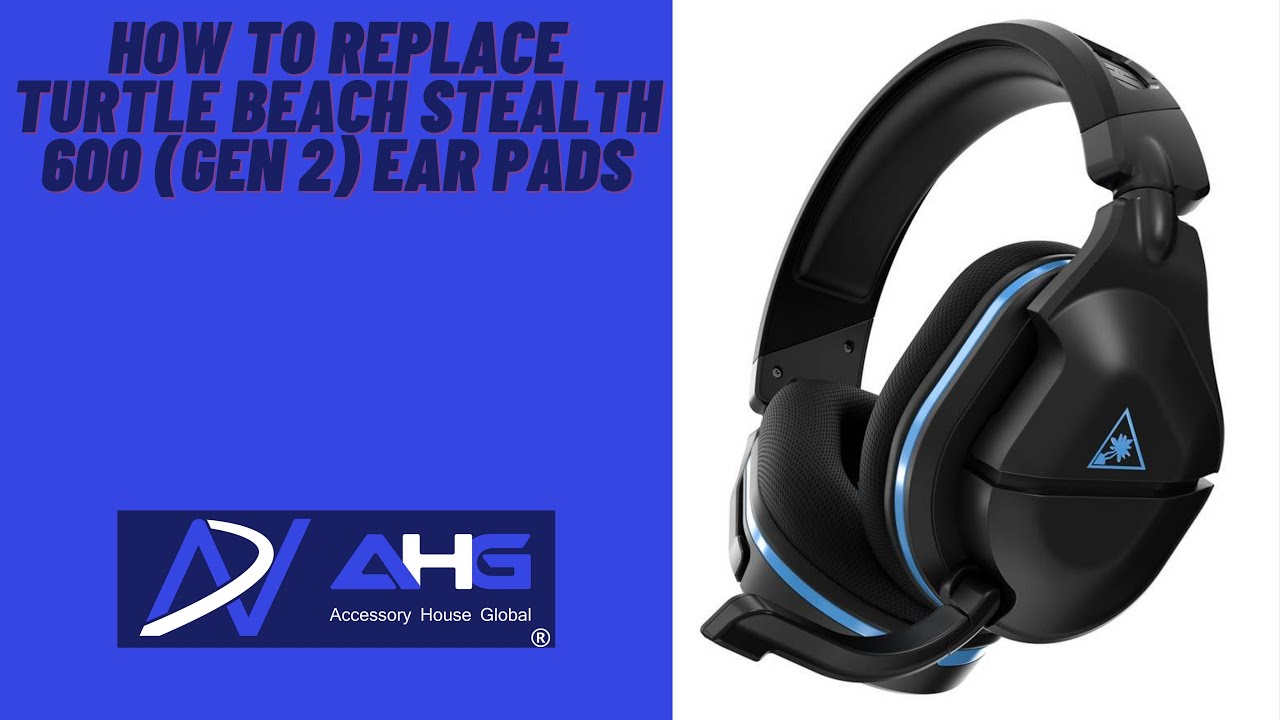
How To Replace & Upgrade Turtle Beach Stealth 600 First Gen Ear Pads
Автор: Wicked Cushions
Загружено: 2021-02-11
Просмотров: 4938
Описание:
🚨🚨Need new ear pads for your Turtle Beach?? Grab them here with our coupon ➡️➡️
http://bit.ly/WC20Off
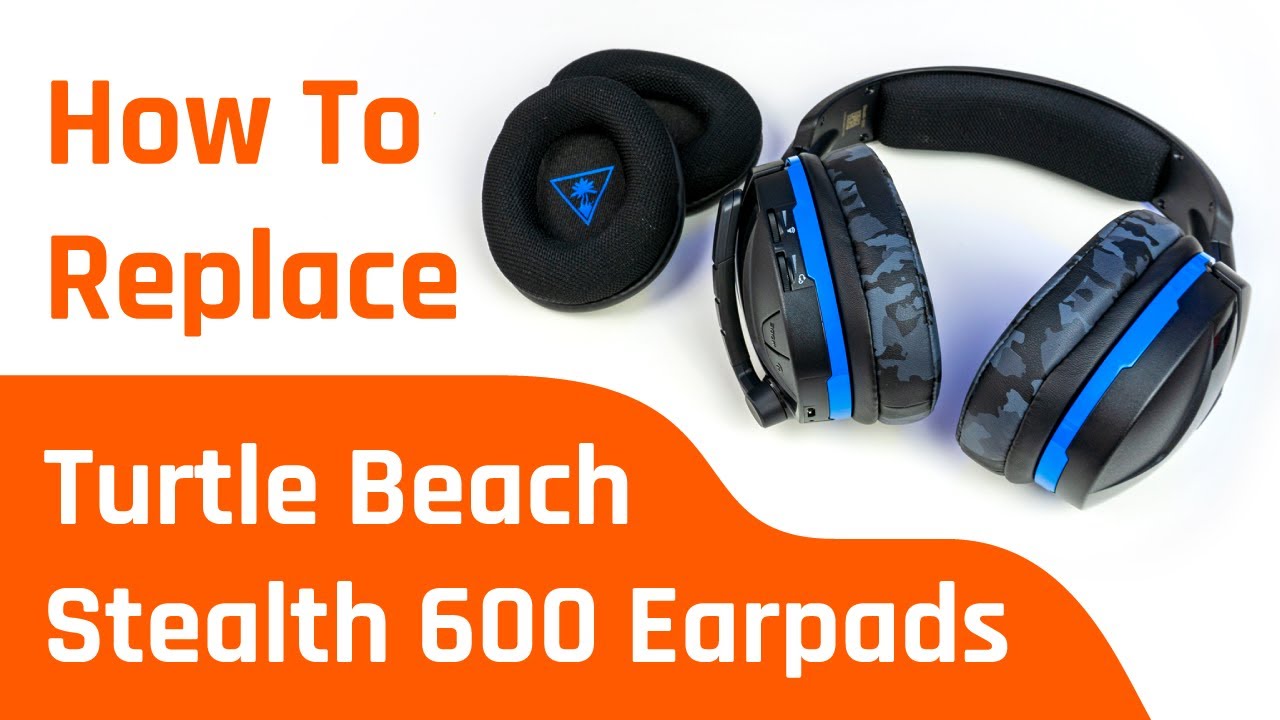
✅ Title: Turtle Beach Stealth 600 First Gen Replacement Ear Cushions - How To Replace
📩 Reach us at [email protected]
-----------------------------------------------
📱Instagram / @wickedcushions
-----------------------------------------------
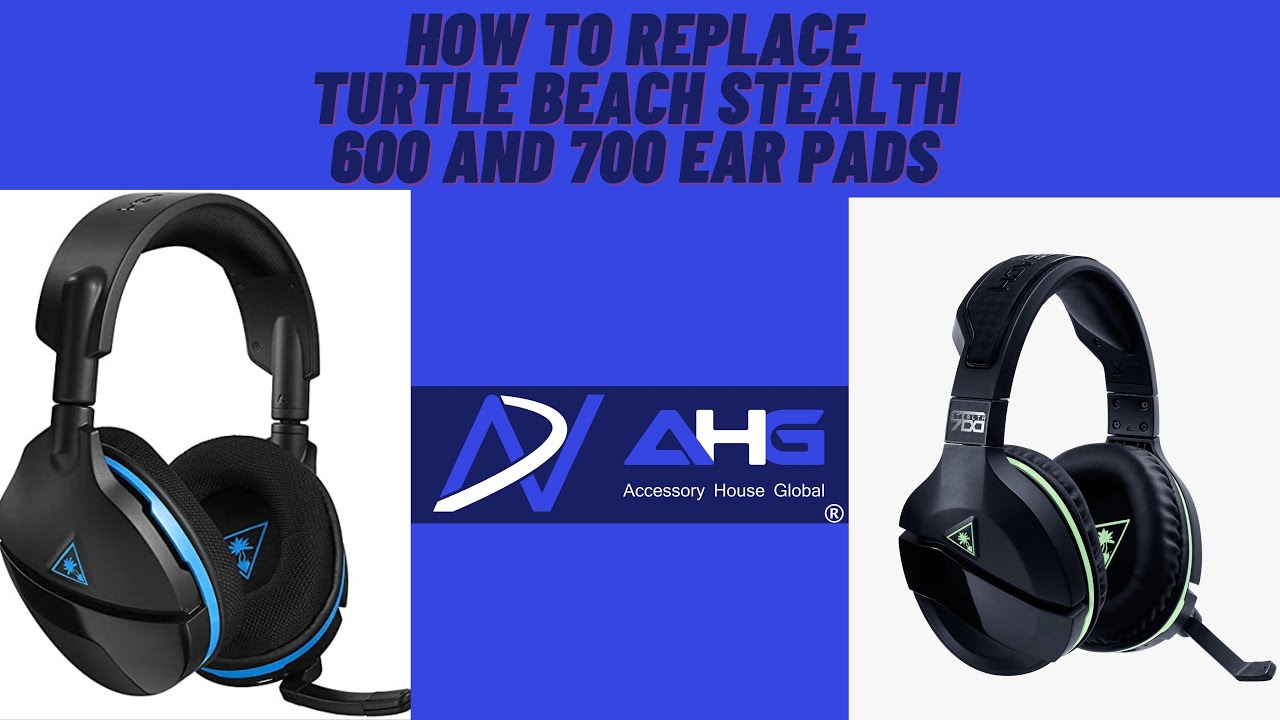
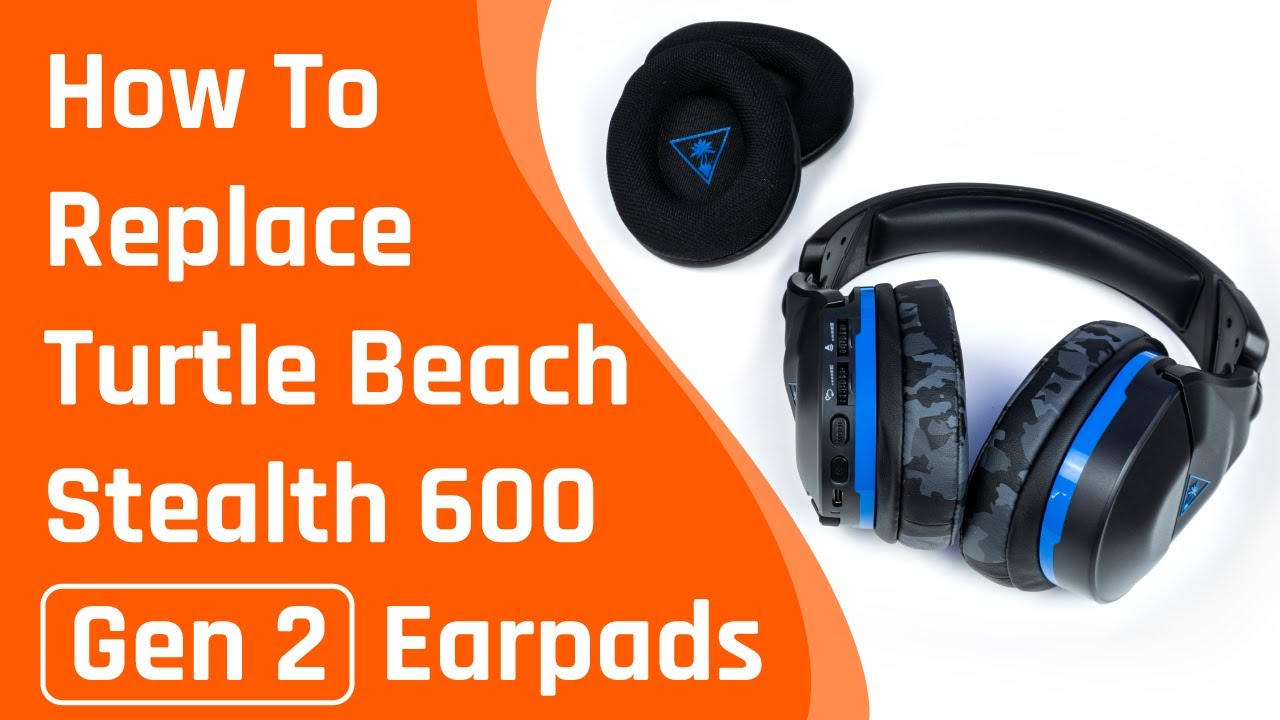
The Turtle Beach Stealth 600 is such a great sounding headset that comes with one HUGE downside - It’s stock ear pads.
If you are like me and you CANNOT stand the stock cushions on the TB stealth 600, I am going to show you how to replace & upgrade them with something that will take this headset to the next level!
I am going to show you my tips and tricks on how it takes me less than 5 minutes to replace the earpads on my Turtle Beach Stealth 600, which is going to be the SAME process for a lot of Turtle Beach headsets.
This process applies to the following models:
Both XBOX & PS & PC Models
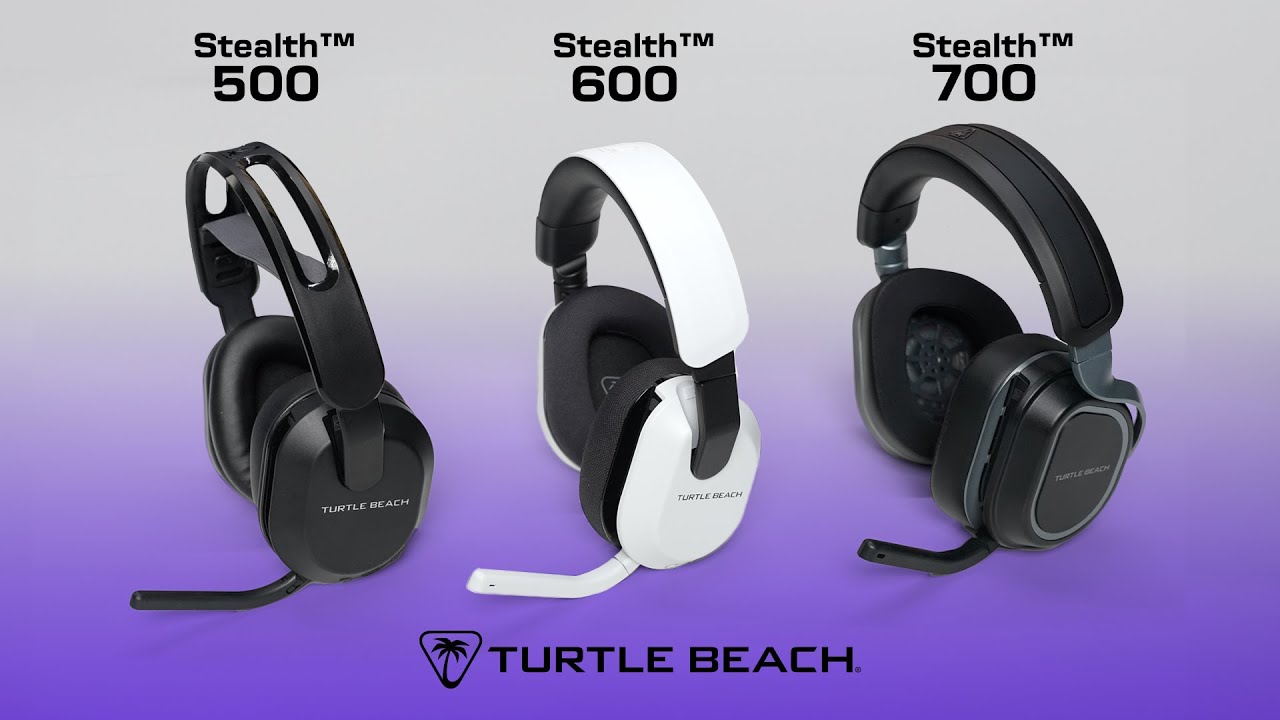
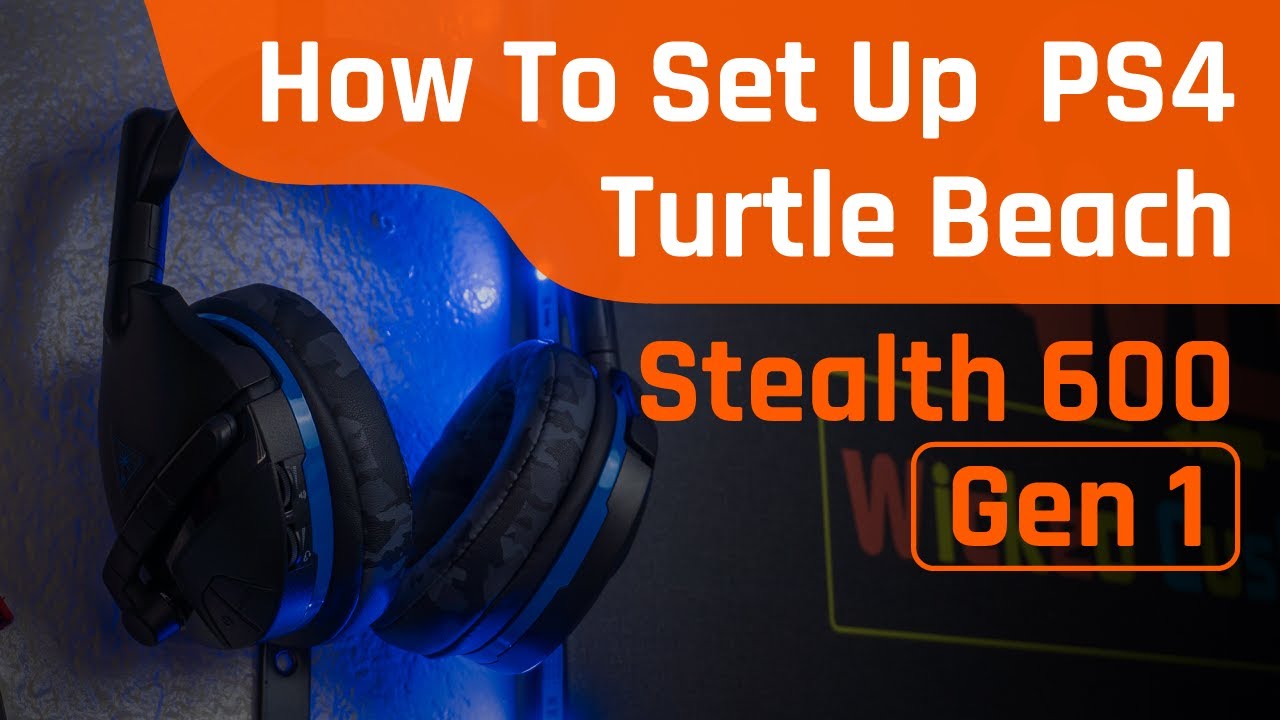
Stealth 600 gen 1 / gen 2
Stealth 700 gen 1
Stealth 300
Stealth 450
Recon 70
Recon 50p
Recon 50x
Recon 150
420x
Recon Spark
Recon 200
Ear Force X12
Tango
I hope this video ends up being helpful, please subscribe to our channel and like this video if you end up enjoying it:)
⏰⏰Timestamps⏰⏰
00:00 Intro
0:30 Compatibility List
0:55 Step 1 - Remove the ear pads
1:52 Step 2 - Insert the backside lip to the top
2:10 Step 3 - Grab the earpads and stretch it out to fit
2:49 Step 4 - Tuck it in
3:26 Step 5 - Get our ear pads :)
#stealth600gen1 #turtlebeach #wickedcushions
Повторяем попытку...
Доступные форматы для скачивания:
Скачать видео
-
Информация по загрузке: