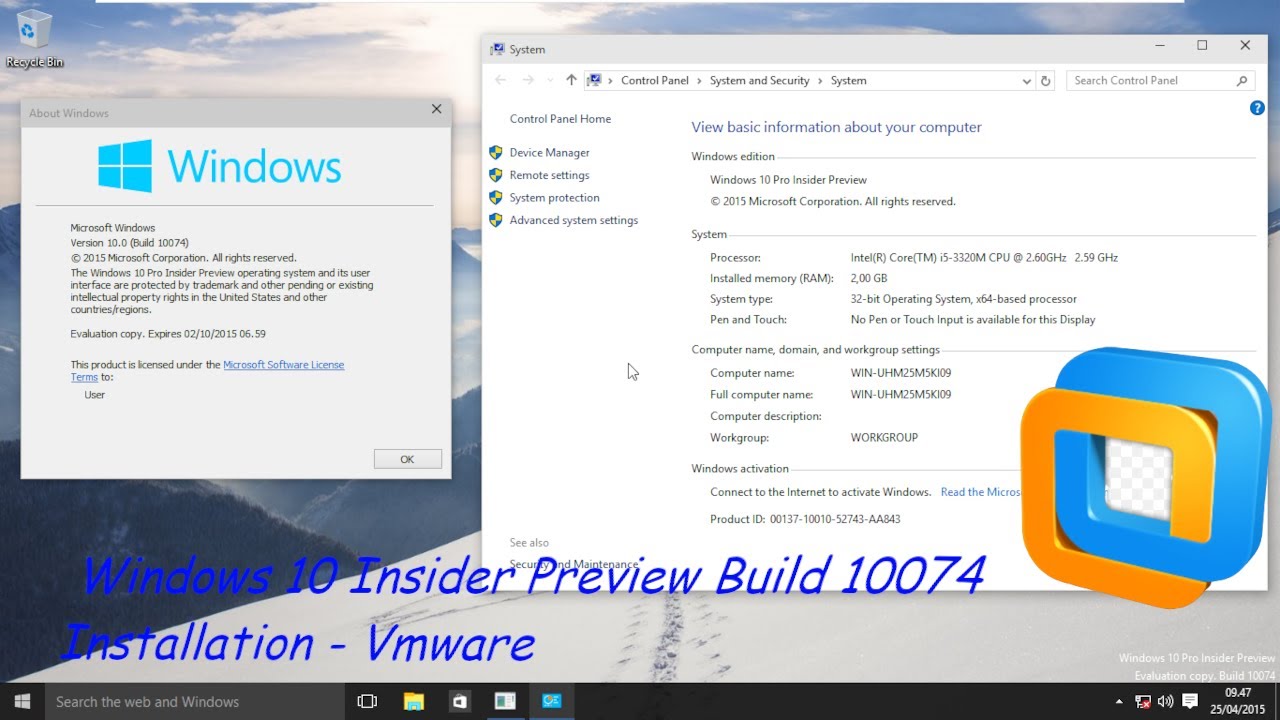
Windows 10 Insider Preview Build 10074 Installation - VmWare
Автор: Liko
Загружено: 2023-03-28
Просмотров: 5182
Описание:
This Video will teach you how to install Windows 10 Build 10074
Bios Date : (04/24/2015) (Month/Date/Year)
Time Bomb : (10/01/2015) (Month/Date/Year)
History :
Windows 10 build 10074 is the first officially released Insider Preview build of Windows 10, which was released to Windows Insiders on 29 April 2015.
Bugs and quirks :
Hardware compatibilities
If installing on VMware make sure to change the compatibility to version 12.x, otherwise the build will show a blue screen error when attempting to boot, and disable all network drivers or the build will update the time via the internet, thus activating the time bomb.
Missing translations
The non-English versions of this build have translations missing in some places.
Start menu
Change resolution and pulling up the taskbar may bring up the Start menu.
New Features and changes :
New system sounds have been introduced.
The context menu has been updated in some places.
The navigation buttons in the Settings app have received changes.
The Network icon has been updated.
Closing an application in Tablet Mode now takes you to the Start screen.
Multi-tasking improvements (Alt+Tab, Task-View, Snap Assist).
Personalization options in Control Panel have been removed, as the applet was only intended to be used for switching themes. However, this change would reverted in build 10547.
Express settings have been updated in the OOBE.
Search and Cortana
The search icon has received an update.
Accent color has been removed from the search box.
Start and Cortana are now more integrated.
New experiences in Cortana powered by Bing Instant Answers.
Music and Video Preview Apps
Full screen mode has been added to the Music app.
You can now download movies, TV shows and TV seasons with the Video Preview app on up to three devices.
Thanks For Watching!
Subscribe!
Повторяем попытку...
Доступные форматы для скачивания:
Скачать видео
-
Информация по загрузке: