#R
Автор: RJ Studio
Загружено: 2022-05-07
Просмотров: 544
Описание:
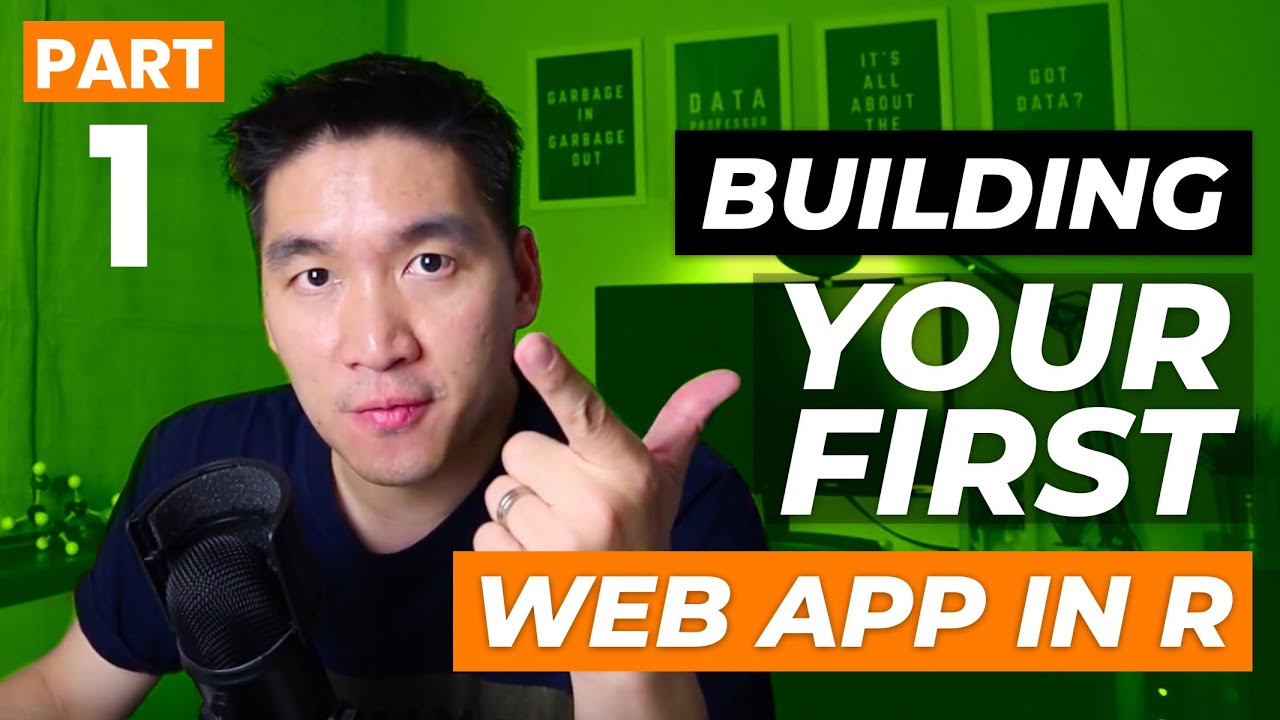
RJ Studio’s 66th video adds various Control Widgets
for an R Shiny ✨ App!
◕ ◡ ◕
Shiny is an awesome R package to use
when you want to build web apps from R scripts! 🌟
A lot of explanation used in this video comes from:
https://shiny.rstudio.com/tutorial/wr...
Shiny Apps contain 3 main components: UI, Server, and ShinyApp.
Control Widgets are written in the UI component, the first one.
If you want to check out more Shiny Control Widgets,
take a look at Shiny Widgets Gallery~! 🚀🚀
https://shiny.rstudio.com/gallery/wid...
Shiny logo in the thumbnail is from https://github.com/rstudio/shiny/blob...
☆ Video Chapters ☆
0:00 Demo - Control Widgets
0:29 Intro - Control Widgets
1:22 Buttons
2:09 SelectBox
3:11 CheckBox
4:27 Slider Bar
5:02 Numeric & Text Input
5:32 Date Input & Range
6:05 Shiny Widgets Gallery
6:34 Outro
I am playing the background music. ^‿^
Check out my Music 🎵 YouTube channel: / musicalum
Hope my video taught you something new!
And feel free to correct me if I made some mistakes in the comments :)
이번 비디오는 R Shiny의 다양한 컨트롤 위젯들에 대해 알아보는 영상입니다. ≧◡≦
사용자 인터페이스의 코드안에 위젯 함수들을 넣어 만듭니다.
유익한 정보이었길 바랄게요~ 감사합니다.
“In teaching others, we teach ourselves.”
Instagram: / musicalum_rj
LinkedIn: / rj-lee
Повторяем попытку...

Доступные форматы для скачивания:
Скачать видео
-
Информация по загрузке: