Скачать
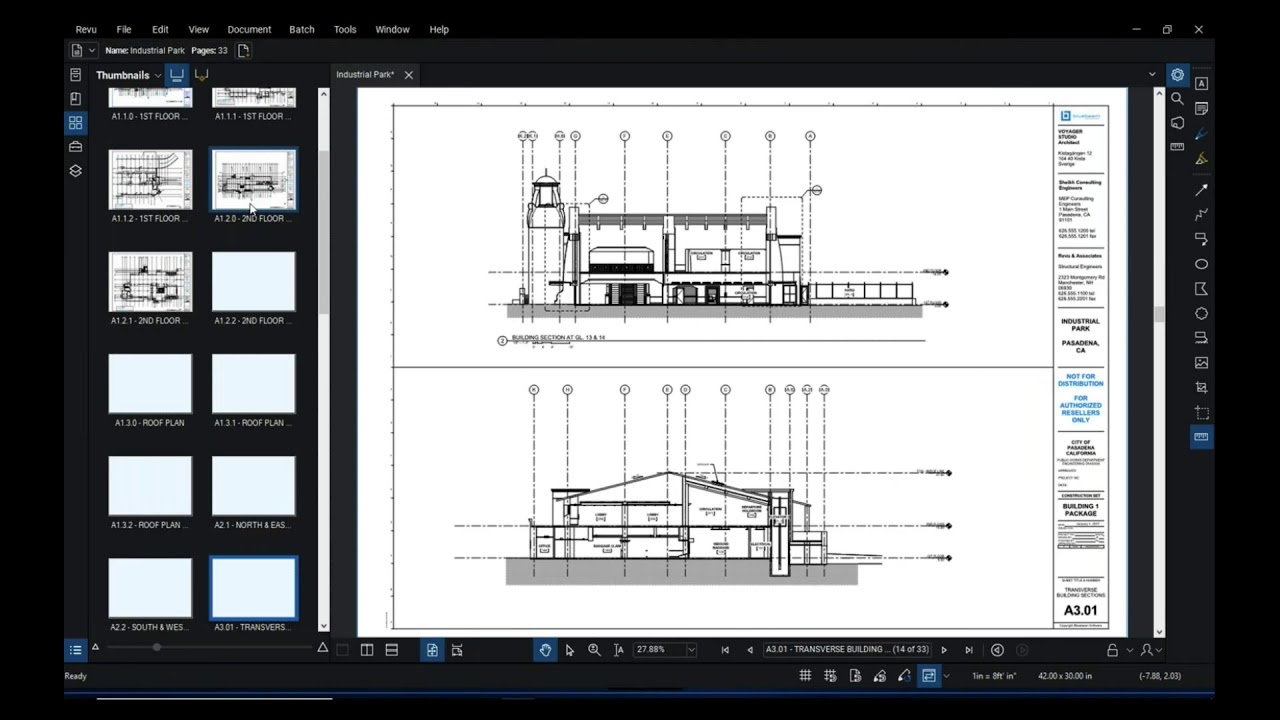
Resolve Bluebeam Revu 2018: Compare and Markups
Автор: Vectorworks Canada Inc.
Загружено: 2018-07-16
Просмотров: 512
Описание:
Learn to use the Compare Documents feature in Bluebeam Revu to compare two PDFs and highlight the differences. We’ll also show you how to use and customize the Markup tools in Bluebeam Revu and create a Tool Chest for frequently used ones that you can share with co-workers.
Then, make the most of the data in your documents by viewing what’s been done in a Markups List that lets you sort and filter, add custom data columns, and export the contents out to use elsewhere.
Не удается загрузить Youtube-плеер. Проверьте блокировку Youtube в вашей сети.
Повторяем попытку...
Повторяем попытку...

Доступные форматы для скачивания:
Скачать видео
-
Информация по загрузке: