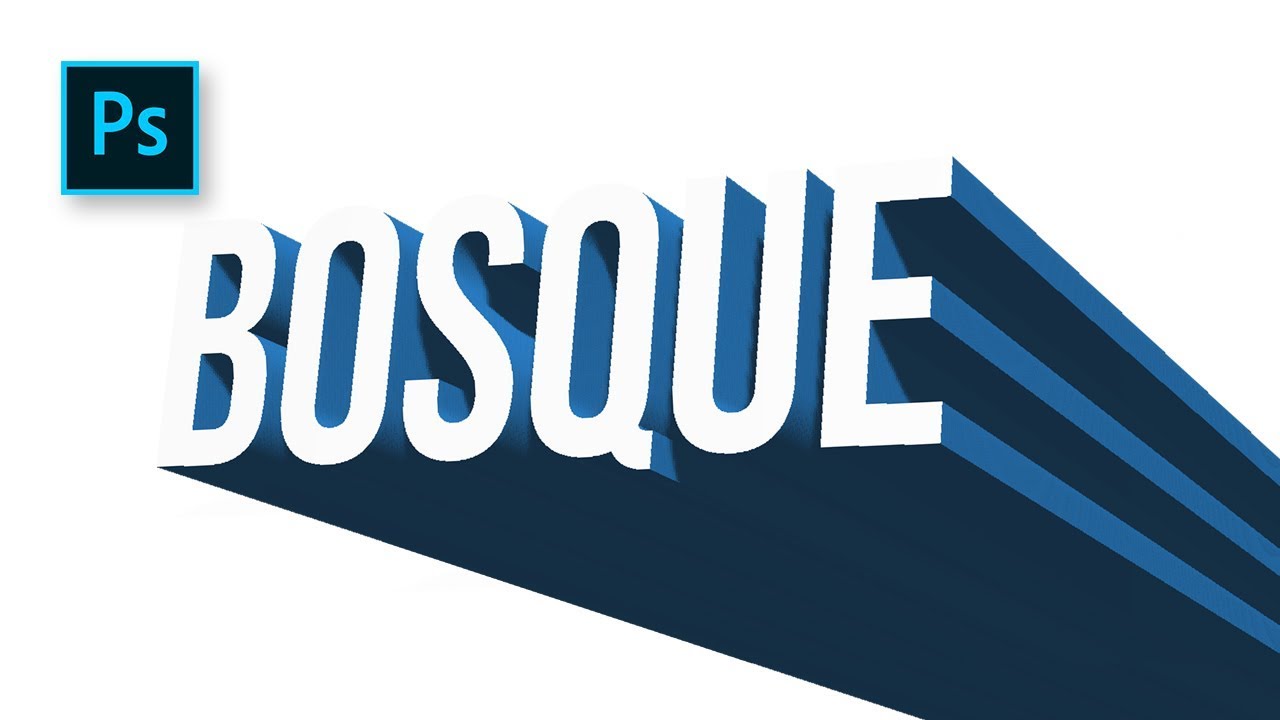
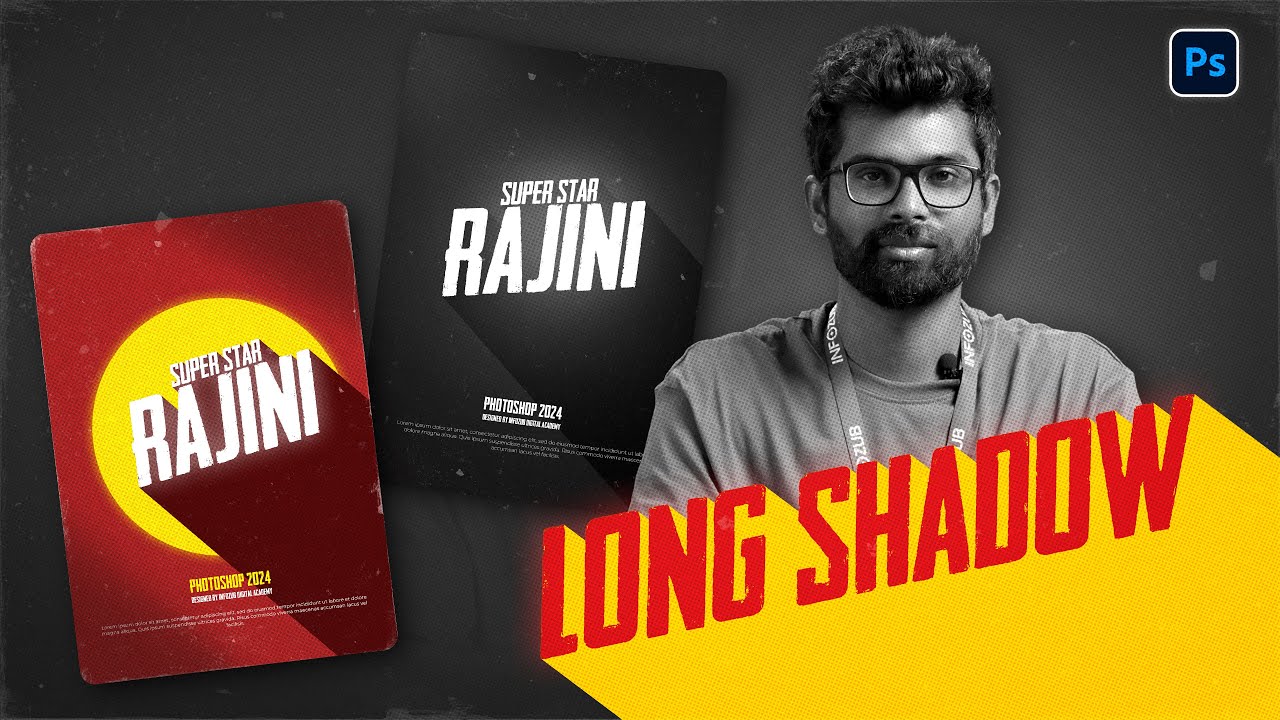
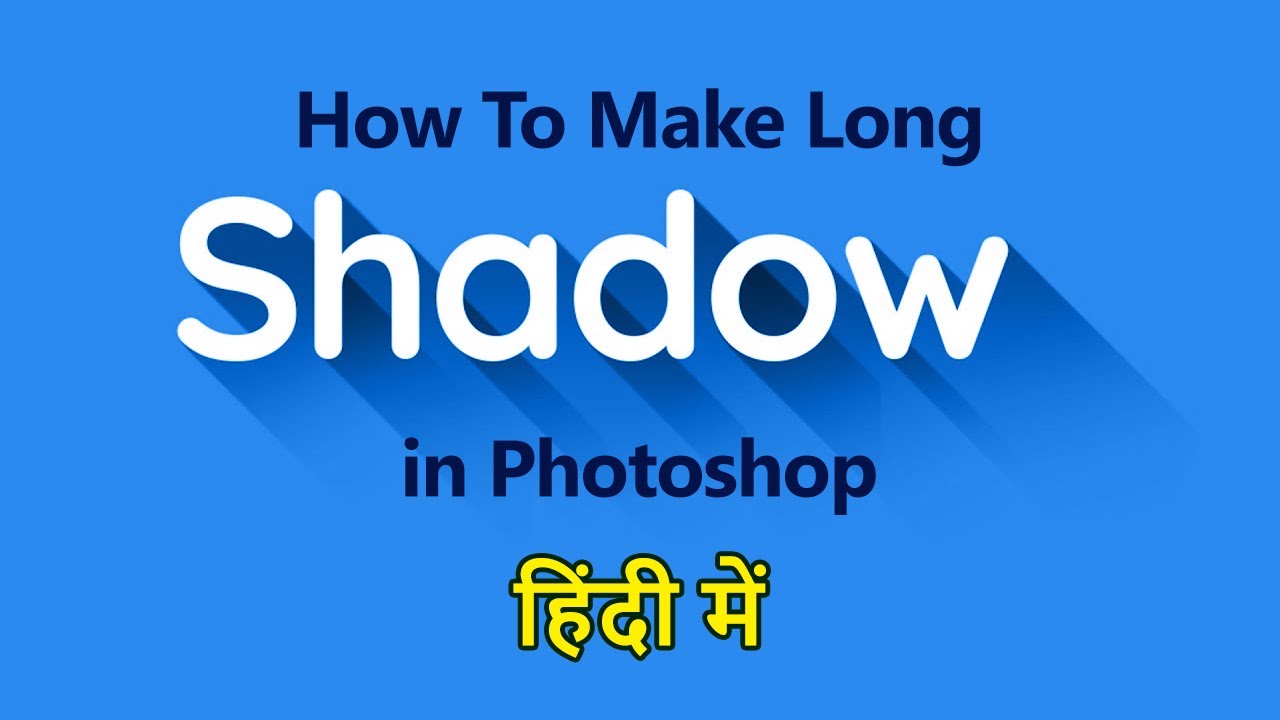
HOW TO CREATE LONG SHADOW IN PHOTOSHOP | PHOTOSHOP TUTORIAL | TEXT MANIPULATION
Автор: Deep Shah
Загружено: 2019-05-10
Просмотров: 4627
Описание:
How to make long shadow in Photoshop | How to create long shadow in Photoshop | Long shadow text effect | Text shadow | Logo shadow | Long shadow | Text manipulation | Photoshop tutorial
Download Photoshop :- https://prf.hn/l/OVRDLJm
Equipment I use :-
Primary Laptop :- https://amzn.to/3BLqADZ
Secondary Laptop :- https://amzn.to/3wryYWo
Mouse :- https://amzn.to/3zsnuCH
Bebas neue font download link :-
https://www.dafont.com/bebas-neue.font
Steps on how to make long shadow in Photoshop :-
1. First steps is to create a new document and then fill that document with any gradient color or solid color of your choice.
2. Then select the Horizontal type tool and then select any font and font size and any color for the font, and using the type tool type in your text.
3. Now press CTRL + J to create a duplicate of the text layer and then right click on the original text layer and select Rasterize type over there and then click on Create new fill or adjustment layer icon and select Hue/Saturation over there and then click on Clipping icon and bring the lightness to -100 to change the color of the text to Black as our shadow will be of black color.
4. Then press CTRL + E which will merge the current layer and then layer below it and then select move tool.
5. Now press CTRL + J to create a duplicate of the layer and then press the right arrow key and then down arrow and then press CTRL + E.
6. Repeat the 5th step until the long shadow is achieved.
7. Then reduce the opacity of the long shadow layer and then click on Add layer mask icon and then make the foreground color as black and select the brush tool and brush as soft round and then using the brush tool click and hover ver there edges of the shadow which will give a perfect long shadow effect.
So that's it guys!
So now if you guys liked the video then hit the like button also share it to the ones who might be interested in such videos!
And subscribe to the channel for more videos on Photoshop :-
/ @deepshahphotoshop
Thanks for watching!
Social media links :
1. Instagram :- / deepshah37
2. Facebook page :- / deep-shah-123817734988736
Повторяем попытку...

Доступные форматы для скачивания:
Скачать видео
-
Информация по загрузке: