How to Hide Files and Folders on Windows 10/11
Автор: Geo Tech Bhai
Загружено: 2023-08-12
Просмотров: 65
Описание:
How to Hide Files and Folders on Windows 10 [Tutorial]
By default, Windows 10 hides many files and folders from you view . First of all, it hides the items that you have set as hidden, as well as those set as hidden by other user accounts, the apps that you use, and Windows 10 itself. Second, the operating system also hides from view the files and folders that are critical to its operation, so that users do not delete them or change them in ways that lead to malfunctions.
If you want to hide some important folders and files on Windows 10 to keep them away from others’ sight, you can use Windows Command Prompt (cmd.exe) tool to easily and quickly hide a file or folder in Windows 10.
In Windows, you can set or clear the hidden attribute for files and folders to hide or unhide them.
Hidden files and folders do not show by default in Windows.
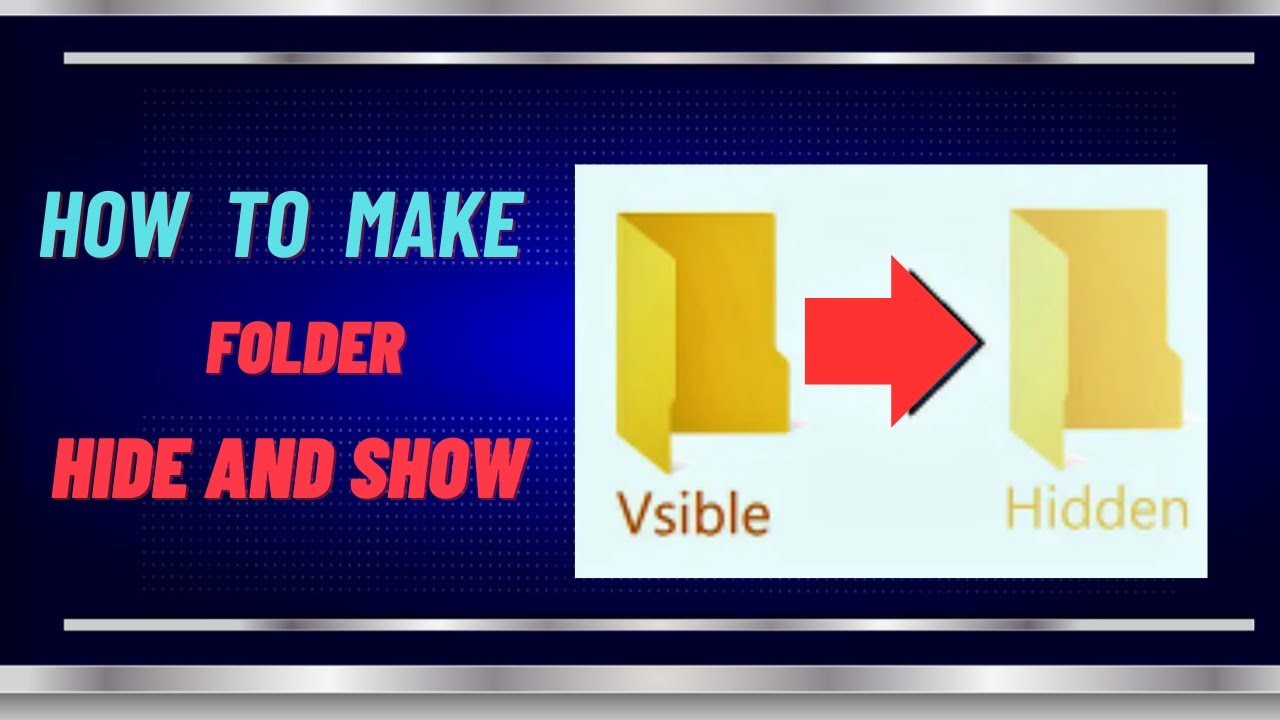
If you have Windows set to show hidden files, folders, and drives, hidden items will be faded (dimmed) in File Explorer to indicate that they are hidden.
Hidden files, folders, and drives do not show by default in Windows. Windows protected system files (ex: desktop.ini files) are hidden by default. You can also manually hide a file or folder by setting its hidden attribute.
It's recommended to not modify or delete hidden files since these are usually app and system files, and is why they do not show in File Explorer by default.
Повторяем попытку...
Доступные форматы для скачивания:
Скачать видео
-
Информация по загрузке:


