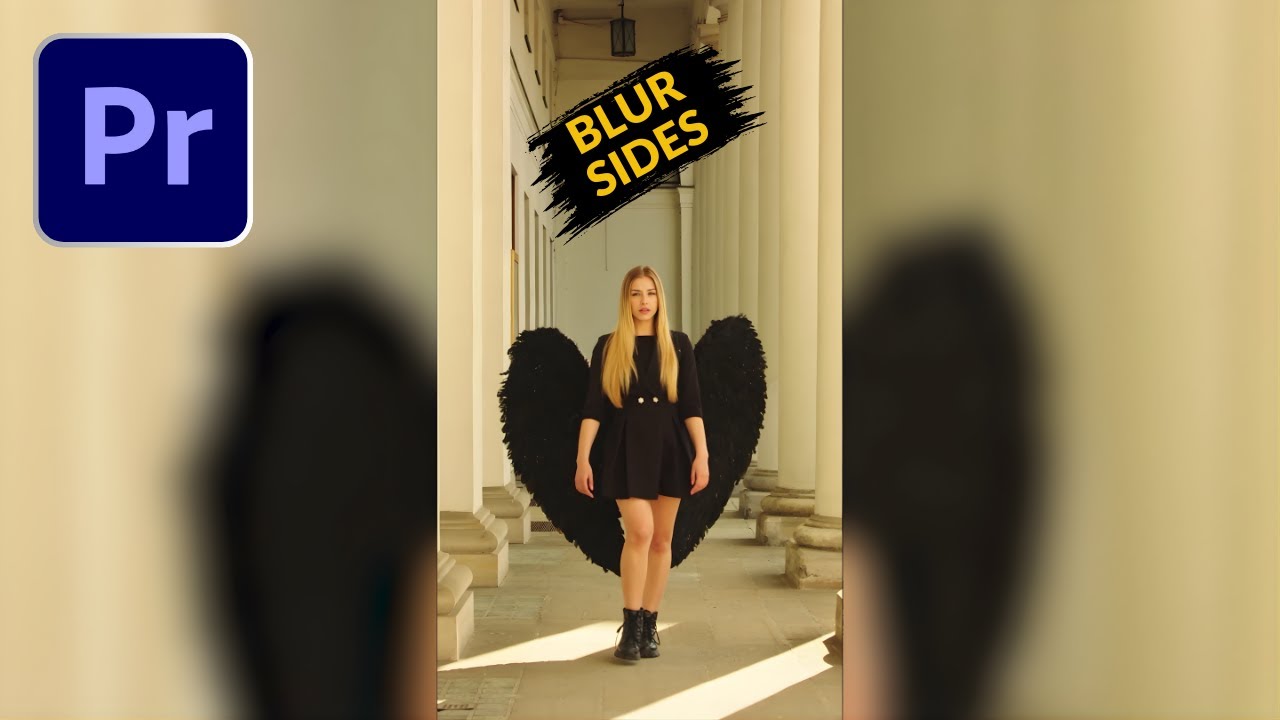
How To Blur The Sides Of A Vertical Video In Premiere Pro-HINDI/URDU
Автор: Editing In Urdu
Загружено: 2026-01-25
Просмотров: 4
Описание:
How To Blur The Sides Of A Vertical Video In Premiere Pro-HINDI/URDU:
In this tutorial, you’ll learn How To Blur The Sides Of A Vertical Video In Adobe Premiere Pro step by step. This method is perfect for converting vertical or portrait videos into horizontal (16:9) format without cropping or losing quality. Blurring the sides of a vertical video is commonly used for YouTube, Facebook, Instagram Reels, and TikTok to make videos look clean and professional on widescreen displays.
This video covers an easy and beginner-friendly technique to create a blurred background effect in Premiere Pro using built-in tools—no plugins required. Whether you’re editing mobile footage, short-form content, or re purposing vertical videos for YouTube, this tutorial will help you achieve a polished cinematic look quickly.
👉 What you’ll learn in this video:
• how to edit vertical video
• how to add blurry slides to a vertical video
• how to add a blurry border to a video
• How to give a vertical video blurry sides in premiere pro
• How to blur the sides of a video in premiere pro
• how to blur sides of vertical video
• Add a Blurry Border to the Sides of a VERTICAL VIDEO
• How to blur sides of vertical video premiere pro
• How to blur edges of vertical video
• vertical video with blurred background
• blur background of vertical video
• How to adjust sequence settings for vertical videos
• How to duplicate clips for background blur
• How to apply Gaussian Blur correctly
• How to fit vertical videos in horizontal frames
• Best export settings for high-quality output
This tutorial is explained in Hindi/Urdu, making it easy to follow for beginners and content creators.
#PremierePro #BlurSidesVideo #VerticalVideoEditing #PremiereProTutorial
Повторяем попытку...
Доступные форматы для скачивания:
Скачать видео
-
Информация по загрузке: