Bajaj 200NS new settings tutorials
Автор: Moto&Stunts (DUKE390)
Загружено: 2016-03-30
Просмотров: 261936
Описание:
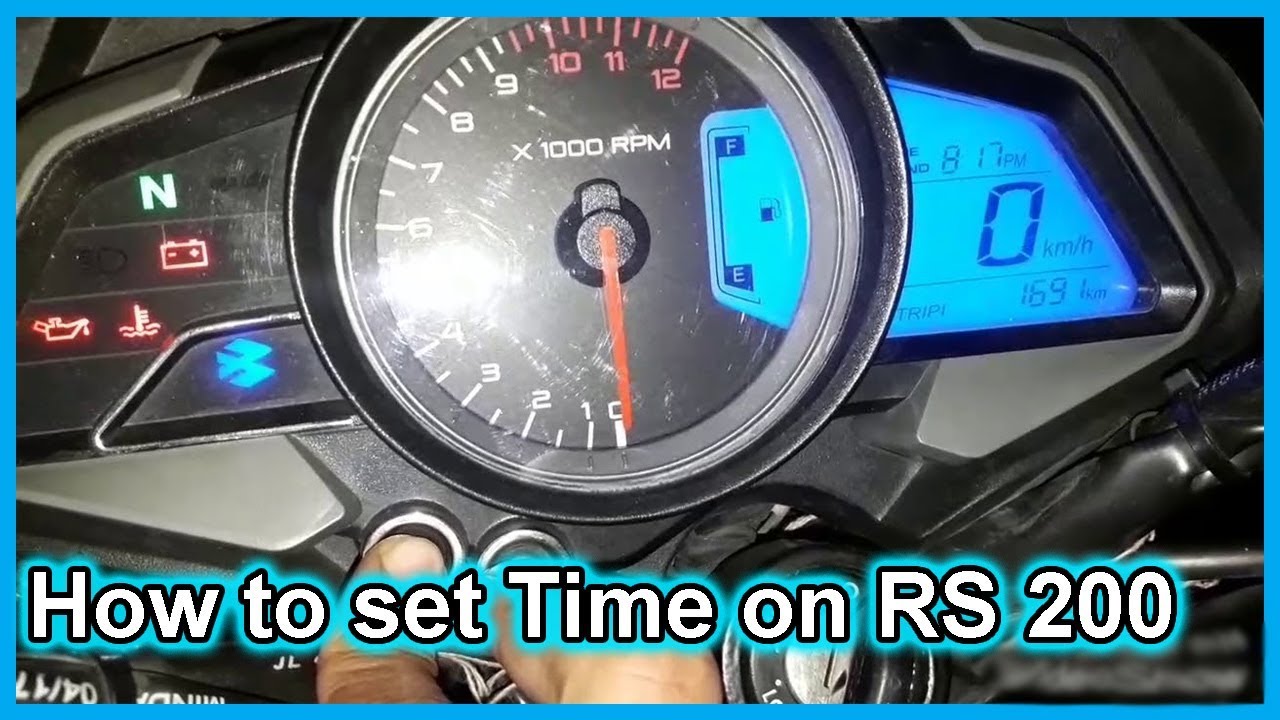
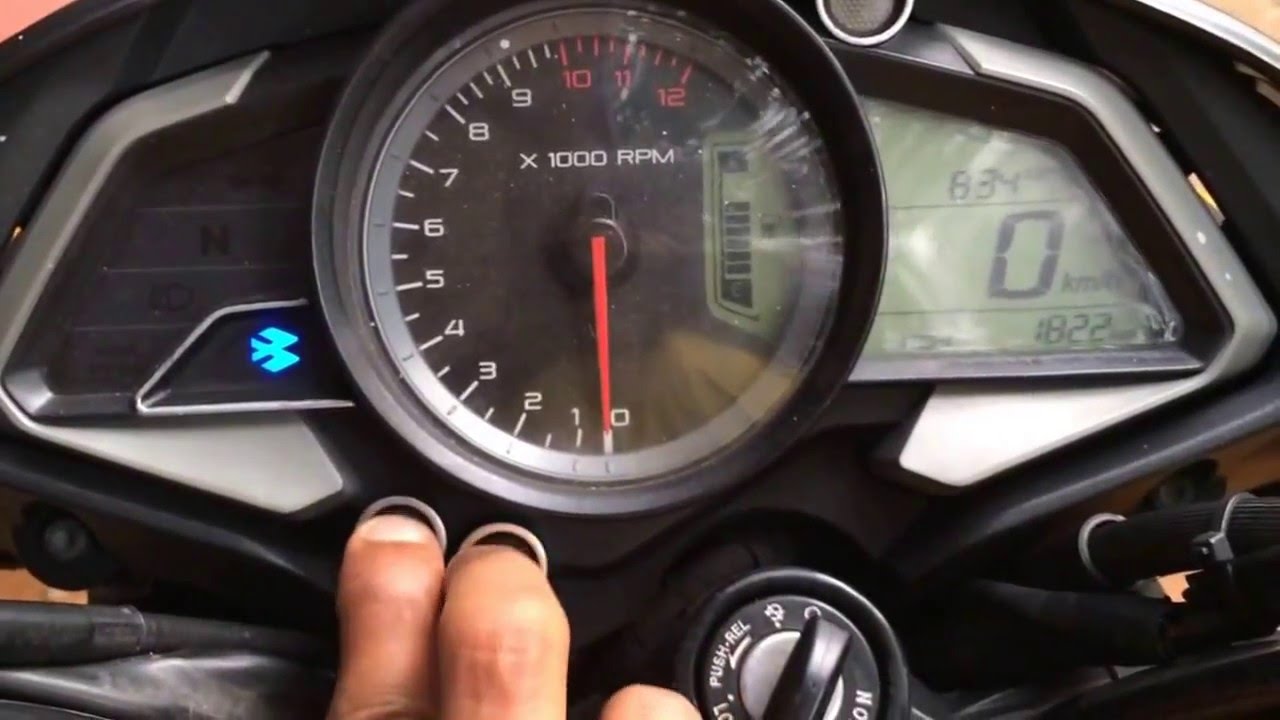
Bajaj 200ns time setting tutorial
Follow below instructions to set the timer or clock on your pulsar 200ns or 200rs. This may work for bajaj NS200, RS400 etc..
this is How to reset the timer and reset the time of bajaj 200ns with easy steps
1. You have to use the Mode and Set buttons
2. Press the mode button to select TRIP 1 mode.
3. Press the mode and set button together for more than 3-4 secs. Then the ':' in the clock will stop blinking and HH MM digits will start blinking.
4. Now if you press the mode button, the hour will chance and increment by 1 each time, and pressing the set button will have the same effect on the Minutes.
5. Once the desired time is set, press both the mode and set buttons together for 3-4 secs. This will save the settings and will exit the 'clock mode'
6. P.S: do not touch the throttle till the setting is saved as it is supposed to exit the clock from the set mode without saving the value.
Повторяем попытку...
Доступные форматы для скачивания:
Скачать видео
-
Информация по загрузке: