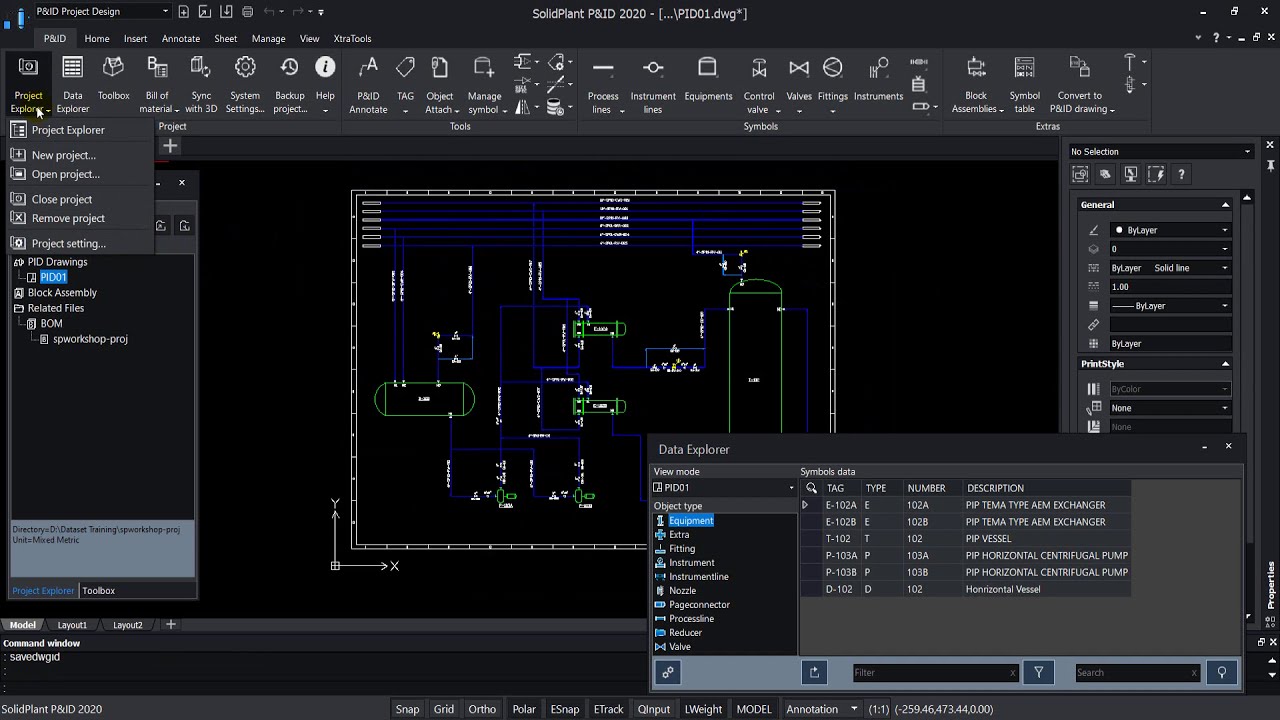
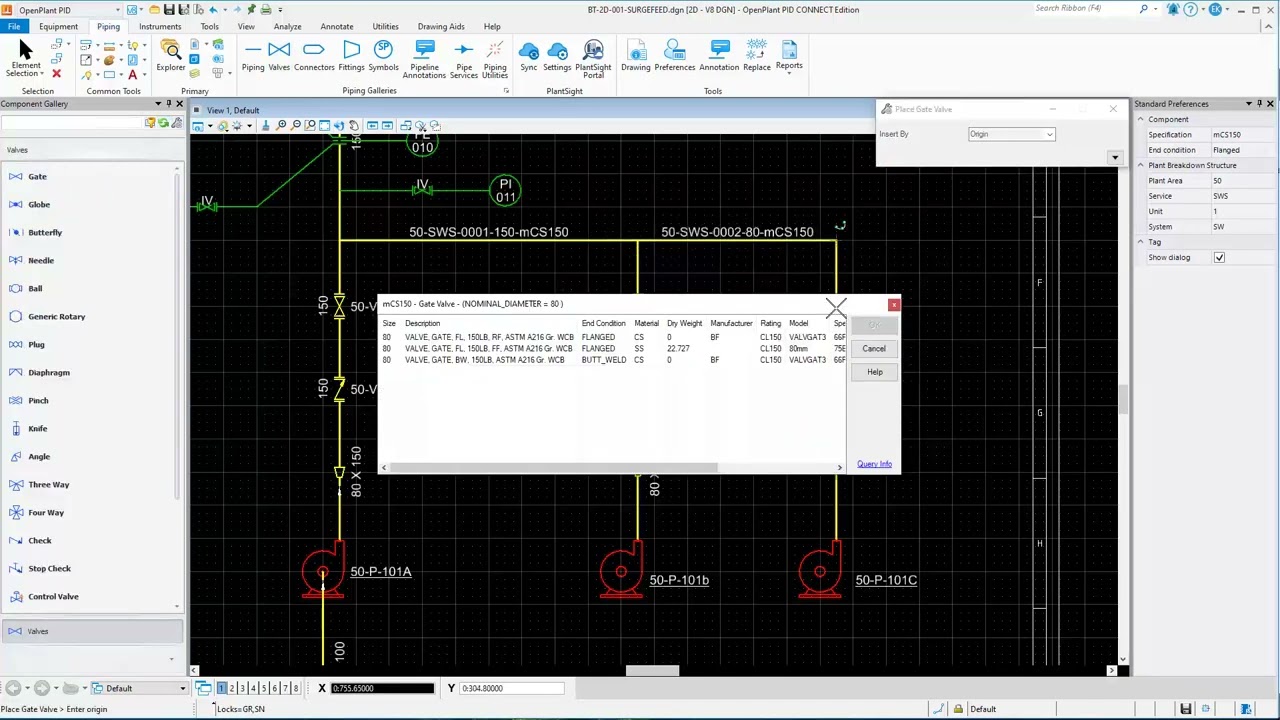
Chapter (1) 1.3 P&ID Workspaces
Автор: SolidPlant Helper
Загружено: 2021-02-07
Просмотров: 127
Описание:
SolidPlant P&ID Full-VDO Training
Chapter 1. Overview
Introduction to SolidPlant P&ID
The User Interface
P&ID Workspaces
Project Explorer
P&ID ribbon
Tool box
Data Explorer
Project Settings
System Settings
How to import a project
How to open a project
How to open a drawing file
Chapter 2. Create a Project & Organize settings
How to create new project
Create a new drawing file
Organize project settings
Tag Format settings
Tag Format for equipment
Create new Tag format
Tag format for processlines
Create New tag format
Delete a tag format style
Tag Column settings
Delimiter settings
Text Style settings
Chapter 3. Design a P&ID Drawings
Working on P&ID Drawing
Add Equipments
Process Lines
Process line options
Create Process lines
Change Nozzle
Default Auto-Nozzle
Place In-Line Components
Add Valves in the drawing
Change Valve
Add fittings
Chapter 4. Assign TAG
Assign equipment tag
Assign Process lines
Adding Spec to the list
Assign In-line components/valves
Move Valve/Components
Edit Tag
Chapter 5. Instruments & Instrument Lines
Placing a Control valve
Placing a Relief valve
Placing a Pressure gauge with valves
Add Instrument lines
Edit symbol
Chapter 6. Advanced Features
Jacketed Pipe
Jacketed Pipe settings
Draw jacketed pipe
Delete jacketed pipe
Block Assembly
Export Block Assembly
Insert block assembly
Delete block assembly
Object Attachment
Attach file to symbol
View attached files
Off-Page Connector
Create Off-page connector
Off-page link drawing
Break Line
Break Line settings
Break line
Remove break line
Set Manual break
Custom symbol
New symbol
• New equipment
• New process line
• New valve
Import library
Custom Annotation
New Custom tag
Insert Custom tag
Chapter 7. Data Explorer & Export BOM
Data Explorer
Data Explorer settings
Export BOM
Chapter 8. Sync to SolidPlant3D
Synchronization of P&ID data to SolidPlant3D
Повторяем попытку...

Доступные форматы для скачивания:
Скачать видео
-
Информация по загрузке: