Logitech Brio 4k: Video Call Setup Guide
Автор: Global Teck Worldwide
Загружено: 2026-01-15
Просмотров: 120
Описание:
If you spend 2 to 5 hours a day on video meetings, the first impression happens before you say a word:
your camera angle, your lighting, and what’s around you.
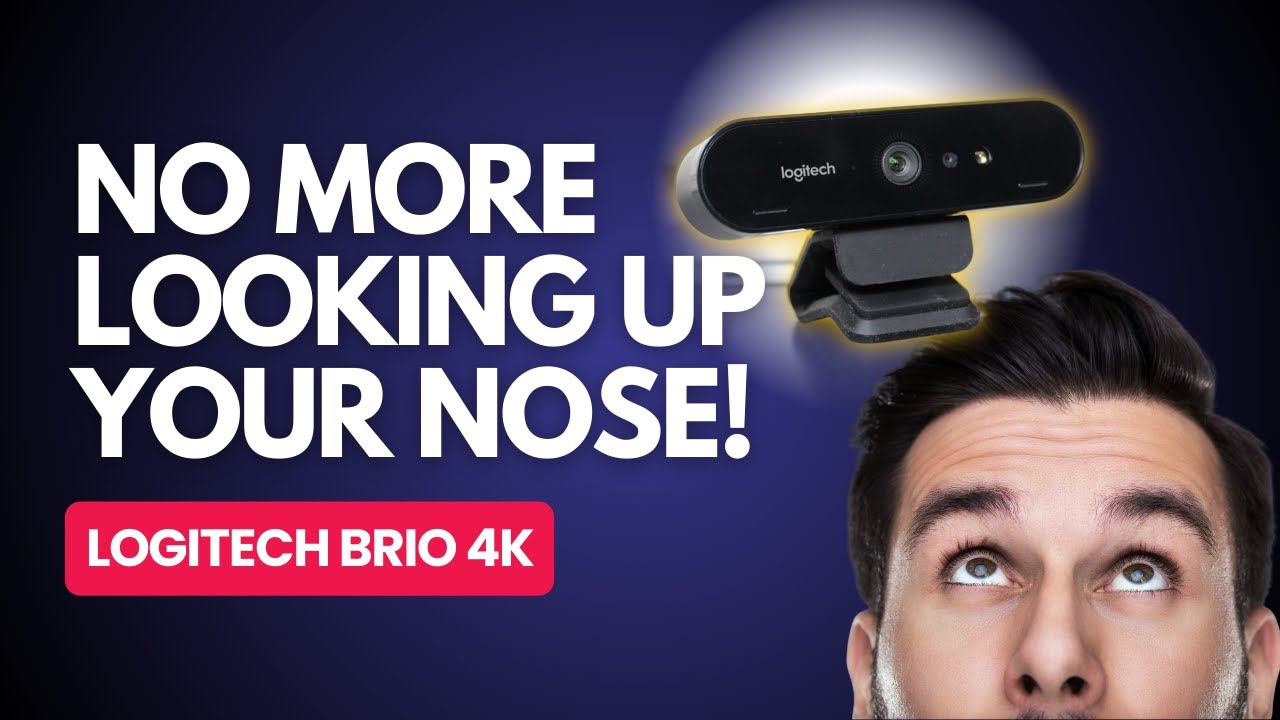
In this step-by-step guide, Rolando shows how to improve your video presence using the Logitech Brio 4K webcam—with a clear before/after comparison against a standard laptop camera.
Featured gear and links (so you can match what’s shown):
Logitech Brio 4K Webcam: https://social.teck.global/amazon/you...
Amazon Store (our recommended setups): https://social.teck.global/amazon/sho...
YouTube Channel: https://social.teck.global/youtube/ch...
What you’ll learn in this video (practical, no fluff):
• How to stop the unflattering “laptop upshot” and set a better angle for remote work
• Why 1080p matters on platforms like Zoom, Teams, and Google (and why true 4K often won’t pass through streaming)
• How to handle low light by checking key settings like auto exposure, low light compensation, and HDR
• How to use the Logitech app to adjust field of view, zoom, and fine-tune your image
• The four simple controls that most people actually need: brightness, contrast, saturation, and sharpness
• When to leave autofocus on (and when you might lock focus)
The goal here isn’t “studio perfection.”
It’s a repeatable setup that helps you look clear, professional, and confident—without wasting time before every meeting.
If you have questions, drop them in the comments. The team reviews them too—especially questions about webcam settings, lighting, and microphone quality for video calls.
Timestamps:
[00:00:00] Introduction
[00:02:08] Comparing the Brio to Standard Cameras
[00:03:35] Testing Extreme Low Light Conditions
[00:04:24] Installing the Logitech Camera App
[00:05:37] Adjusting Zoom and Headroom
[00:06:18] Configuring Exposure and Low Light Compensation
[00:07:00] Enabling HDR (High Dynamic Range)
[00:07:26] Manually Tuning Image Quality (Brightness, Contrast, Saturation)
[00:10:19] Setting Auto Focus
[00:11:33] Refining the Look with External Lighting
[00:15:15] Testing the Microphone Audio
[00:16:24] Global Teck Worldwide Amazon Support
🎧 Global Teck Store on Amazon: https://social.teck.global/amazon/sho...
🐤 X: https://social.teck.global/twitter/pr...
👋 Facebook: https://social.teck.global/facebook/p...
📷 Instagram: https://social.teck.global/instagram/...
🚀 Global Teck Worldwide Tips And Reviews: / global-teck
🎙️ What The Teck Show: / @whattheteckshow
Повторяем попытку...
Доступные форматы для скачивания:
Скачать видео
-
Информация по загрузке:





![Почему работает теория шести рукопожатий? [Veritasium]](https://image.4k-video.ru/id-video/ggI1xKzoANs)