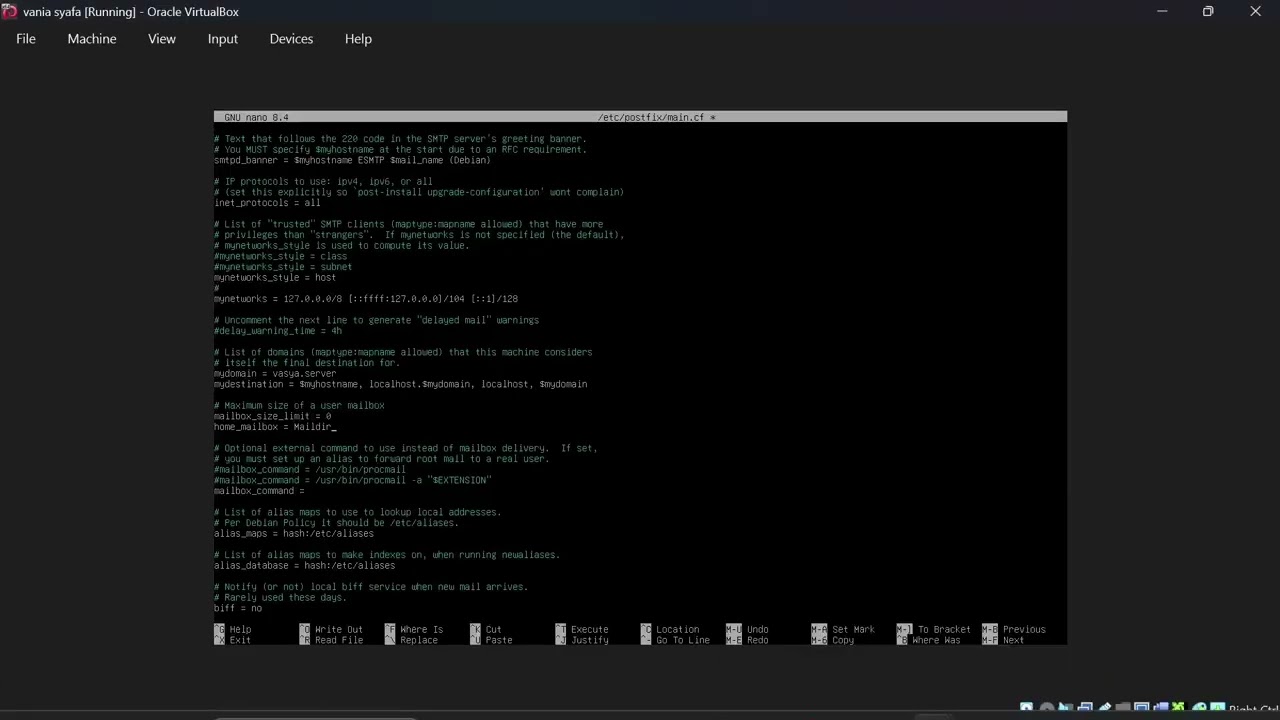
Successful install of Fedora Workstation 43 - secure partitioning - bind mount - iptables systemd
Автор: Mantell Apical
Загружено: 2026-02-19
Просмотров: 31
Описание:
Install Fedora on a host machine on a 256GB GPT filesystem on a external SSD then create a VM then add the filesystem and try to boot it so that you can share both (USE UEFI).
aarch64 is for Silicon Mac, x86-64 is for 64 bits AMD and Intel
***Creation of the install media:
For a PC, better use Rufus to prepare the bootable USB, on Windows you have to navigate from Rufus access to file explorer to c:/users/youruser to find your Fedora installer because Rufus works in admin mode - except if your are idiot and use an admin for normal tasks in order to become a fucking robotized zombie slave - on recent versions of Windows, youruser might be unaccessible, in this case try copy the iso on c:/newfolder (disable secure boot in UEFI bios to allow booting the USB installer)
With macOS Terminal: https://drive.google.com/file/d/1W9_S... (enable boot of removable drives in recovery to allow booting the USB installer) on UTM on iOS, you can probably use the same iso, then use you VM on UTM for macOS, but you should stop loosing your time and forget macOS and install Fedora on your Silicon Mac (bare metal), the image and fonts quality will be better than with macOS
***boot the install media on Thinkpad:
press F1 just after power ON: UEFI: disable secure boot in security
press F12 just after power ON: choose your USB installer for booting
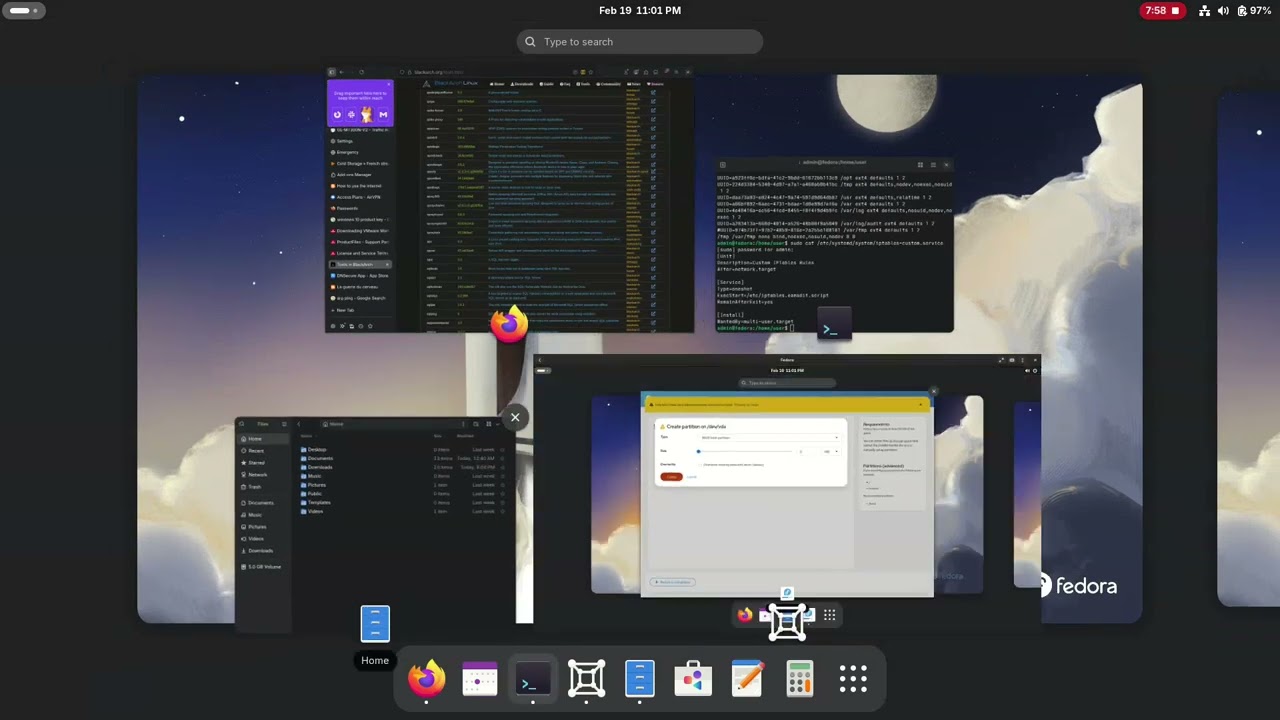
***Partitioning with Storage Editor:
1 /boot/efi 600MB (for UEFI, for BIOS watch the video, if you cannot access the video, you can find it on Telegram @eamaditdotcom )
2 /boot 2GB
3 /tmp 5GB nosuid,nodev,noexec
4 /var 10GB
5 /var/tmp 5GB nosuid,nodev,noexec
6 /dev/shm 10GB noexec,nosuid,nodev
7 /var/log 2GB ,noexec
8 /var/log/audit 2GB noexec
9 / 10GB
10 /usr 50GB ( /usr/src noexec 10GB and /usr/local 10GB = untested)
11 /opt 5GB
(12 swap 16GB)
13 /home 120GB nosuid,nodev 0 2
****remove the install media and reboot
***create user
sudo useradd user
sudo passwd user
****log out and log as user
***edit fstab
sudo nano /etc/fstab
disable the /var/tmp line with # and paste the line below at the end and save with ctrl+:x then y
/tmp /var/tmp none,bind,noexec,nosuid,nodev 0 0
***Firewall:
(
If you need to use custom iptables rules, configure firewalld to use iptables as its backend in /etc/firewalld/firewalld.conf by setting FirewallBackend=iptables.
)
Create an iptables script:
sudo nano /etc/iptables.eamadit.script
paste the text below and save with ctrl+:x then y
#!/bin/bash
iptables -F
ip6tables -F
ip6tables -P INPUT DROP
ip6tables -P OUTPUT DROP
ip6tables -P FORWARD DROP
iptables -P FORWARD DROP
iptables -P INPUT DROP
iptables -P OUTPUT DROP
iptables -A OUTPUT -p icmp -j ACCEPT
iptables -A OUTPUT -p tcp --dport 443 -j ACCEPT
iptables -A OUTPUT -p udp --dport 53 -j ACCEPT
iptables -A OUTPUT -p tcp --dport 80 -j ACCEPT
iptables -A OUTPUT -p tcp --dport 853 -j ACCEPT
iptables -A INPUT -m state --state RELATED,ESTABLISHED -j ACCEPT
iptables -A INPUT -i lo -j ACCEPT
iptables -A OUTPUT -o lo -j ACCEPT
iptables -L
Make executable:
sudo chmod +x iptables-systemd-script.sh
Create a systemd unit file:
sudo nano /etc/systemd/system/iptables-custom.service
paste this, save with ctrl+:x then y
[Unit]
Description=Custom IPTables Rules
After=network.target
[Service]
Type=oneshot
ExecStart=/etc/iptables.eamadit.script
RemainAfterExit=yes
[Install]
WantedBy=multi-user.target
Enable and start the service:
sudo systemctl daemon-reload
sudo systemctl enable iptables-custom.service
sudo systemctl start iptables-custom.service
***Configure DoT (DNS over TLS port 853 TCP):
sudo nano /etc/resolved.conf
paste this inside and save with ctrl+:x then y
DNSOverTLS=yes
DNS=1.1.1.1#cloudflare-dns.com
Activate the DoT service:
sudo systemctl enable systemd-resolved
sudo systemctl restart systemd-resolved
resolvectl status
***Disable NTP:
***reboot
END
DO NOT LOOSE YOUR TIME WITH SLACKWARE
choose ps2 mouse driver at install !!
1 /boot/efi 600MB (cgdisk /dev/nvme0n1)
2 /boot 2GB
3 /tmp 5GB nosuid,nodev,noexec
4 /var 10GB
5 /var/tmp 5GB nosuid,nodev,noexec
6 /dev/shm 10GB
7 /var/log 2GB
8 /var/log/audit 2GB
9 / 10GB
10 /usr 30GB
11 /usr/local 10GB
12 /usr/src 10GB
13 /opt 5GB
14 swap 16GB (cgdisk /dev/nvme0n1)
15 /home 128GB nosuid,nodev
useradd user
passwd user
usermod -aG video,audio,cdrom,plugdev user
reboot
mkdir /home/user
chmod 755 /home/user
chown -R user:user /home/user
cp /usr/share/X11/xorg.conf.d/90-keyboard-layout-evdev.conf /etc/X11/xorg.conf.d/
nano /etc/inittab
change id:3:initdefault: to id:4:initdefault:
nano /etc/rc.d/rc.local
if [ -x /etc/iptables.script ]; then
/etc/iptables.script start
fi
reboot
Повторяем попытку...
Доступные форматы для скачивания:
Скачать видео
-
Информация по загрузке:


![[LIVE] Bez litości. Tomasz Szwejgiert, Jan Piński na żywo](https://imager.clipsaver.ru/Pr4sLdZ5HcA/max.jpg)