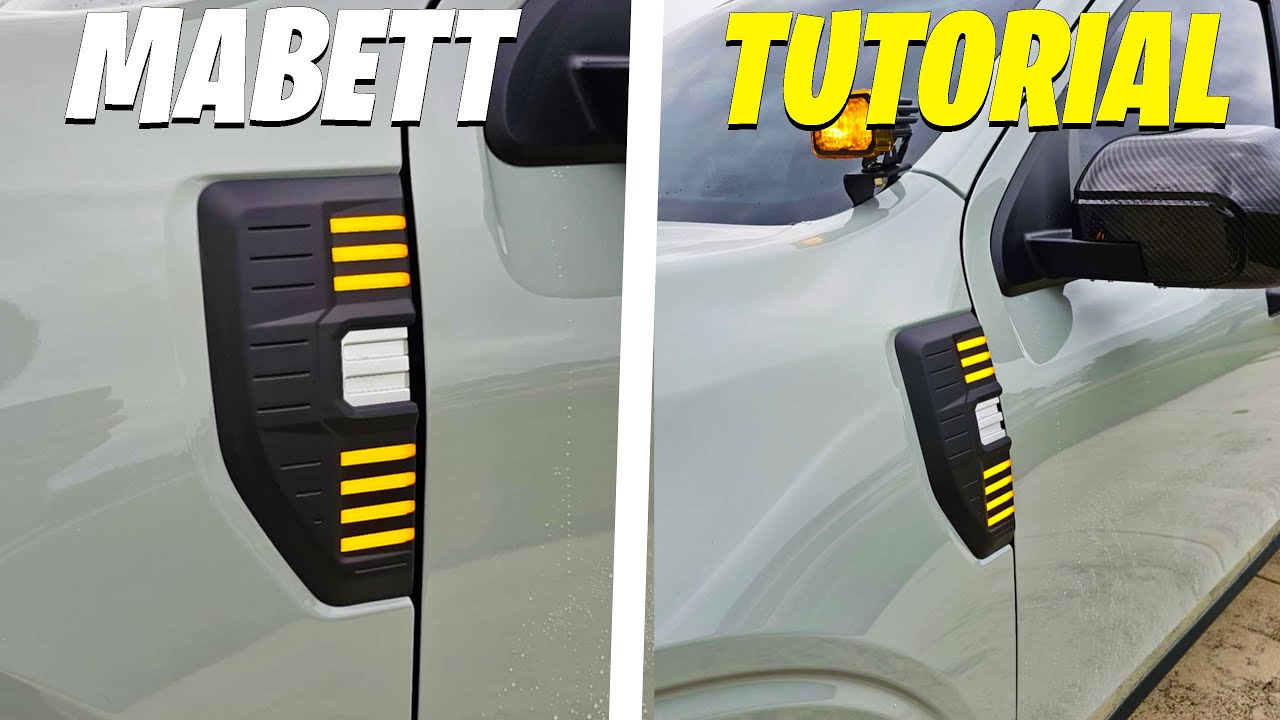
Side Marker Lights Installation | Ford Maverick: How-To | MABETT
Автор: MABETT_OFFICIAL
Загружено: 2024-01-19
Просмотров: 149631
Описание:
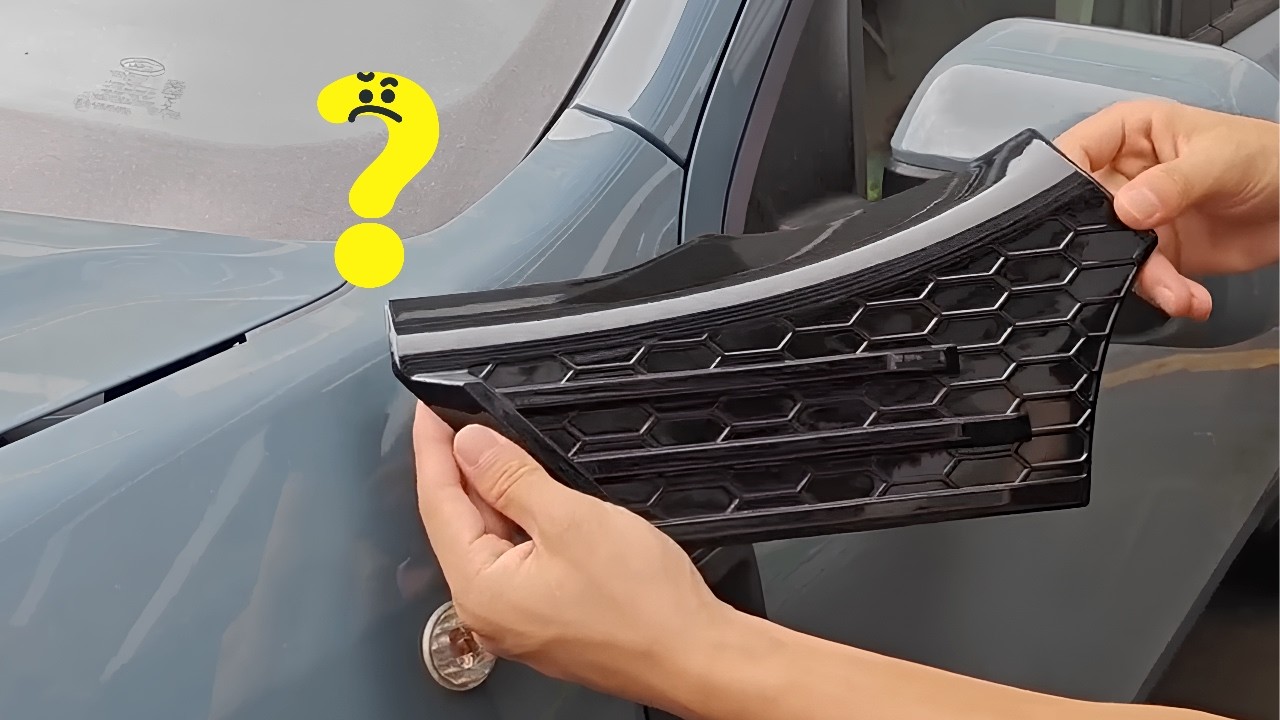
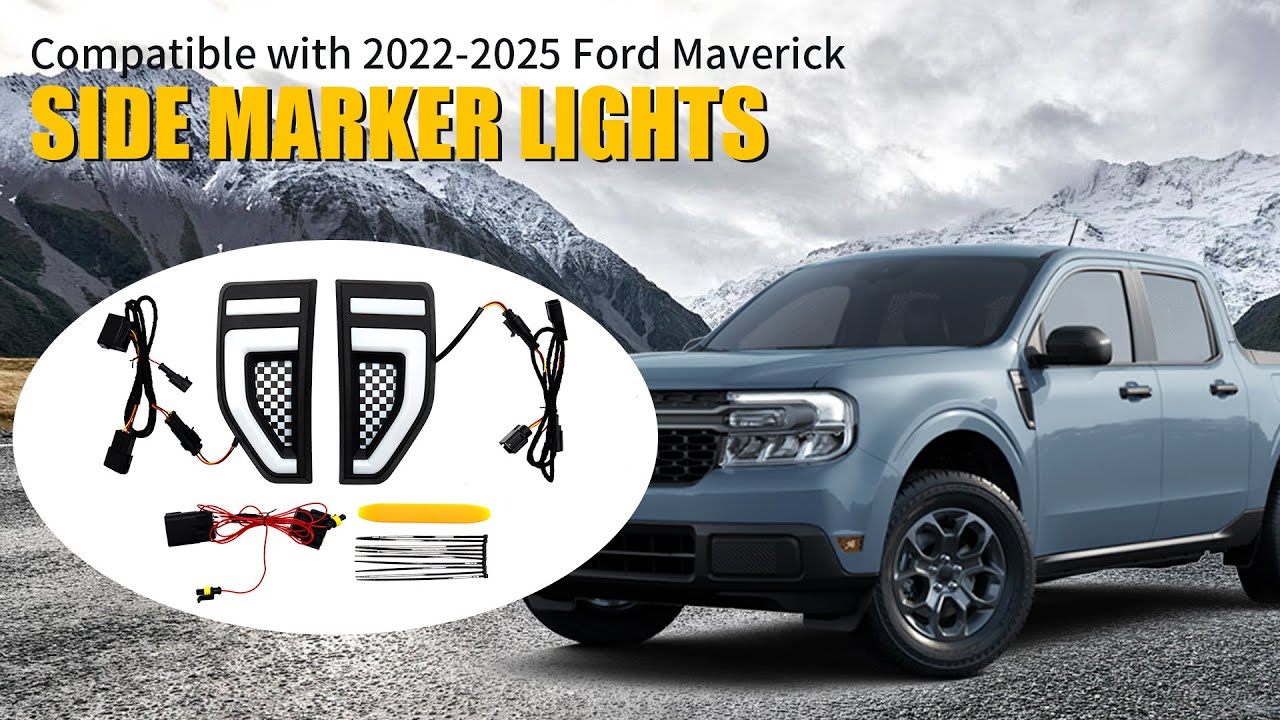
Design for Ford Maverick 2022-2024 XL, XLT, LARIAT Models. Replaces original side trim emblem, seamlessly blending with the vehicle's design for enhanced practicality and style.
Designed with a convenient snap-on style, these side marker lights can be easily installed without the need for any modifications to your vehicle. The package includes a plug-and-play wiring harness. *Discover available accessories at
https://www.amazon.com/dp/B0CMQM6ZMP
Chapters:
0:00 Remove the orgainal wing covers and clips
0:20 Thread the Power Cord
0:28 Align and snap the side light
0:34 Connecting the Power Cord
1:11 Versatile illumination modes
Try to following:
On the driver side attach your yellow to the yellow and green in the brown plug and the red to the brown and blue in the black plug.
On the passenger side attach the yellow to the blue and green in the brown plug and the red to the gray and blue in the black plug.
Installation Instructions PDF
https://drive.google.com/file/d/1Qtz6...
—————————————————————————————————————————————————————————
Mabett Maverick Fans Community: / 604022178409538
Instragram: / mabett_official
Tiktok: / mabett_official
Get in touch with us and let's embark on an exciting journey together!
Повторяем попытку...

Доступные форматы для скачивания:
Скачать видео
-
Информация по загрузке: