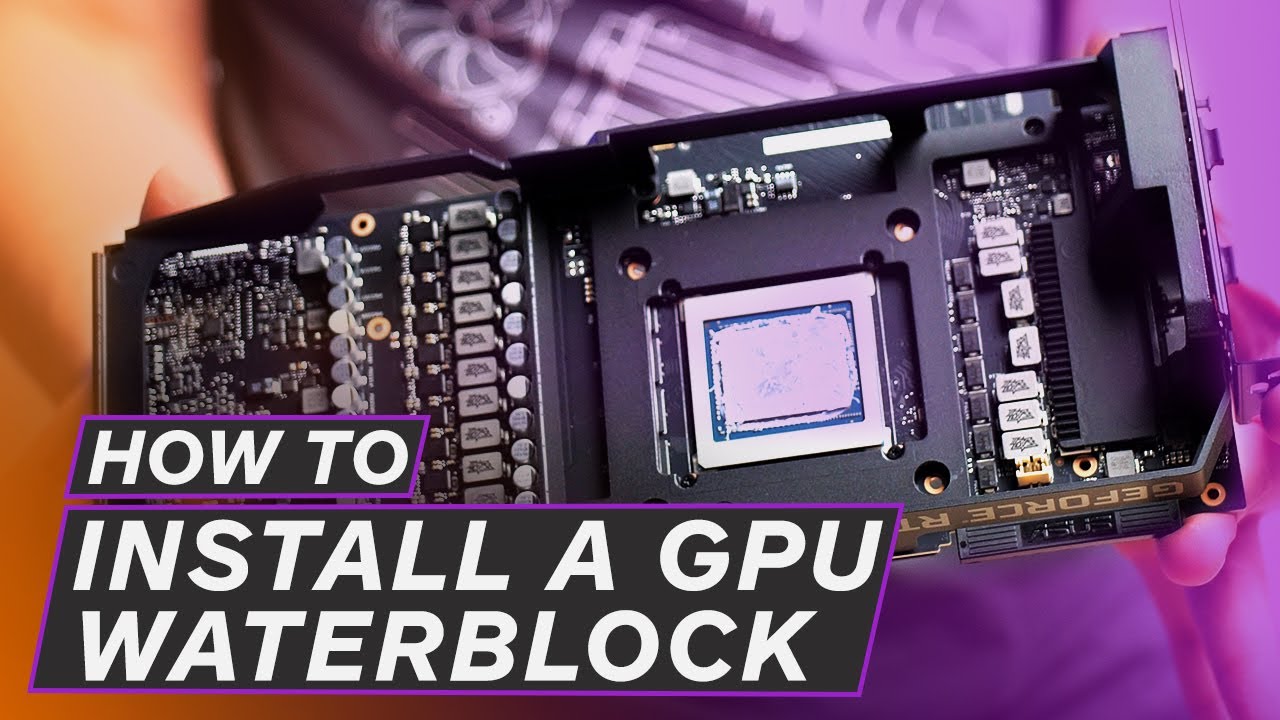
How to install GPU Waterblock | Strix RTX 2080Ti | Bitspower Lutan Waterblock | Project Strateon
Автор: PC Builders Inc.
Загружено: 2020-03-27
Просмотров: 7322
Описание:
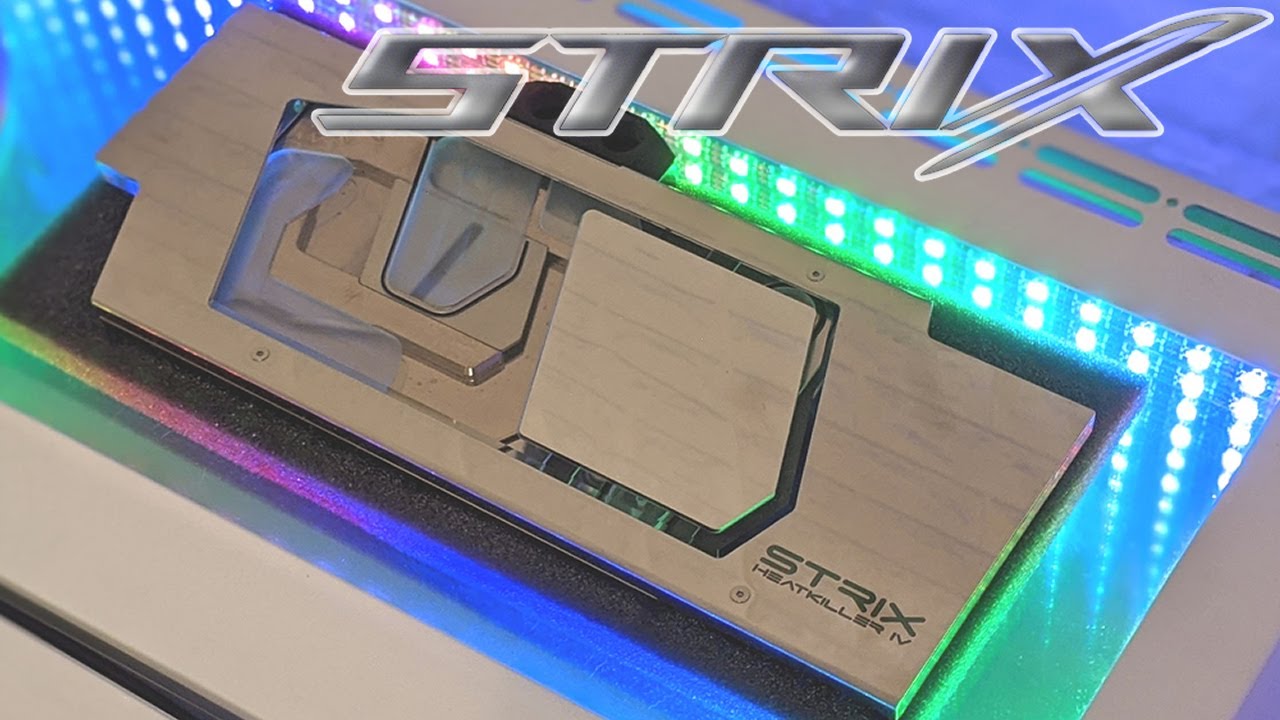
In this video we removed the heat sink from a ASUS ROG STRIX GeForce RTX 2080TI Overclocked 11G GDDR6 graphics card and installed Bitspower Lotan VGA Water Block for ASUS ROG Strix GeForce RTX 20 Series. Installing full frame GPU waterblock might seem complicated for those who did not do it before. Howe ever the process is very simple, just follow the video you will see. This GPU was preapared for Project Strateon, our latest water cooled build. The build is coming in next few days, stay tight. The GPU and water block links are given bellow.
WHERE TO BUY
-------------------------------------------------
ASUS ROG STRIX GeForce RTX 2080TI Overclocked 11G GDDR6
Amazon: https://amzn.to/33QcDnP
Bitspower Lotan VGA Water Block for ASUS Strix RTX 20 Series
Amazon : https://amzn.to/2QPfgkA
Повторяем попытку...

Доступные форматы для скачивания:
Скачать видео
-
Информация по загрузке:








![How to Install EKWB EK-Quantum Vector² Trio RTX 4090 GPU Water Block [Tutorial]](https://imager.clipsaver.ru/ogVcyzoB3wk/max.jpg)