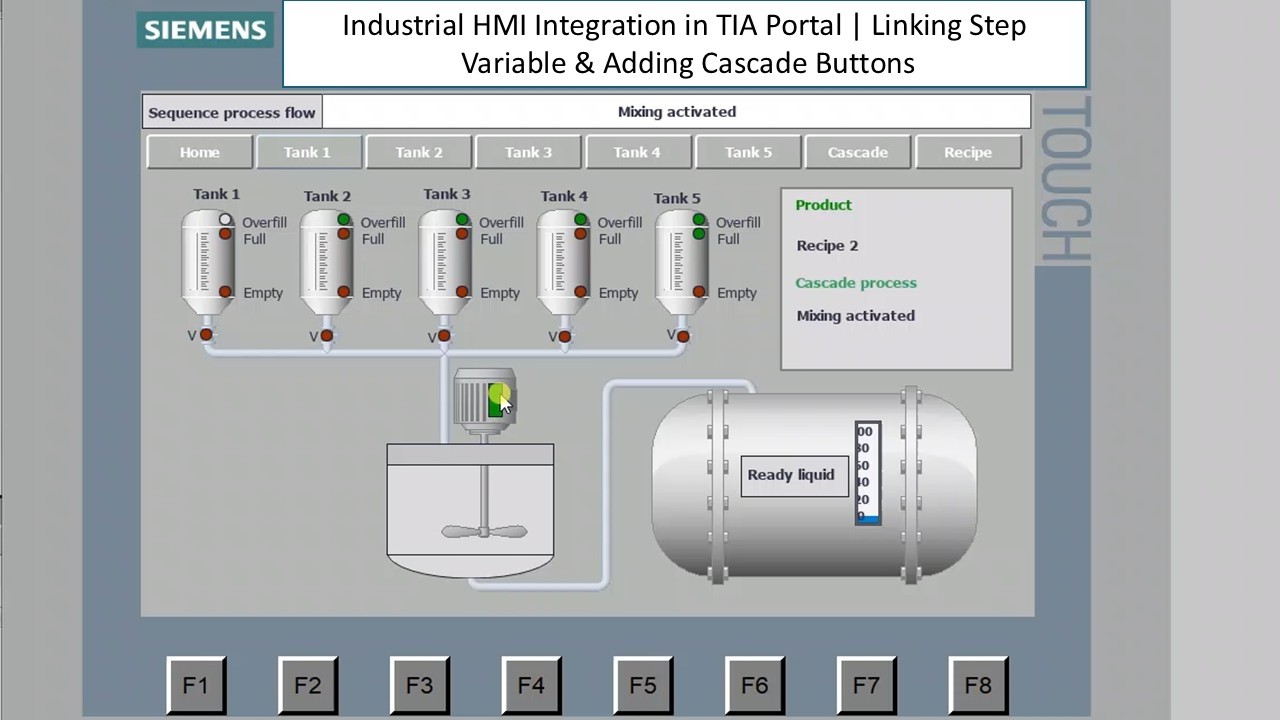
Industrial HMI Integration in TIA Portal Linking Step Variable & Adding Cascade Buttons
Автор: PLC-Automations
Загружено: 2026-02-28
Просмотров: 208
Описание:
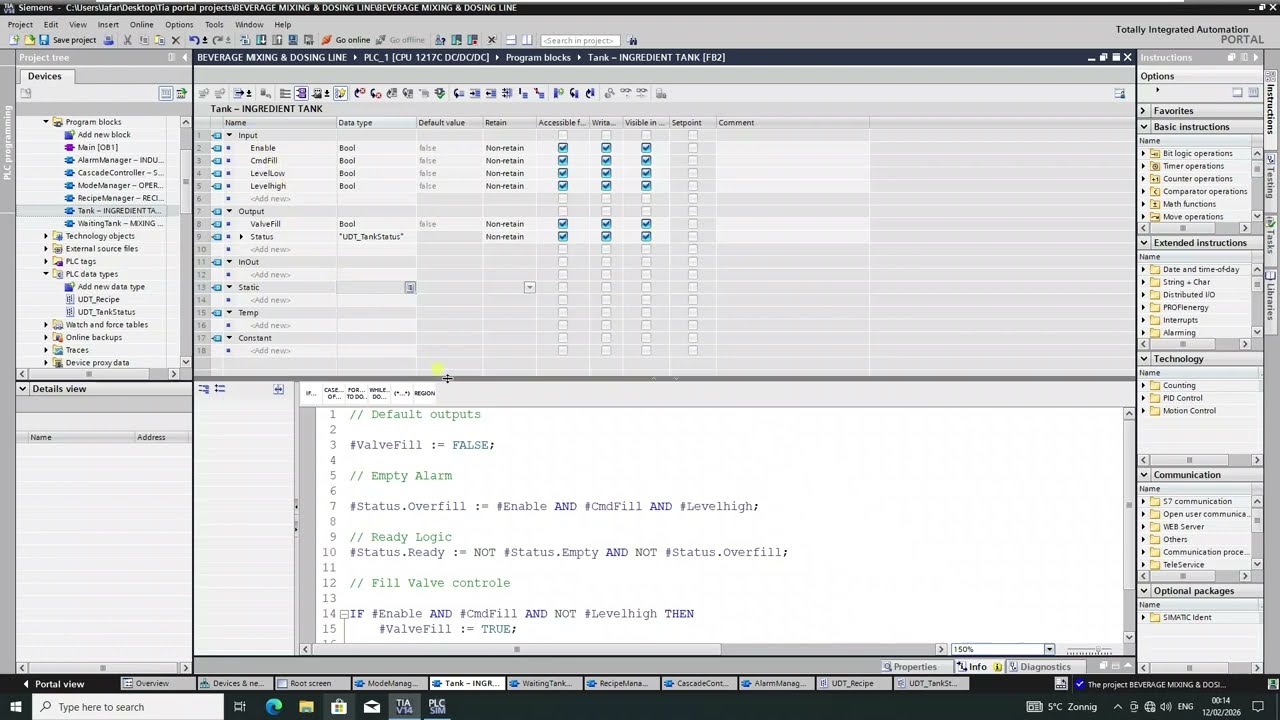
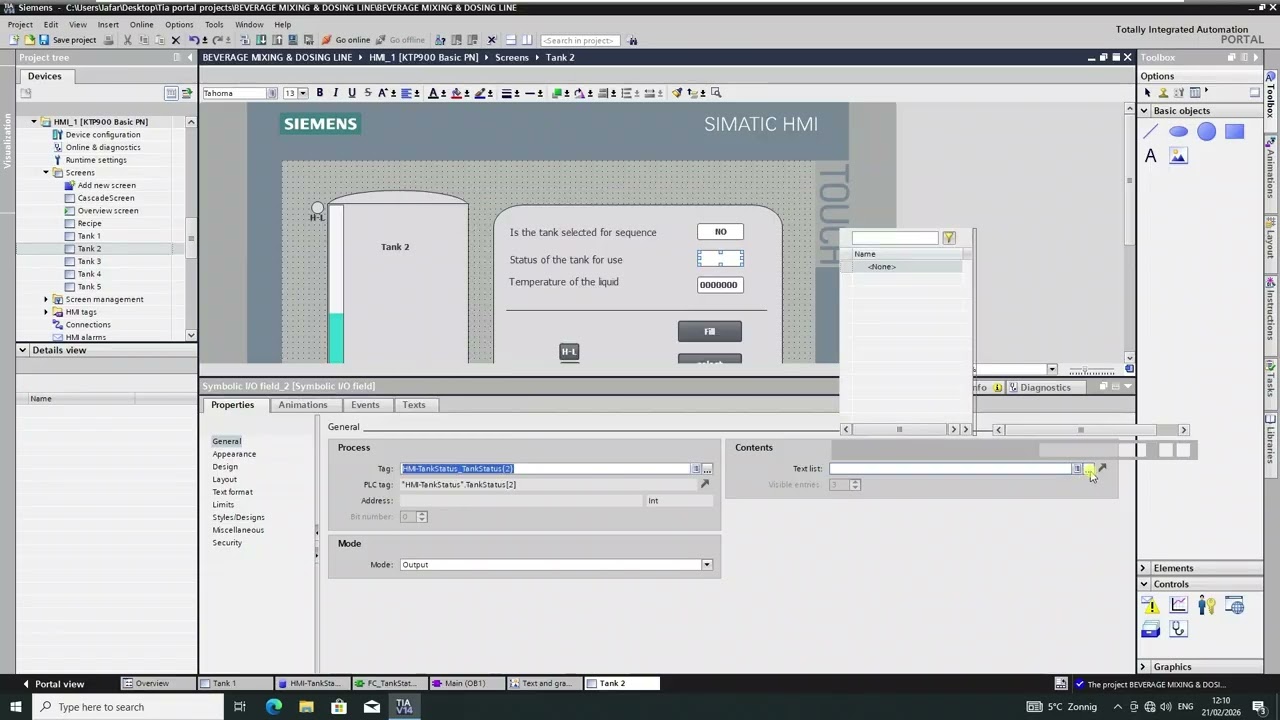
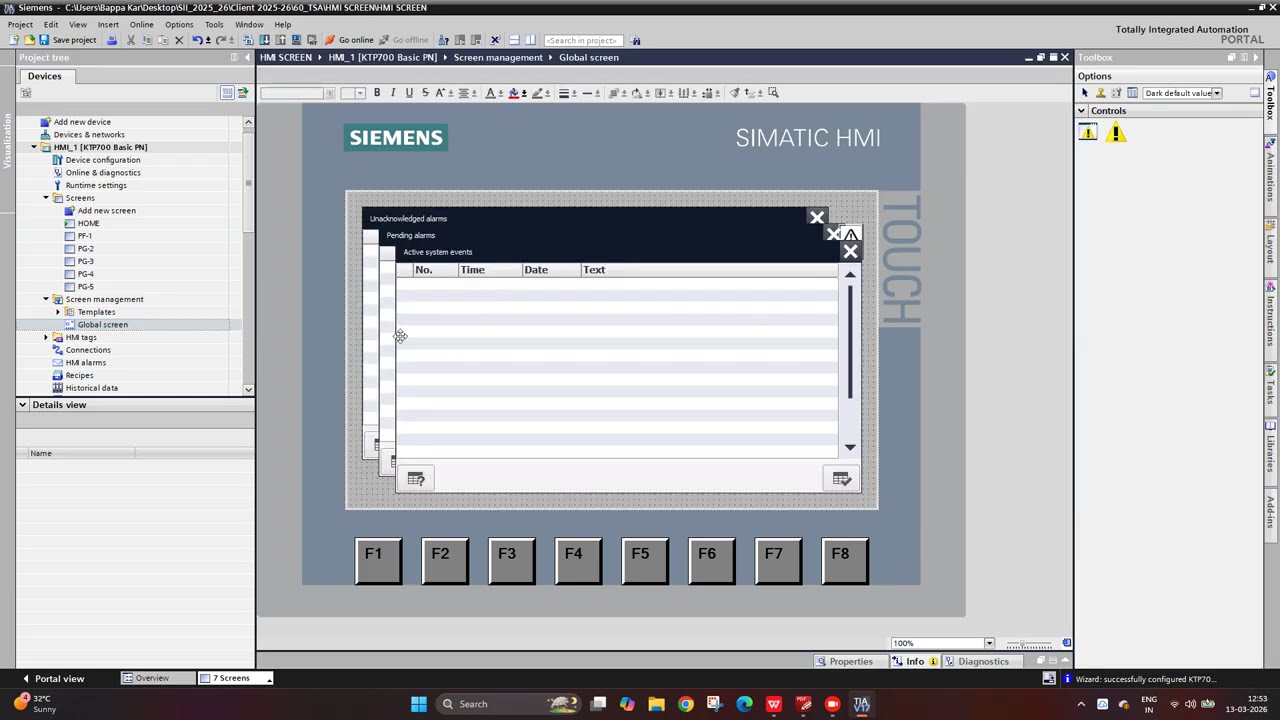
In this video, we continue building our Beverage Mixing & Dosing Line PLC Project by integrating the PLC variables into the HMI Overview Screen in TIA Portal.
We connect the Step variable and process commands directly to the HMI and start designing a professional Cascade Control screen.
In this tutorial, you will learn:
How to connect PLC variables to HMI elements
How to link the Step (INT) variable to process visualization
How to display filling, mixing, and dosing states
How to create control buttons for the Cascade screen
How to structure HMI screens for industrial batch systems
Best practices for PLC–HMI communication
On the Cascade Screen, we add:
• Start / Stop buttons
• Step visualization
• Process status indicators
• Command buttons for mixing and dosing
In the next video, we will upgrade the screen further by adding advanced controls, enhanced visualization, and professional industrial styling.
This tutorial is ideal for:
PLC programmers
Automation engineers
Siemens TIA Portal users
Industrial electricians
Anyone building batch process HMIs
If you want to understand how to move from PLC logic to a real industrial HMI interface, this video shows the complete integration step-by-step.
Повторяем попытку...
Доступные форматы для скачивания:
Скачать видео
-
Информация по загрузке:



![Best of Deep House [2026] | Melodic House & Progressive Flow](https://imager.clipsaver.ru/Il-ZpBuC8tA/max.jpg)