Boost FPS & GPU Power - Fix GPU Idle Clock / Downclocking Bug
Автор: The Software Guy
Загружено: 2025-09-12
Просмотров: 5878
Описание:
Are your FPS smooth one second, then tank the next — with no clear reason?
This could be the GPU idle clock bug, where your graphics card downclocks itself mid-game. The result? FPS drops, stutters, and input lag.
In this guide, I’ll show you how to force your GPU to stay awake and locked at high performance — going beyond “set power mode to maximum.” We’ll tweak hidden registry keys, driver overrides, GPU state locks, and Windows power settings to stop downclocking for good.
⚠️ Important: Create a system restore point before making registry changes.
🛠️ Commands & Paths Used
Registry (Win+R → regedit):
Path: HKEY_LOCAL_MACHINE\SYSTEM\CurrentControlSet\Control\GraphicsDrivers
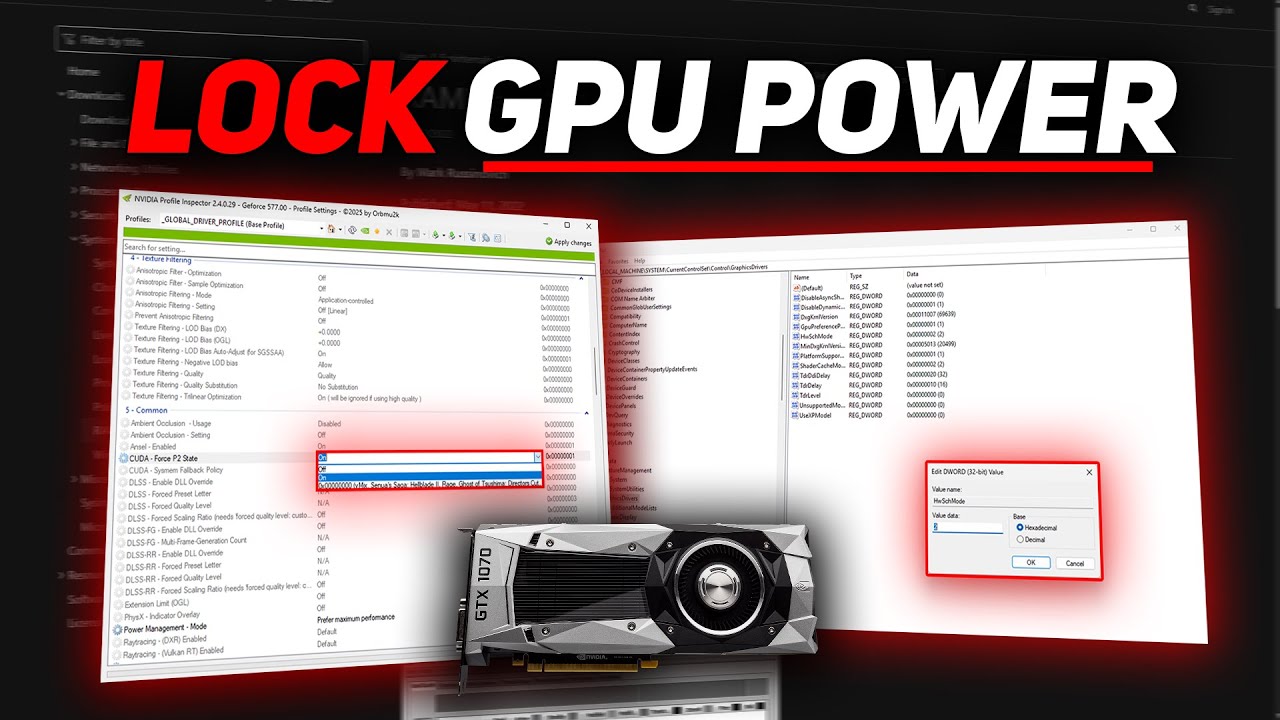
Add DWORD (32-bit): HwSchMode → Value: 2 (forces GPU hardware scheduling)
Add DWORD (32-bit): DisableDynamicPstate → Value: 1 (blocks GPU idle state)
PowerCfg (CMD as Administrator):
powercfg -attributes SUB_VIDEO VIDEOIDLE -ATTRIB_HIDE
powercfg -attributes SUB_VIDEO VIDEOIDLEMAX -ATTRIB_HIDE
Then: Control Panel → Power Options → Advanced → Display → Video Idle Timeout → Set both to Never
NVIDIA Control Panel:
Manage 3D Settings → Global Settings → Power Management Mode → Prefer Maximum Performance
AMD Adrenalin:
Performance → Tuning → Enable Custom Tuning → Raise Minimum Frequency (MHz) closer to game clock
NVIDIA Inspector (optional, advanced):
Lock GPU to P2 performance state per game/app profile
AMD Adrenalin (advanced):
Manual Tuning → Set Minimum GPU Clock to 80–90% of max boost
Monitoring Tools:
HWiNFO64 → Monitor real-time GPU clocks
Stress test with Unigine Heaven / 3DMark / MSI AfterBurner
🚀 Steps Covered
Override GPU idle states via Registry (HwSchMode, DisableDynamicPstate)
Force max performance in NVIDIA/AMD drivers
Unhide & disable Windows GPU idle timers (powercfg commands)
Lock GPU into high-performance P-states (NVIDIA Inspector / AMD Adrenalin)
Validate with monitoring tools & stress tests
Disable overlays (Discord, Xbox Game Bar, etc.) for stability
Keep GPU drivers updated for latest idle fixes
💬 Did this fix your random FPS drops? Comment below with your GPU model + what changes gave you the biggest boost. Don’t forget to drop a like 👍, subscribe 🔔, and share with friends who want smoother gameplay.
Повторяем попытку...
Доступные форматы для скачивания:
Скачать видео
-
Информация по загрузке: