ycliper

Популярное

Музыка Кино и Анимация Автомобили Животные Спорт Путешествия Игры Юмор

Интересные видео

2025 Сериалы Трейлеры Новости Как сделать Видеоуроки Diy своими руками

Топ запросов

смотреть а4 schoolboy runaway турецкий сериал смотреть мультфильмы эдисон
Скачать

How to use Device Libraries with Studio 5000 Logix Designer

Автор: Rockwell Automation

Загружено: 2026-01-30

Просмотров: 320

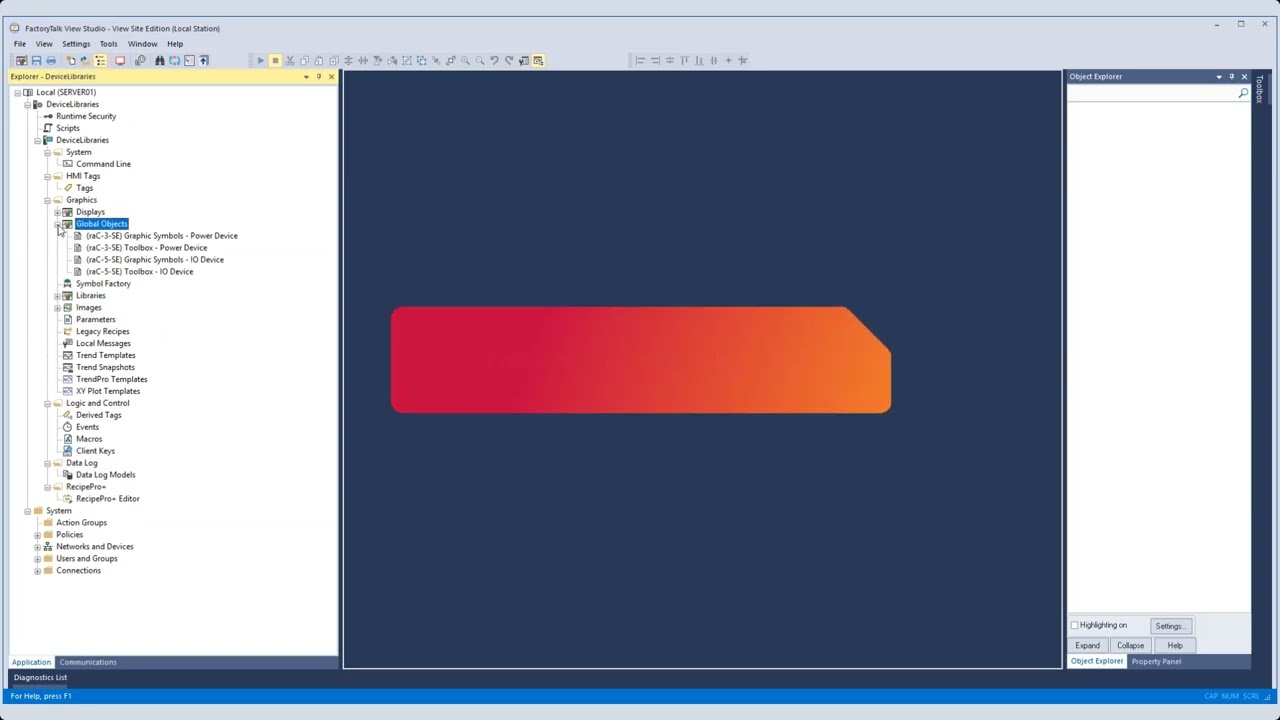
Описание: In this video we will cover how to import and configure Device Libraries from Rockwell Automation in Studio 5000 Logix Designer® HMI applications.

Chapters:
1:07 - Downloading Device Libraries
2:34 - Importing using the Import Library Objects plug-in method
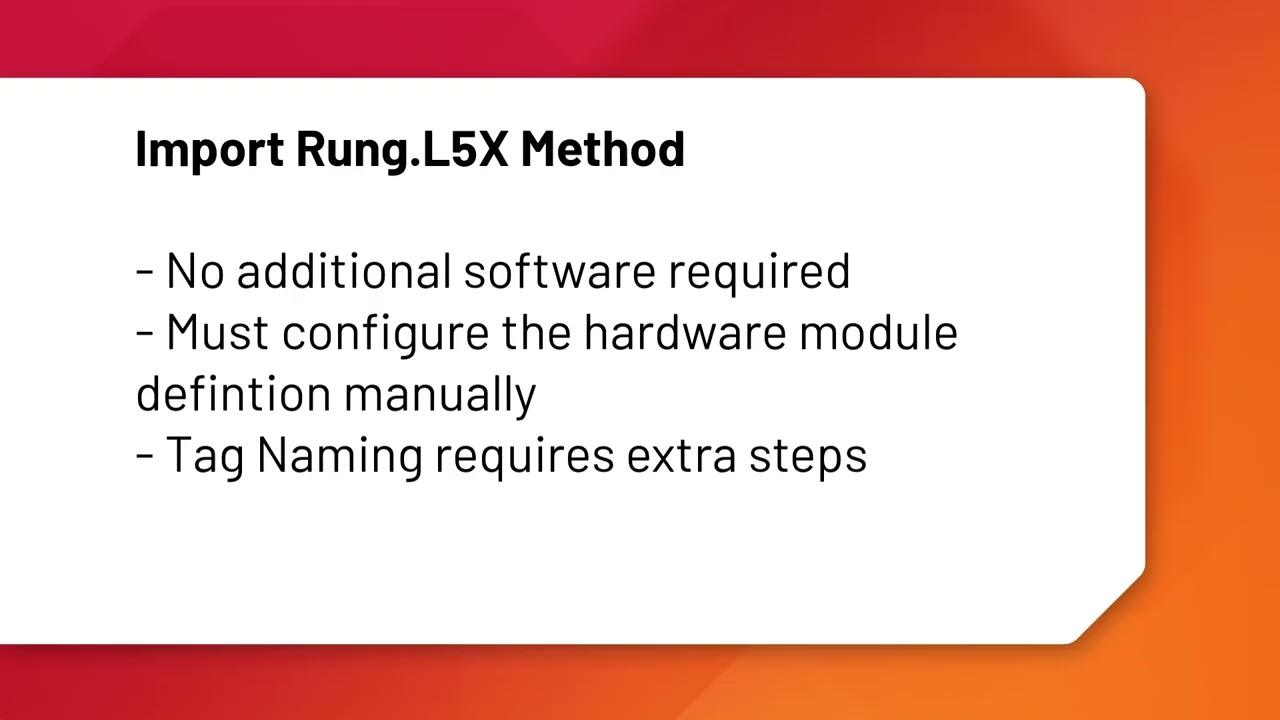
7:17 - Importing using the import rung.L5X method
9:45 - Interfacing with device Add-On Instructions (AOI)
11:51 - Updating AOIs to new versions

Device Libraries can help you to integrate and monitor control system devices with your PAC and HMI applications. Speed up commissioning and reduce downtime by providing actionable insights and diagnostics from your connected devices.

Learn about our broad offering of free device libraries including:

Power Device Library: E300™, ArmorStart®, SMC™-50, PowerFlex®, Kinetix®, PowerMonitor™
IO Device Library: 1715, 1719, 1732E, 1734, 1738, 1756, 1769, 1794, 5015, 5032, 5069, and 5094 I/O Modules
Network Device Library: Stratix® Managed Switches, Device Level Ring (DLR) and Parallel Redundancy Protocol (PRP) Networks
Safety Device Library: Safety device instructions, EtherNet/IP devices, and safety group monitor.
IO-Link Device Library: IO-Link Masters and Sensors
Condition Monitoring Device Library: Dynamix™ 1444 modules and rotating / vibrating equipment monitoring including pumps.
Download the latest version of all our free Device Libraries on Rockwell Automation's Download Center:

Device Object Libraries
https://rok.auto/3XyaKt3

Find out more about all of our great Application Code Libraries on our website:
https://rok.auto/41NRvhS

Не удается загрузить Youtube-плеер. Проверьте блокировку Youtube в вашей сети.
Повторяем попытку...
How to use Device Libraries with Studio 5000 Logix Designer

Поделиться в:

Доступные форматы для скачивания:

Скачать видео

  • Информация по загрузке:
Скачать аудио

Похожие видео

How to use Device Libraries with Studio 5000 Application Code Manager

How to use Device Libraries with Studio 5000 Application Code Manager

Руководство по БЕЗОПАСНОЙ Настройке OpenClaw (Учебное Пособие ClawdBot)

Руководство по БЕЗОПАСНОЙ Настройке OpenClaw (Учебное Пособие ClawdBot)

У нас купили 1 ПК с WB! Это была ошибка! 😱

У нас купили 1 ПК с WB! Это была ошибка! 😱

FactoryTalk View Studio SE One Shot || For Beginners

FactoryTalk View Studio SE One Shot || For Beginners

Automation Fair 2025: The Week In Review

Automation Fair 2025: The Week In Review

How to use Device Libraries with FactoryTalk View

How to use Device Libraries with FactoryTalk View

How setup a new 1734-AENT POINT IO

How setup a new 1734-AENT POINT IO

Learn about the Axis Test Mode feature in Studio 5000 Logix Designer software

Learn about the Axis Test Mode feature in Studio 5000 Logix Designer software

Connected Components Workbench™ software tutorials for Micro800™ controllers

Connected Components Workbench™ software tutorials for Micro800™ controllers

Так из чего же состоят электроны? Самые последние данные

Так из чего же состоят электроны? Самые последние данные

Power Device Library Overview

Power Device Library Overview

What Successful OEMs Do Differently

What Successful OEMs Do Differently

Война США и Ирана: Рынки рухнут или это возможность?

Война США и Ирана: Рынки рухнут или это возможность?

Why Specialized Agents are Superior (How I Built an OpenClaw Superteam)

Why Specialized Agents are Superior (How I Built an OpenClaw Superteam)

Tuning-less Features of the Kinetix® 5300, Kinetix 5500, and Kinetix 5700 Overview

Tuning-less Features of the Kinetix® 5300, Kinetix 5500, and Kinetix 5700 Overview

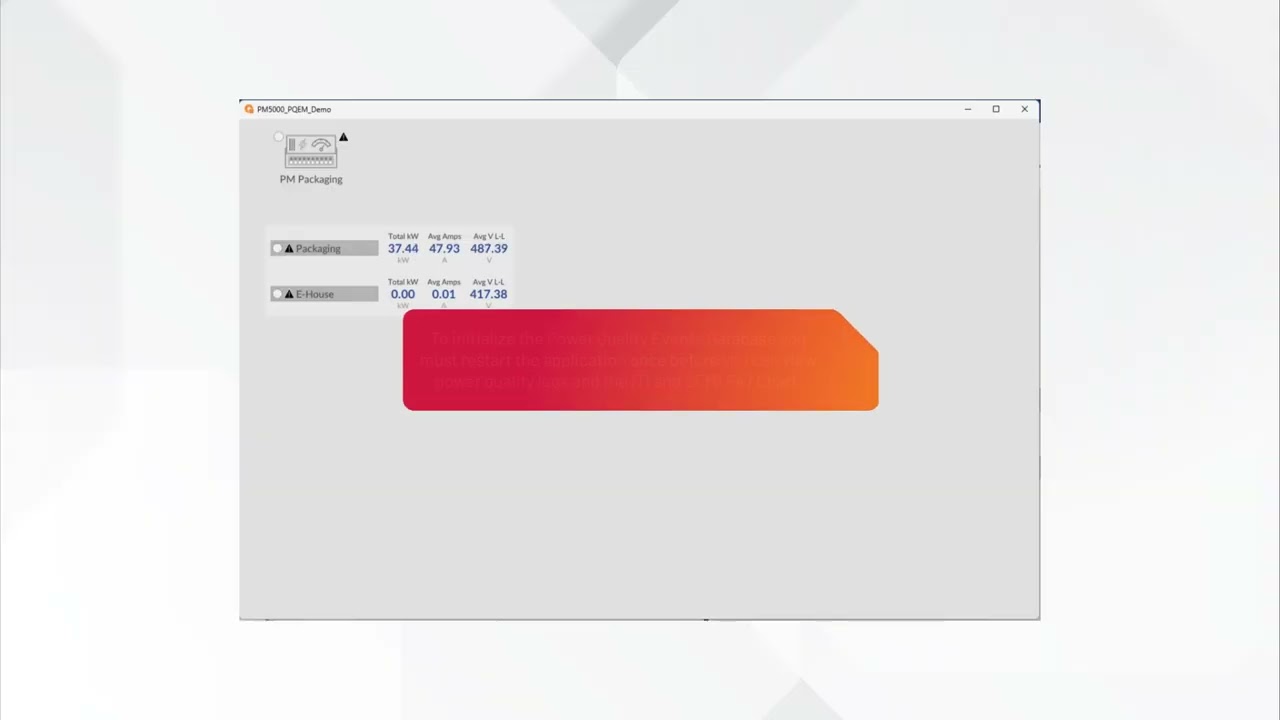
How to use PowerMonitor 5000 PQEM Faceplates with FactoryTalk Optix

How to use PowerMonitor 5000 PQEM Faceplates with FactoryTalk Optix

Цифровой ошейник» для всей семьи: Как школьный мессенджер MAX собирает на вас досье?

Цифровой ошейник» для всей семьи: Как школьный мессенджер MAX собирает на вас досье?

Simplify FLEX™ I/O to FLEX 5000® I/O migration with IAB

Simplify FLEX™ I/O to FLEX 5000® I/O migration with IAB

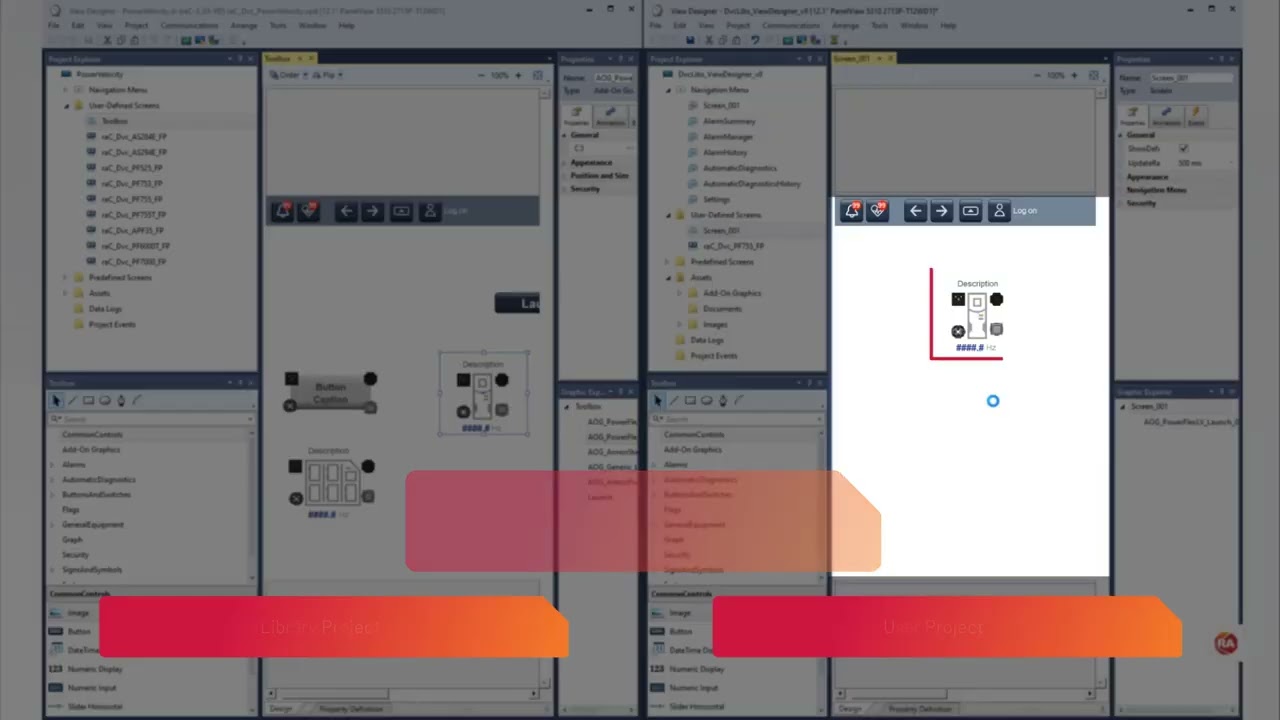
How to use Device Libraries with Studio 5000 View Designer

How to use Device Libraries with Studio 5000 View Designer

AI Device Library - FactoryTalk Analytics VisionAI Faceplates

AI Device Library - FactoryTalk Analytics VisionAI Faceplates

© 2025 ycliper. Все права защищены.


  • Контакты
  • О нас
  • Политика конфиденциальности


Контакты для правообладателей: [email protected]