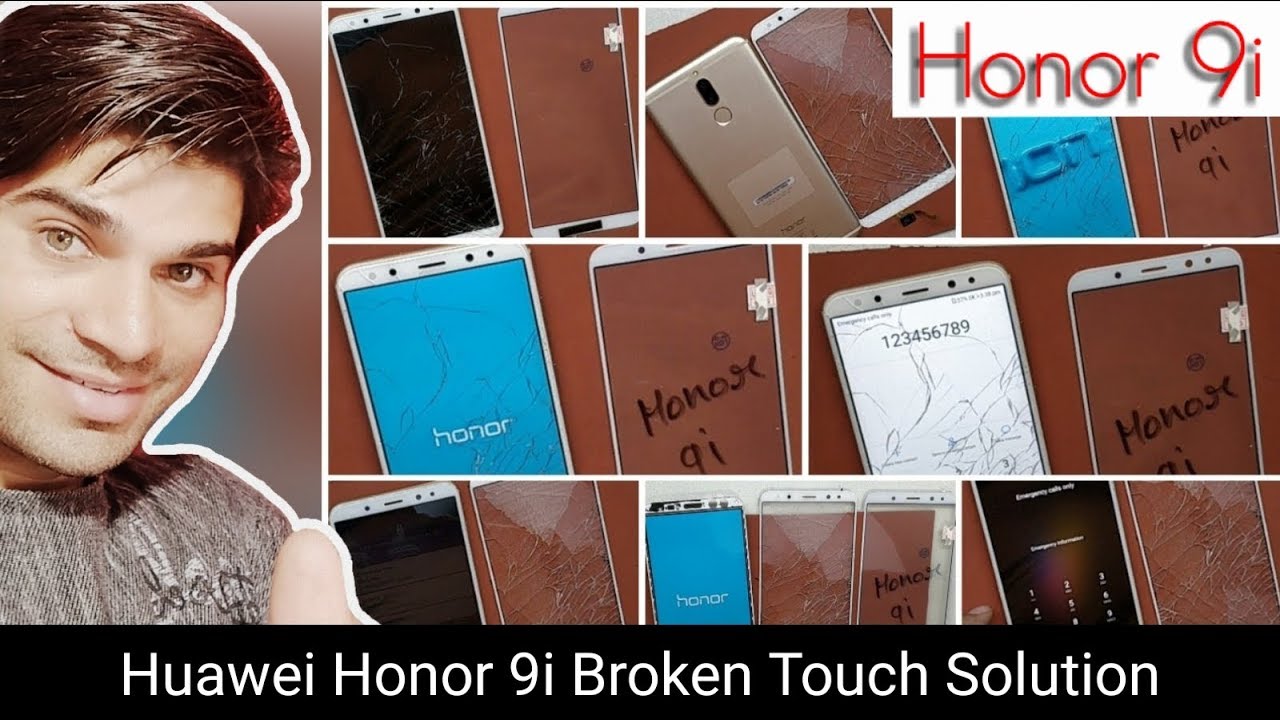
Huawei Honor 9i Crack Glass Only Replacement-Teardown,Battery,Charging port Replacement
Автор: Technical Ustaaj
Загружено: 2018-05-04
Просмотров: 23805
Описание:
Dosto is video me maine apko dikhaya hai ki kaise aap apne smartphone Huawie Honor 9i ke display ka toota hua touch panel change kar sakte hai ya karwa sakte hai agar touch toot jane k baad display sahi kaam kare or touch kaam kare ya na kare.
Dosto Agar video pasand aye to like kare.
Koi sujhao hai to comment kare.
Agar Rozana chahiye aisi video to SUBSCRIBE kare.
How to replace Huawie Honor 9i touch only replacement full process if display is working after touch broken
.first remove sim tray
.switch off the mobile phone.
.Remove back Glass panel first using heat press.
.remove touch id connector
.remove battery connector
.unscrew all screw.
.remove motherboard.
.remove ringer
.remove battery
.remove display
.remove touch glass panel using heating press
. Clean display to clean all adhesive.
Advantage of video,learn how to all:
1.how to complete dissemble the Huawie Honor 9i
2. How to change the battery of Huawie Honor 9i
3.how to change camera of Huawie Honor 9i
4.how to change ringer of Huawie Honor 9i
5. How to change antenna wire of Huawie Honor 9i
6. How to change charging jack of Huawie Honor 9i
7. How to change display folder of Huawie Honor 9i
8.How to change glass only Huawie Honor 9i
9. How to change receiver of Huawie Honor 9i
10. How to change all parts of Huawie Honor 9i full process.
Follow me on social for more update:
YouTube SUBSCRIBE 👉 / technicalustaaj
Instagram FOLLOW 👉 / technicalus. .
Twitter TWIT 👉 / technicalustaaj
Email INQUIRY 👉 [email protected]
Повторяем попытку...
Доступные форматы для скачивания:
Скачать видео
-
Информация по загрузке: