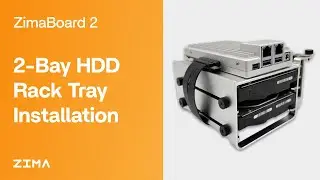
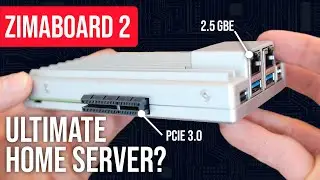
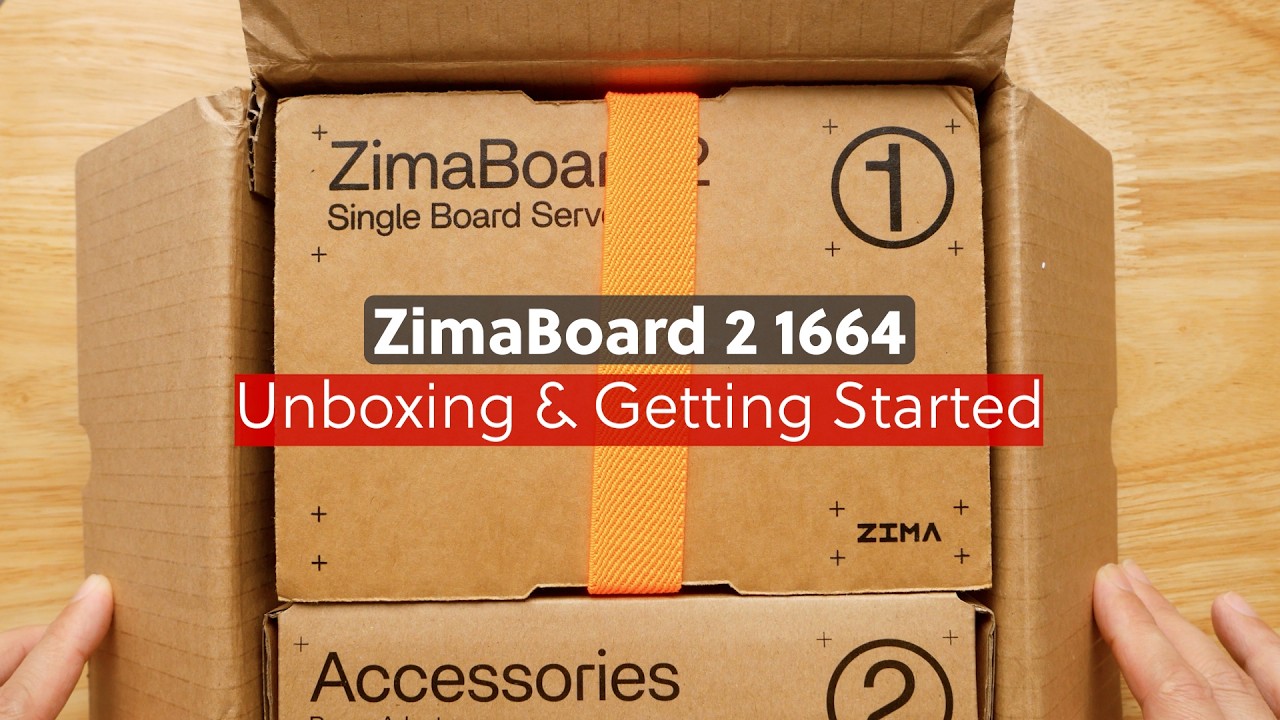
Zimaboard 2 - Unboxing & Getting Started
Автор: Van Tech Corner
Загружено: 2025-12-21
Просмотров: 1213
Описание:
ZimaBoard 2 (model: 1664) is a compact micro-server powered by the quad-core Intel Processor N150, equipped with 16GB of LPDDR5 memory and 64GB of onboard eMMC storage. Designed for home labs and personal cloud, the ZimaBoard 2 delivers silent operation with the passive cooler casing, upgraded 2.5GbE networking (compare with the previous generation), and strong I/O bandwidth suitable for 24/7 workloads.
In this video, I will walk you through the unboxing process, installing the cooling fan, and powering up the device for the first time. We will also have a look at the ZimaOS web interface, create a storage volume, and test file-upload performance over Gigabit Ethernet.
Stay-tuned for the videos video for detail review of the ZimaBoard 2 with ZimaOS, ZimaBoard 2 with OpenWrt, ZimaBoard2 with pfsense and lastly, ZimaBoard with Proxmox for virtualization.
Video timeframe:
00:00 - Unboxing
00:32 - Zimaboard 2 1664 I/O Quick Look
01:06 - Accessories comes with ZimaBoard 2
01:56 - Install the 4-pin Fan on the ZimaBoard 2
02:37 - Hardware setup for first boot
03:06 - Access ZimaOS Web Interface
03:54 - Create Storage (Disk) and File transfer speed test
04:39 - Install OpenSpeedTest from the AppStore and test.
You can check out the ZimaBoard 2 using the below links:
ZimaBoard 2 Official Shop: https://bit.ly/3MGKCcV
ZimaBoard 2 on Amazon: https://bit.ly/4s4YH3U
ZimaOS Download: https://bit.ly/4anNOnI
Thank you Zima Team (IceWhale Tech) for sending me this device for testing. Yet the review & test results are done by me.
Thank you everyone for watching and see you all in the next video!
Повторяем попытку...
Доступные форматы для скачивания:
Скачать видео
-
Информация по загрузке:


![Почему работает теория шести рукопожатий? [Veritasium]](https://image.4k-video.ru/id-video/ggI1xKzoANs)