How To Fix OBS Starting The Output Failed Error | 2026
Автор: Tech Ke™
Загружено: 2026-10-07
Просмотров: 90
Описание:
I have shown in this video how to fix OBS Studio Error Starting the output failed Please check the log for details.
Are you getting the "Starting the output failed. Please check the log for details" error in OBS Studio? In this video, we'll walk through the quick, step-by-step fix so you can get back to recording and streaming without crashes.
Whether you're dealing with encoder issues (NVENC, AMD, QuickSync, or x264) or outdated GPU drivers, this 2026 updated tutorial will get your OBS working smoothly.
📌 What You’ll Learn:
0:00 - Introduction & The Error
0:35 - Why OBS Fails to Start Output
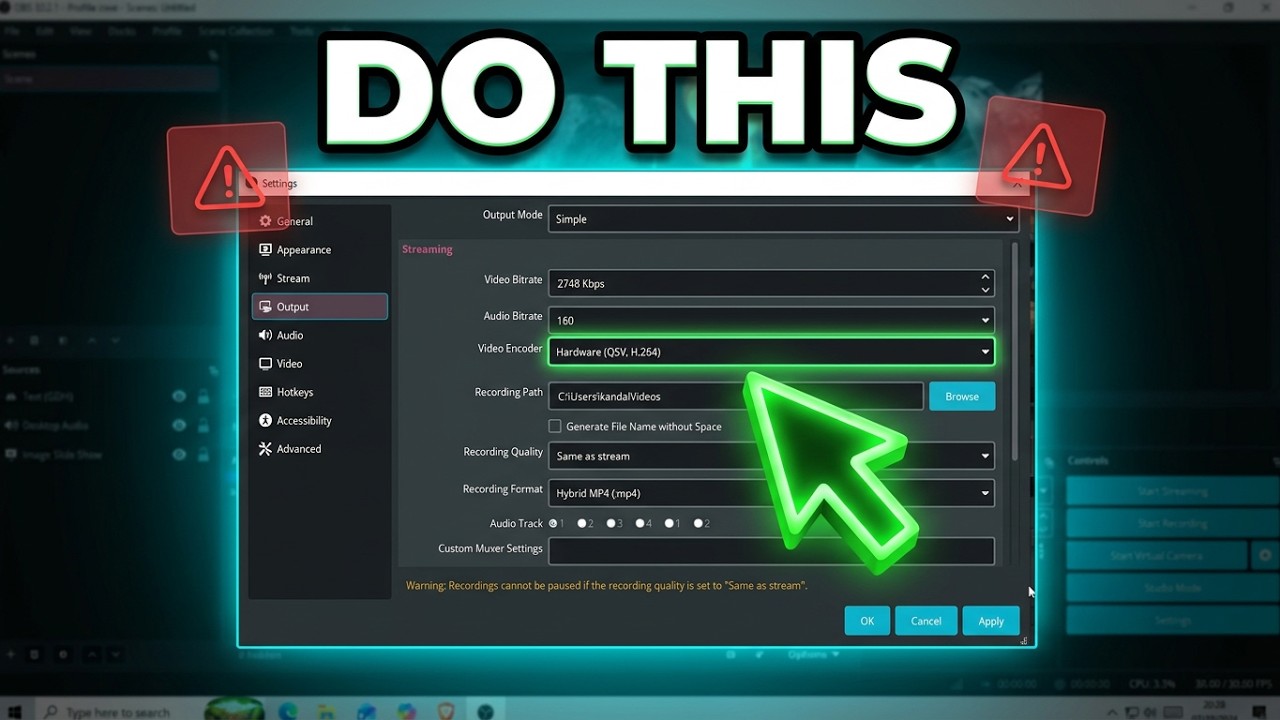
1:15 - Method 1: Changing the Video Encoder Settings
2:45 - Method 2: Updating Graphics Drivers & Direct3D
3:45 - Method 3: Resetting Output Resolution & Bitrate
5:10 - Testing & Verification
6:20 - Outro & Summary
💡 Quick Troubleshooting Tips:
• Switch from Hardware (NVENC/AMD) to Software (x264) encoder if your GPU driver is crashing.
• Ensure OBS Studio is updated to the latest build.
• Run OBS as Administrator to grant full access to GPU resources.
If this fix solved your problem, make sure to like the video and subscribe to Tech Ke™ for more quick tech guides and tutorials!
#OBSStudio #OBSTutorial #FixOBSError #TechKe #ScreenRecording
Повторяем попытку...
Доступные форматы для скачивания:
Скачать видео
-
Информация по загрузке: