How to Find Kraken Wallet Address !
Автор: SwiftFixer
Загружено: 2025-02-05
Просмотров: 14
Описание:
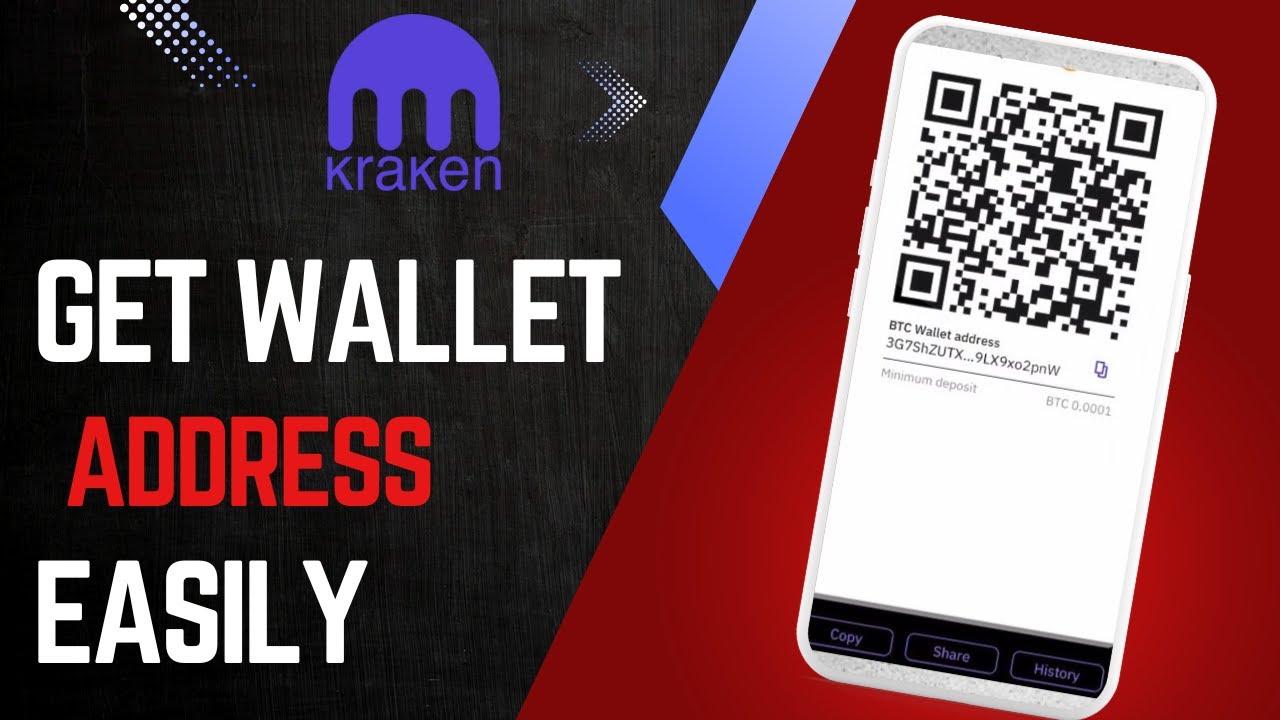
If you need to find your Kraken Wallet address, this video will guide you through the process step by step. Your wallet address is essential for receiving cryptocurrency deposits, and Kraken provides an easy way to access it. First, open the Kraken app and log into your account using your credentials. Once you’re on the homepage, navigate to the 'Deposit' section. You’ll find this option along with other features like 'Buy' and 'Send.' Tap on 'Deposit' to proceed. If you haven't completed identity verification yet, Kraken may prompt you to do so before allowing deposits. After accessing the deposit section, you need to select the cryptocurrency for which you want to find your wallet address. Each cryptocurrency has a unique deposit address, so be sure to select the correct one. Once you choose your desired token, Kraken will generate a deposit address for you. This address can be copied manually, or you can use the provided QR code for a quicker transaction. Make sure to double-check the selected network, as using the wrong one may result in lost funds. Your Kraken Wallet address is now ready to use for receiving crypto deposits. This process ensures that you can safely and securely receive funds in your Kraken account. If you have any further questions or encounter any issues, feel free to leave a comment below for assistance.
Timestamps:
0:00 Introduction
0:09 Logging into the Kraken app
0:30 Navigating to the deposit section
0:44 Selecting the cryptocurrency
0:57 Viewing and copying the wallet address
1:11 Importance of selecting the correct network
1:30 Conclusion
Hashtags: #Kraken #KrakenWallet #CryptoWallet #Bitcoin #Ethereum #CryptoGuide #CryptoExchange #Blockchain #CryptoDeposits #Finance
Повторяем попытку...
Доступные форматы для скачивания:
Скачать видео
-
Информация по загрузке: