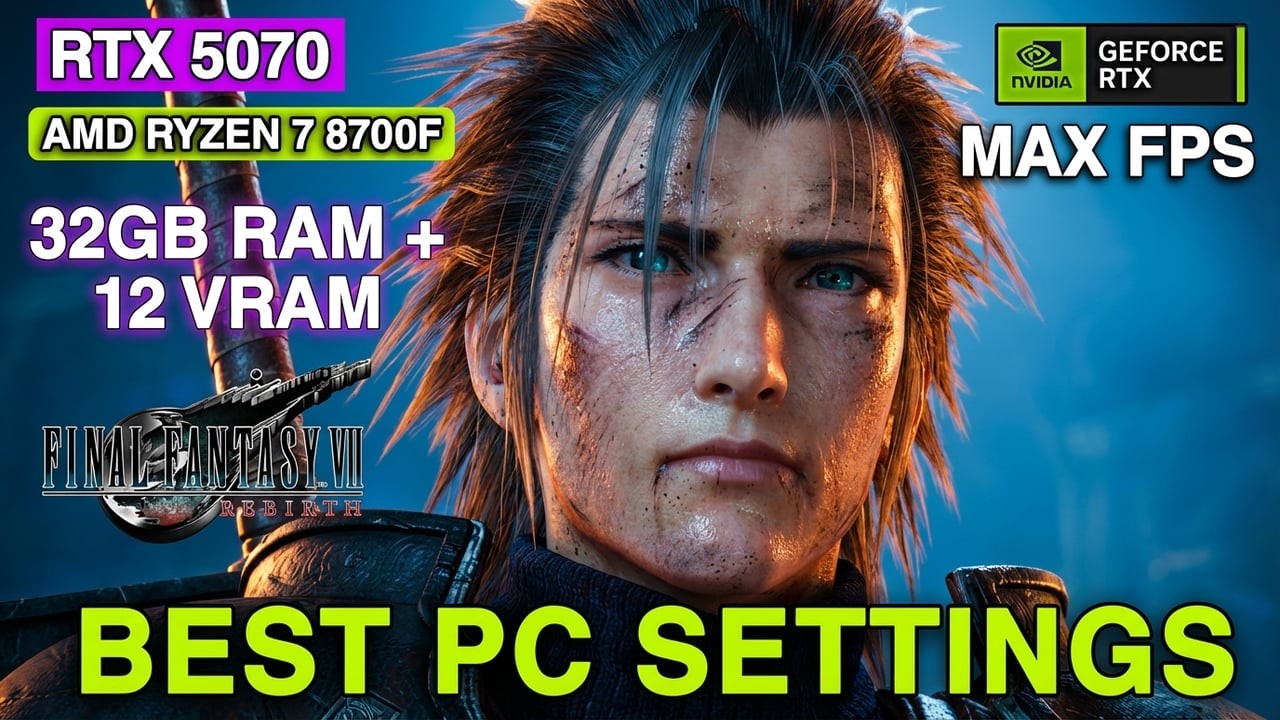
RTX 5070 | Ryzen 7 8700F | FF7 Rebirth Benchmark – High Settings Performance!
Автор: MilanRefreshedGaming
Загружено: 2026-01-31
Просмотров: 7
Описание:
In this video, I show you how to optimize Final Fantasy VII Rebirth On RTX 5070, and I also demonstrate howFinal Fantasy VII Rebirth Preforms in real time in High and Medium Settings in this Performance test on HP Omen 35L RTX 5070!
My Specs:
HP Omen 35L RTX 5070 , 32Gb Ram & 12vram
Recommended Specs & Settings
Low Settings: 1920×1080, ~30 FPS for systems with 4 GB VRAM and 8 GB RAM
High / Ultra Settings: 3840×2160 (4K) with 6 GB+ VRAM and 16 GB RAM
Tip: If you experience stuttering or lag, consider lowering graphics settings to improve performance!
Quick Note (NVIDIA GPU Users):
If you are still experiencing performance or stability issues after adjusting in-game settings, the NVIDIA Control Panel can be a useful additional tool for optimization. NVIDIA GPU users can fine-tune global or per-game settings—such as power management, low latency mode, and texture filtering—to help improve performance and consistency.
Chapters----------------------
00:00 Introduction
00:06 Section 1 - How To Optimize Final Fantasy VII Rebirth ?
01:18 Section 2 - Final Fantasy VII Rebirth Gameplay/FPS Test
14:43 Thank You For Watching!
📌 Need better FPS or smoother performance?
Check out all my PC Optimization Guides:
• PC Settings Optimization Guides
Developer: Square Enix
Recorded on: Alienware 4K Dual Monitor
Edited with: Filmora Video Editor
Captured on PC.
#finalfantasy7rebirth #ff7rebirth #rtx5070 #gaming #pcoptimization #finalfantasy #hpomen #pcsettings #squareenix #maxfps
Повторяем попытку...
Доступные форматы для скачивания:
Скачать видео
-
Информация по загрузке: