2019 INFINITI Q50 - Dual Display
Автор: INFINITI USA
Загружено: 2018-09-13
Просмотров: 13822
Описание:
"This video is copyrighted material of Nissan North America, Inc. and should not be copied, edited, or reproduced without the permission of Nissan.
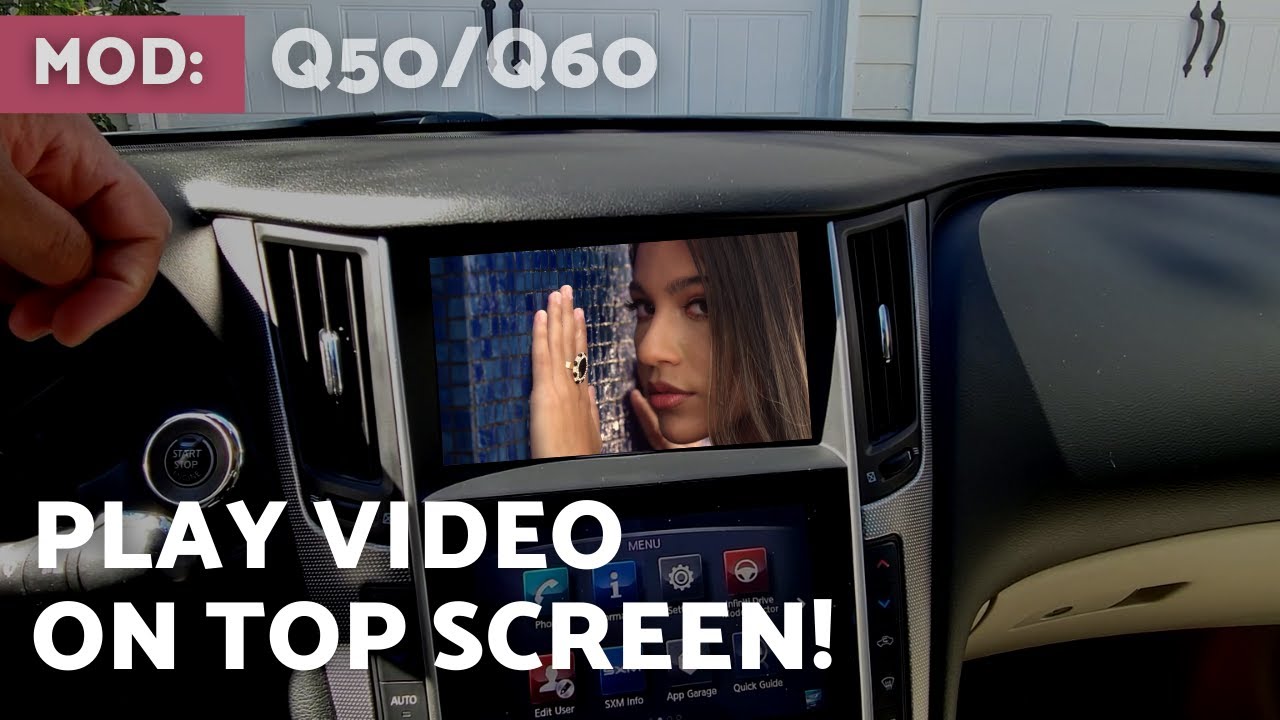
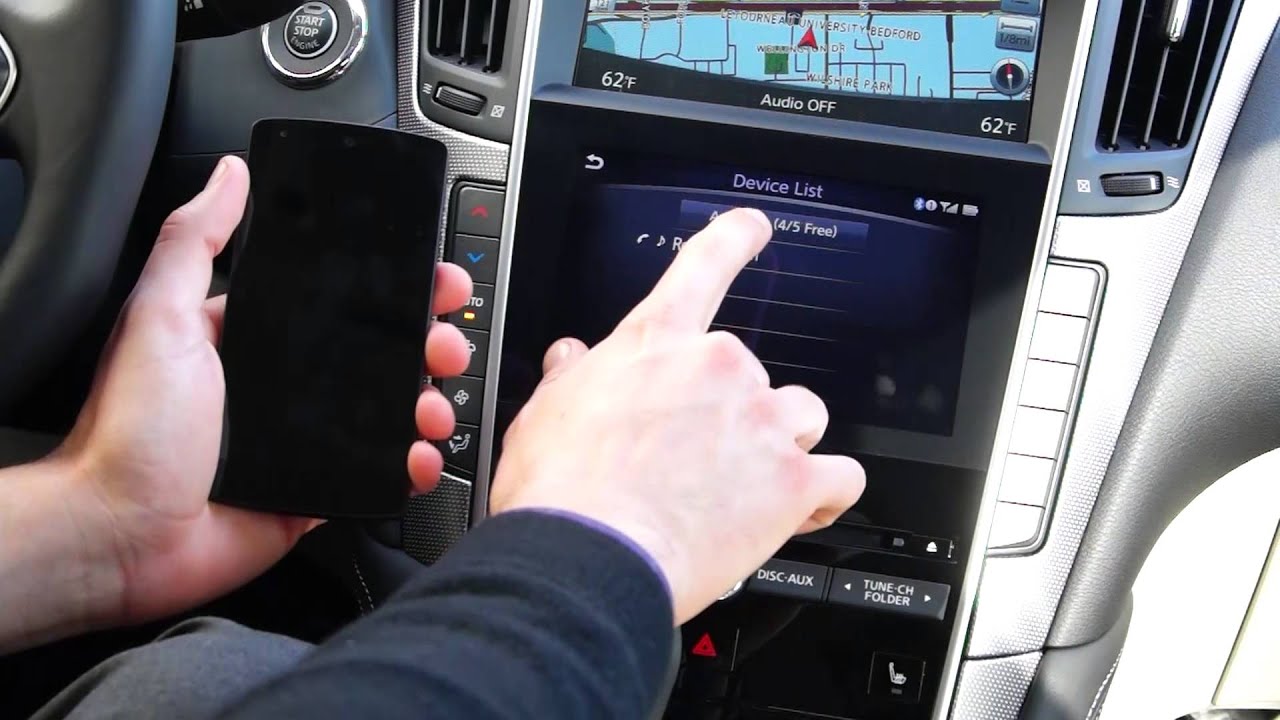
The dual display consists of an upper touch screen display and a lower touch screen display. For vehicles not equipped with a Navigation System, see your INFINITI InTouch™ Owner’s Manual for dual display information and controls.
Most actions on the dual display can be performed by touching the desired item on the touch screen.
Drag your finger along the screen to scroll up or down through a list of items.
To scroll pages left or right on the lower touch screen display, move your finger in a swipe gesture to the left to move forward a page, or to the right to move back a page.
You can also move through pages by touching these arrow icons on the left or right side of the screen. A series of circles is shown at the bottom of the display indicating the number of screens available for the current option. The filled in circle indicates the position of the current screen in the series.
The upper touch screen display shows:
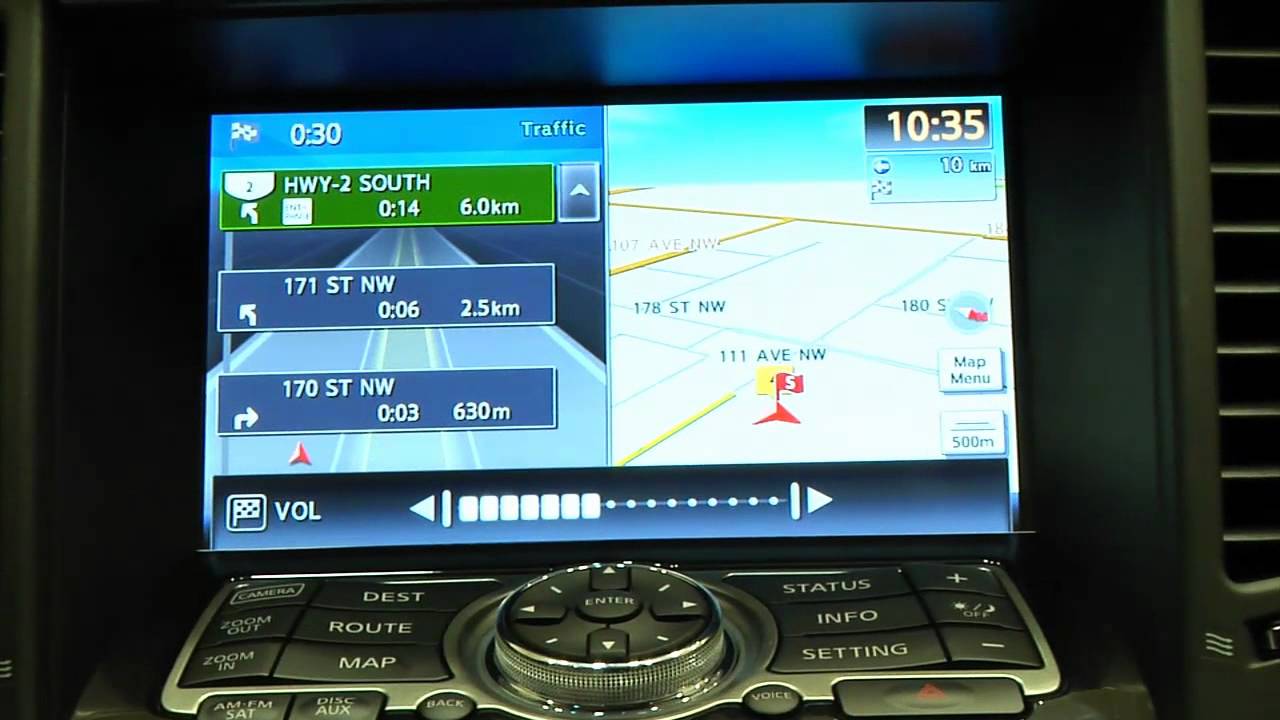
● Map and navigation information,
● The AroundView Monitor, and
● Vehicle and system information.
The INFINITI controller and the three buttons to the left of it are used to control the upper display.
When a map is shown on the upper touch screen display, slide the controller in any direction to scroll a map. Turn the dial to zoom in or out. Press the OK button at the center of the controller to select a highlighted item on the screen.
To alternate the upper touch screen display between a map view and the display view bar, press the MAP/VOICE button. The options on the display view bar can then be selected using the touch screen or INFINITI controller. Turn the INFINITI controller to move left or right one icon at a time, or slide it to the left or right to move one page at a time.
Available items on the display view bar are Fuel Economy, ECO Drive Report and various navigation split screen views. When in a split screen view, touch this icon to switch to a full screen. Touch this icon to return to a split screen view.
If a route has been set and you need the voice guidance to repeat a direction, press and hold the MAP/VOICE button for approximately three seconds.
To return to the previous screen on the upper touch screen display, press the BACK button.
Press the OK button on the INFINITI controller while the current vehicle location is displayed on the upper touch screen display to show the shortcut menu, which displays additional options for the audio, phone and navigation systems.
Customized menu items can be set for the shortcut menu on the upper touch screen display. To do this:
● Press the OK button on the INFINITI controller to change the upper touch screen display to the shortcut menu,
● Touch SELECT ADD/EDIT,
● EDIT SHORTCUT ITEMS,
● Then choose an item on the screen.
The lower touch screen display shows the controls for various systems, such as:
● Navigation,
● Audio, and
● Climate Control.
Please be aware that the INFINITI controller does not control the lower touch screen display. To show functions on the lower touch screen display, press the AUDIO, MENU or CLIMATE button on the control panel. To access a function, select the item on the touchscreen.
Touch this key on the lower touch screen display to view the quick settings screen, where you can quickly adjust the display brightness and audio volume and tone.
Your vehicle is equipped with an exclusive cleaning cloth for the anti-reflective surface of the lower touch screen display.
Always use this exclusive cleaning cloth when cleaning the lower touch screen display. Before doing so, gently brush any sand or dust off the screen to avoid damaging it while cleaning. If the screen is very dirty, dampen the exclusive cleaning cloth before wiping the screen.
Please see your INFINITI InTouch™ Owner’s Manual for important safety information, system limitations, and additional operating and feature information. "
Повторяем попытку...

Доступные форматы для скачивания:
Скачать видео
-
Информация по загрузке: