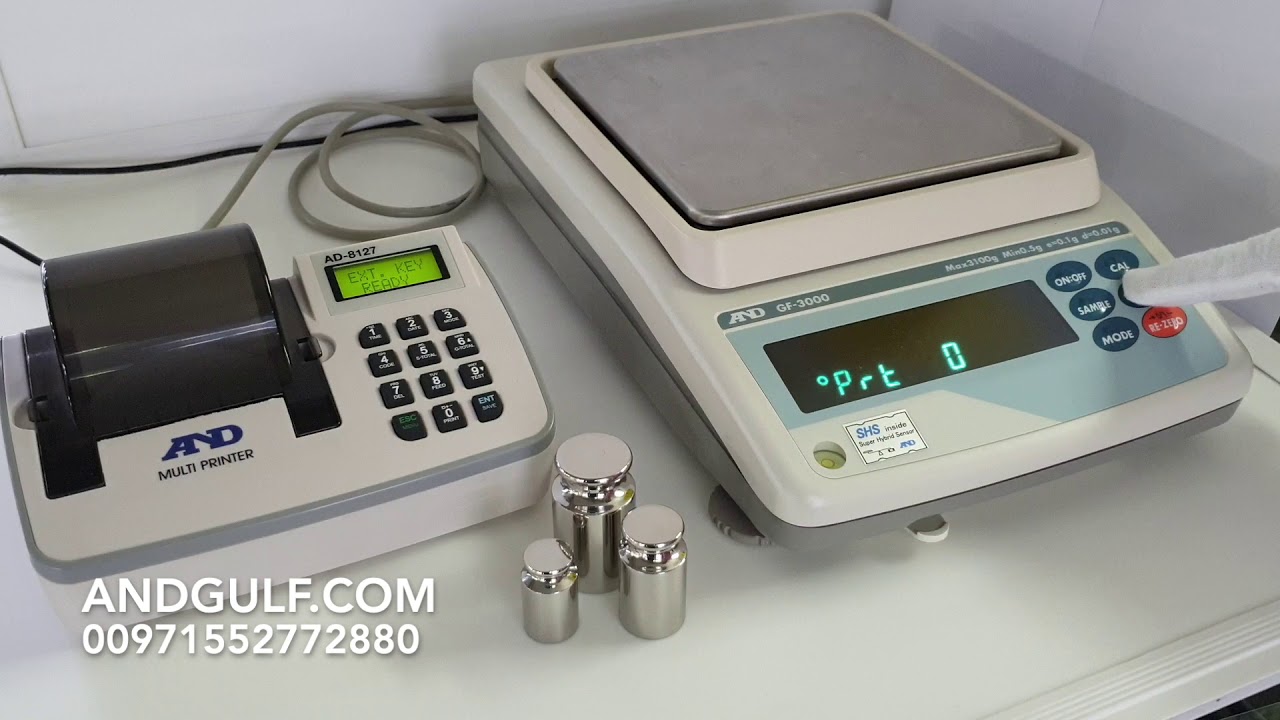
AND GF3000 DISPLAY SETTING
Автор: Scales
Загружено: 2018-03-21
Просмотров: 4260
Описание:
General procedure
Follow the Steps:
1. Check the Water Level.
2. Keep Switch OFF the Fan while using.
3. Give Warm Up time min 45mins for good result.
4. Don't Keep your mobile near Unit.
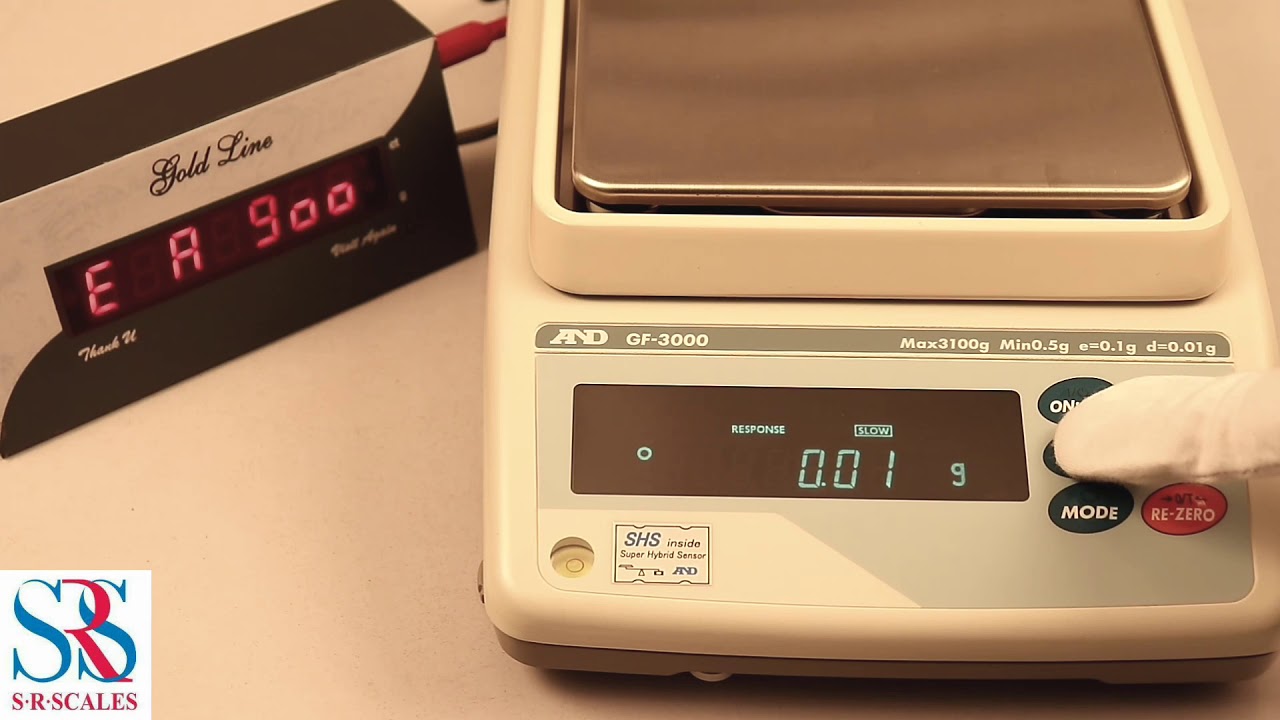
Step 1 : Switch On the machine and external display.
Step 2 : Press and Hold the sample key Display shows Basfnc
Step 3 : Then Press Sample key upto Dout.
Step 4 : Press Print key , Prt 3(use Re Zero to change number) then Press Print key.
Step 5 : SiF Press Print Key bps 2400(2),bps 9600(4) .(use Re Zero to Change number)
Step 6 : btpr 2(8bit none) use Re Zero key to change number.
Check your Display
Thank you
For clarification
+91 7200669999
+91 7200999997
Повторяем попытку...
Доступные форматы для скачивания:
Скачать видео
-
Информация по загрузке: