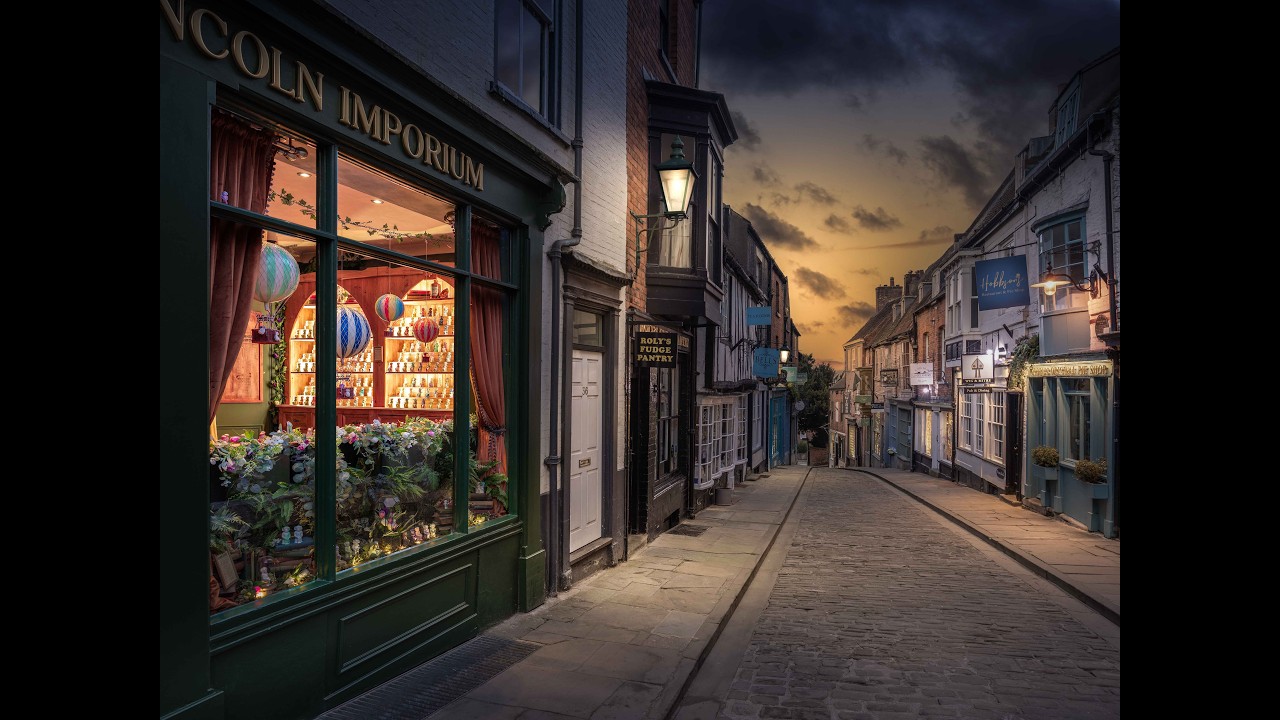
This Effect in Photoshop will change your Poster Designs !
Автор: Minimal Loop
Загружено: 2025-10-01
Просмотров: 782
Описание:
Hey guys,
This is a speed poster design, I just made this poster within 8 minutes. So please ignore the design. I just want to share that How to create the path blur effect. Hope you guys like this video or else leave it. Thankyou .
🚨 NEW TUTORIAL: How to Add Path Blur to ANY Object in Photoshop (Easy Motion Effect!)
Want to add a professional, dynamic motion blur effect to your photos? The Path Blur filter in Adobe Photoshop is the secret weapon!
In this step-by-step tutorial, I'll show you the exact technique for isolating any object—whether it's a car, a runner, or even text—and applying a directional blur that follows a custom path. Forget the boring old Motion Blur filter; this method gives you full control over speed and direction for a truly realistic or super-abstract result.
Here's what you'll learn:
How to quickly select and isolate your main subject.
Mastering the Path Blur tool in the Blur Gallery.
Creating curved and multi-directional blur paths.
Tips for the most realistic motion effect (speed, end-point shaping).
How to use the Strobe feature for a cool repeating trail effect!
This technique is perfect for action shots, sports photography, creative portraits, and stunning digital art. Watch now and transform your static images into dynamic masterpieces!
Call to Action
If this video helped you, please hit the Like button and Subscribe for more weekly Photoshop tutorials! 🔔
Let me know in the comments: What object are you going to blur first?
#PathBlurTutorial
#PhotoshopPathBlur
#MotionBlurEffect
#AdobePhotoshopTutorial
#PhotoEditingTips
#YouTubeTutorial
#LearnPhotoshop
#Shorts
#DigitalArt
#CreativePhotography
#PhotoshopMotion
#AbstractBlur
#BlurGallery
Повторяем попытку...

Доступные форматы для скачивания:
Скачать видео
-
Информация по загрузке:






![Введение в интерфейс Adobe After Effects. Эпизод 2/48 [Adobe After Effects для начинающих]](https://imager.clipsaver.ru/O6KRRQm6meY/max.jpg)