STM32 Graphics: everything you need for your device's screen!
Автор: STMicroelectronics
Загружено: 2024-04-10
Просмотров: 4337
Описание:
Find out more information: http://st.com/stm32gui
Transcript:
The user interface is the face of your product
AND, STM32 Graphics is everywhere supporting you in making your product stand out,
I am here at Embedded World to give you an insight of the three pillars of STM32 offering for embedded display solutions– STM32 hardware, STM32 software and lastly the STM32 ecosystem
Firstly, the STM32 hardware – our large microcontroller portfolio starting from the cortex M0+ based series like STM32 G0 and the new U0 and C0, all capable of running entry-level graphics on small displays. The STM32H5 series for Mid-range GUI. Moving to the U5 series with the high-level of embedded memory enabling one-chip solution, and further to the newly launched bootflash mcu STM32H7R featuring high-speed access to external memory – Both the U5 and H7R series hold lines with the NeoChrom GPU embedded, making smartphones animations possible on high resolution displays. – that’s the hardware – moving to the second pillar
The STM32 software, The TouchGFX suite – the free software-library and GUI builder for UI development on STM32 microcontrollers. Latest additions in TouchGFX are built-in image compression and support for vector fonts and vector images – main driver for this is customer need for saving flash memory, enabling a large and impressive UI without requiring more external flash, or even leaving it out, using only internal memory, achieving a pure STM32H5 or U5 based one-chip solution.
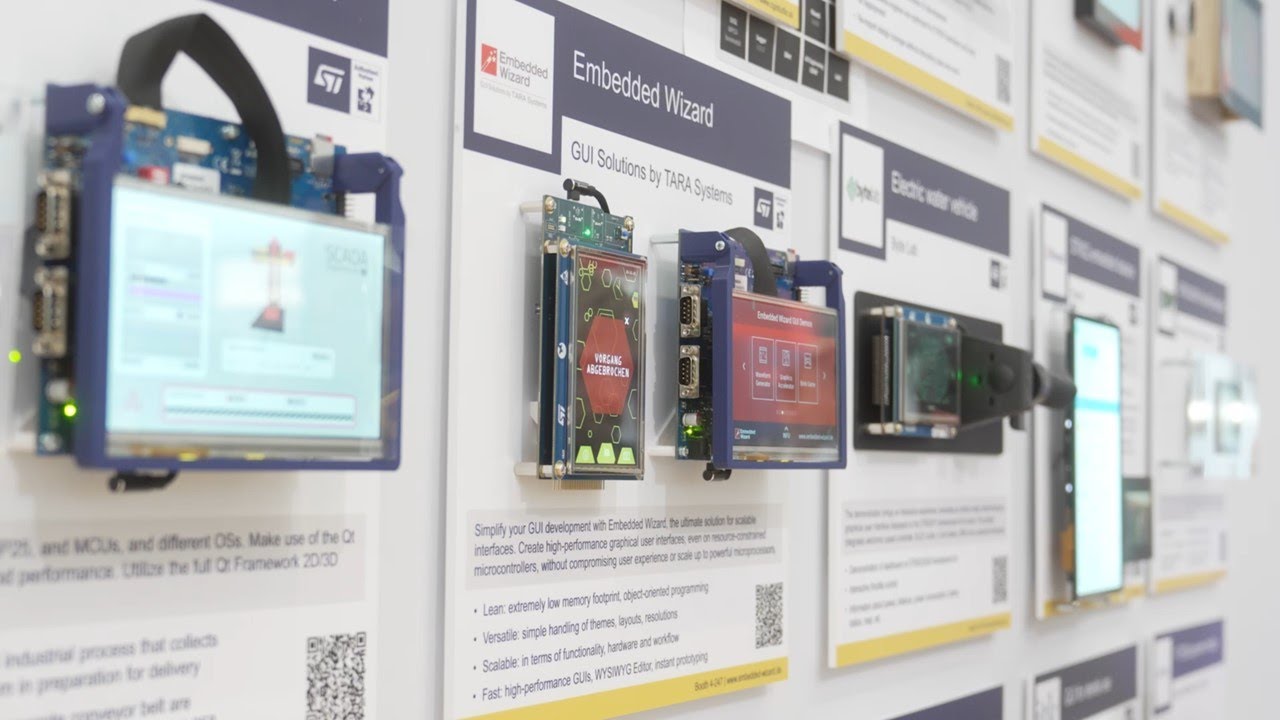
Let’s move on to the third and last pillar, The STM32 Ecosystem, which include ST GUI partners, covering GUI Libraries, Display modules and GUI development services. Some displayed here on the STM32 GUI partner wall, take for example the new display modules from EDT and Riverdi all based on STM32 H5, U5 or H7 and TouchGFX software.
This was a very fast run through of STM32 Graphics, it is for sure a vast offering, to learn more please visit st.com/stm32gui
Does look & feel matter for you?
Let me here at embedded world, where we have STM32 graphics everywhere quickly walk you through ST’s offer for your embedded display solution
– it is built on three pillars.
First, the STM32 hardware – a large microcontroller portfolio starting from the cortex M0+ based series like STM32 G0 and the new U0 and C0, all capable of running entry-level graphics on small displays. The STM32H5 series for Mid-range GUI. Moving to the U5 series with the high-level of embedded memory enabling one-chip solution, and further to the newly launched bootflash mcu STM32H7R featuring high-speed access to external memory – Both the U5 and H7R series hold lines with the NeoChrom GPU embedded, making smartphones animations possible on high resolution displays.
Second, The STM32 software, The TouchGFX suite – the free software library and GUI builder for UI development on STM32 microcontrollers. Latest additions in TouchGFX are built-in image compression and support for vector fonts and vector images – main driver for this is customer need for saving flash memory, enabling a large and impressive UI without requiring more external flash, or even leaving it out, using only internal memory, achieving a pure STM32H5 or U5 based one-chip solution.
Third, The STM32 Ecosystem, which include ST GUI partners, covering GUI Libraries, Display modules and GUI development services. Some are displayed here on the STM32 GUI partner wall, take for example the new display modules from EDT and Riverdi all based on STM32 H5, U5 or H7 and TouchGFX software.
STM32 Graphics is everywhere supporting you in making your product stand out, remember, the UI is the face of your product
Повторяем попытку...
Доступные форматы для скачивания:
Скачать видео
-
Информация по загрузке:









![40-контактные и 50-контактные ЖК-дисплеи TFT для проектов своими руками [ПОВТОРНАЯ ЗАГРУЗКА]](https://imager.clipsaver.ru/m_TIvYgdC84/max.jpg)