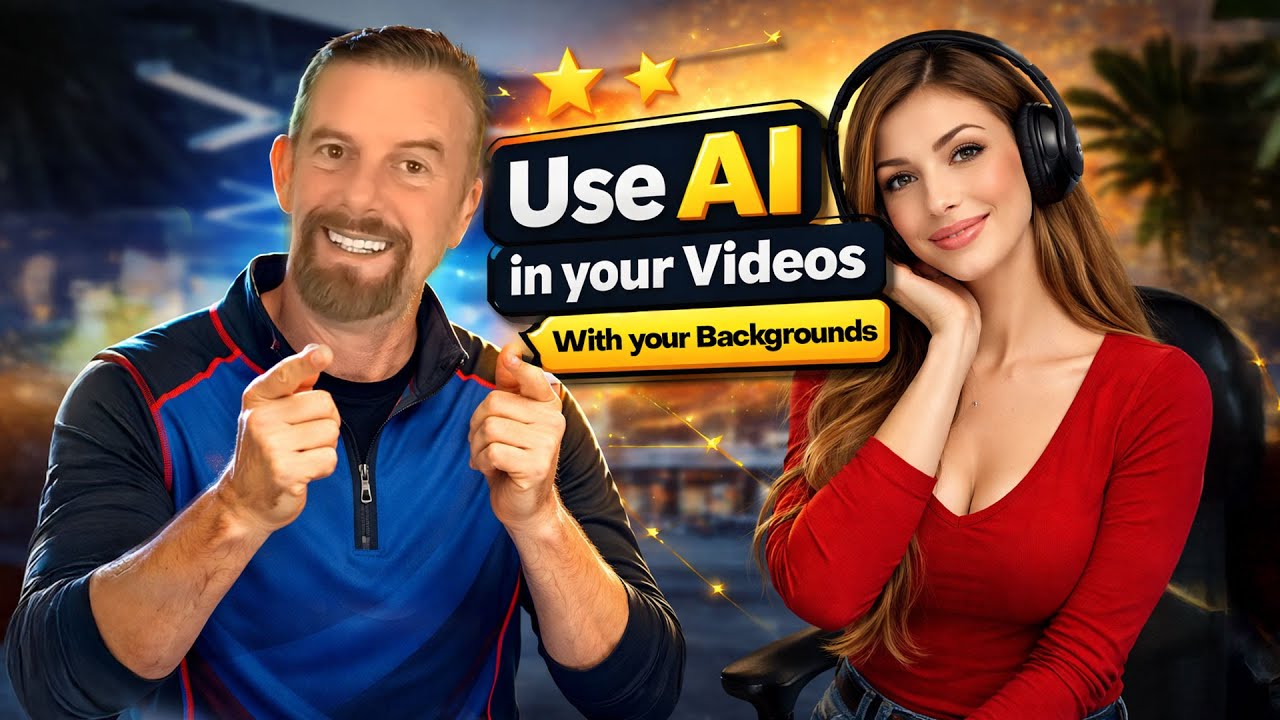
How I Use AI in My Videos (With My Own Background)
Автор: React Creators - Creative Content and Mentorships
Загружено: 2026-01-26
Просмотров: 25
Описание:
In this video, I break down how I use AI in my videos while keeping my own real background 🎥✨ — no green screen, no complicated setup, and no gimmicks 🚫🟩
You’ll see how creators can use AI for video creation, AI video editing, and AI image-to-video tools 🤖🎬 to cut themselves into scenes, swap characters, and create fast visual changes without losing authenticity. This is about building a repeatable AI video workflow that works for YouTube, online courses, and professional content — not chasing trends 🚀
I walk through the exact process I use:
✅ Capturing a reference frame from your video
✅ Using AI to generate a replacement clip
✅ Keeping the same background and camera setup
✅ Editing the AI clip seamlessly back into your timeline
If you’re a creator, coach, educator, or business owner looking to:
✅ Use AI in YouTube videos 📺
✅ Improve your AI video workflow ⚙️
✅ Create content faster with AI tools ⏱️
✅ Keep a natural, real background (no green screen) 🎯
✅ Use AI without over-editing or fake visuals ✋
…this video will give you a clear, practical starting point ✅
What you’ll learn 👇
✅ How creators are using AI in videos 🤖
✅ How to cut and swap clips using image-to-video AI
✅ How to export the perfect reference frame from your edit
✅ How to keep your own background consistent 🏠
✅ How to write simple prompts that actually work
✅ A system-based approach to AI video creation 🧠
✅ How to think about AI as a workflow, not a shortcut 🔁
This isn’t about hype or “AI tricks” ❌
It’s about using AI intentionally to support better content, better systems, and better results 📈
Who this video is for 🎯
✅ YouTube creators 🎥
✅ Course creators 📚
✅ Coaches & consultants 🧑🏫
✅ Online educators 💻
✅ Anyone exploring AI for content creation 🤖
⏱️ Video Chapters
0:00 Welcome to the video
0:02 Cutting and swapping clips using AI
0:08 Replacing yourself in a scene (same background)
0:22 Why this works (no morphing, clean cuts)
0:37 Breaking down the effect step by step
1:00 Capturing the correct reference frame
1:16 Why size and framing matter for AI
1:31 Exporting a single frame from your video
1:56 Editing and placing the AI clip
3:01 Reviewing the AI result
3:36 Choosing AI tools for image-to-video
4:03 Using Fal.AI vs Google Gemini
4:31 Credits, costs, and setup
5:45 Writing simple, effective prompts
7:48 Fixing background consistency issues
8:31 Prompt refinement and AI control
10:02 Downloading and editing the final clip
11:21 Fun variations and creative examples
12:01 Gemini limitations and watermark notes
12:31 Final thoughts
Related topics 🔍
AI video
AI for YouTube
AI video editing
AI video background
Use AI in videos
AI content creation
AI video workflow
No green screen video
AI tools for creators
If you want to build content and online systems with clarity — not noise 🔇✨ you’re in the right place.
👍 Like the video
💬 Comment with your questions
🔔 Subscribe for more on AI, systems, and modern content creation
🔔 Hit the bell so you don’t miss upcoming videos on:
✅ AI image generation 🖼️
✅ AI workflows for creators ⚙️
✅ Course creation with AI 🎓
✅ Faster content production 🚀
✅ Cost-cutting AI tools 💡
👉 Subscribe for AI workflows, faster production, and smarter creation
👉 @reactcreators
#aiimagegeneration #AICreativeWorkflow #ContentCreationWithAI
Повторяем попытку...
Доступные форматы для скачивания:
Скачать видео
-
Информация по загрузке: