Smartphone Mirrorring! Connect Samsung Note 8/9/10 to M505E Portable Monitor Dex Mode|GeChic
Автор: GeChic
Загружено: 2020-10-21
Просмотров: 1242
Описание:
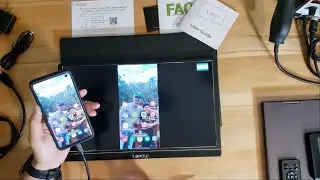
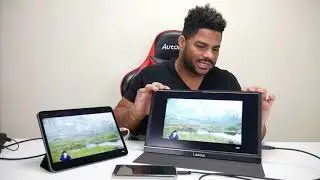
How to mirror Android phone to the M505 portable monitor.
There're two way to connect screen mirroring. This video demonstrates power M505 monitor by the 5V 2A adapter.
If you hope to power the monitor by your smartphone with only one USB-C cable, just enter OSD menu button to enter "Input Source" and select "Yes" for "Charge from NB/PC" so that the smartphone can power to the monitor through M505 USB-C port.
📌Explore On-Lap M505E Monitor
https://bit.ly/3csVxkt
🔔Let's play with On-Lap Monitor!!
Subscribe, hit the notification bell and share if you like our videos🔔
⛳ GeChic Global Fan Page|http://bit.ly/2QJL89q
⛳ GeChic Official Web|https://www.gechic.com/
🛒Where to Buy
https://www.gechic.com/en/buy/
Повторяем попытку...

Доступные форматы для скачивания:
Скачать видео
-
Информация по загрузке: