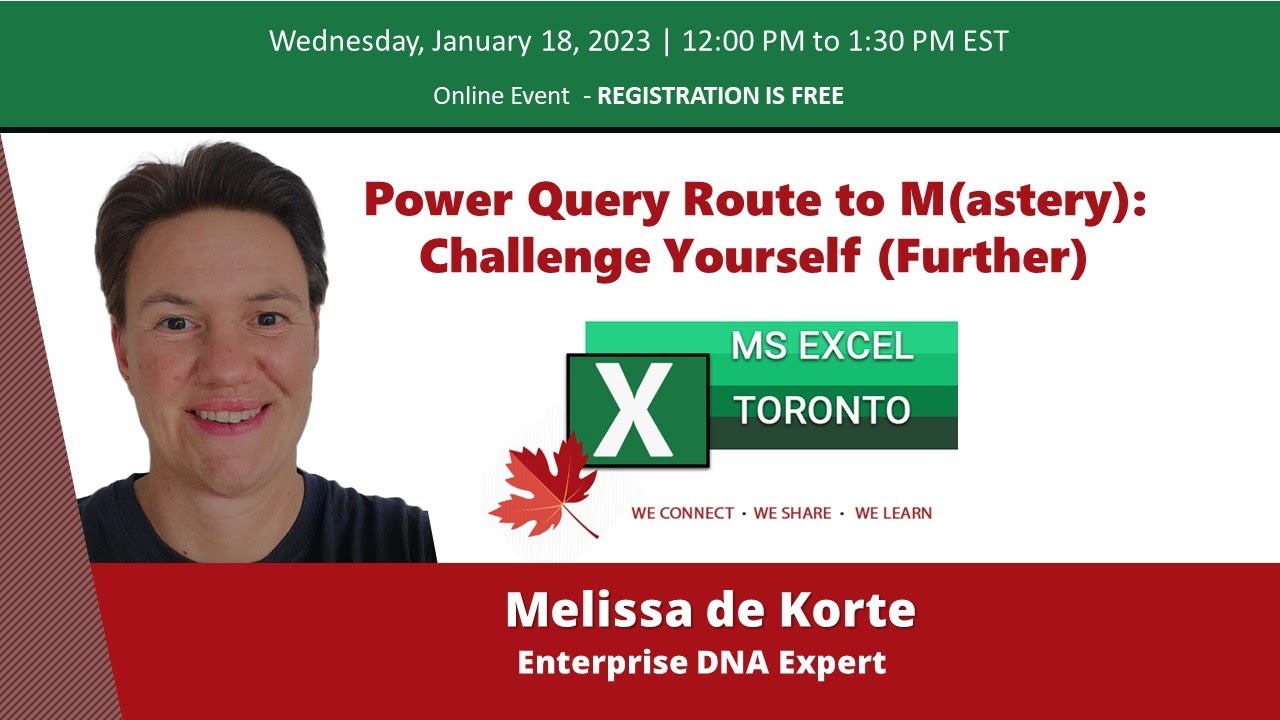
MS Excel Toronto Meetup - Power Query Route to M(astery): Challenge Yourself - Melissa de Korte
Автор: MS Excel Toronto Meetup
Загружено: 2023-01-20
Просмотров: 2462
Описание:
Learn how to AUTOMATE YOUR EXCEL REPORTS in minutes instead of hours without copy-paste or coding: https://snapreportschamp.com/course
Get this ready-to-use Excel solution for 2 and 3 columns of Dependent Dropdown Lists:
https://solveandexcel.ca/dynamic-depe...
_______________________________________________________________________
Session recorded live on January 18, 2023
Learning should be fun and inspiring. Challenges offer both, first practical application of what you’ve learned. Second to make discoveries and get inspired by routes others have taken... In this session, Melissa de Korte works through challenges to illustrate key techniques in Power Query/M. Do you want to boost your Power Query skills, lose your fear of M code or just have fun? Watch this session.
---------------------
About the Speaker: Melissa de Korte
Melissa de Korte is an all-round Power Platform enthusiast and Enterprise DNA Expert. On a mission to share what she's learned, in particular her passion for solving practical problems with Power Query/M.
--------------
Find more about Melissa's work and connect with her:
LinkedIn: linkedin.com/in/melissa-de-korte/
Youtube: EnterpriseDNA
Timestamps
00:00:00 - Celia Alves MS Excel Toronto news and upcoming events
00:05:36- Celia Introduces Melissa de Korte
00:07:25 - Melissa introduces the presentation
00:10:00 - Challenge 1 – transform a single column of stacked data into a table with multiple columns, scenario explained, difference between UI vs manual M Code, create a list of desired column names
00:13:40 -Working with Lists, convert table to list, List.Split, List.Count, Taable.FromRows, rename columns, Table.AddRankingColumn, Table.ReorderColumns
00:21:00 - Challenge 2 – priority and outliers, Table.Partition, Number.From, Table.CountRows, Number.Round, Table.AddRankingColumn with optional argument RankKind.Ordinal, Table.AddColumn to flag rows to exclude using type logical
00:35:40 - Using the & operator to join tables, review of syntax elements used in solution, renaming custom steps, learning M Code
00:43:25 - Challenge 3 – conditional win streak challenge with multiple criteria, Group By with multiple groupings and aggregations, GroupKind.Local vs GroupKind.Global, Table.RowCount, List.Transform, Date.From, List.Count, Number.From, List.Union, Table.SelectRows, projection to select fields to keep
01:08:18 – summary of features used in solution, using comments inside the code as documentation, using descriptive names for variables and steps
01:14:25 – Question using intellisense and wrap up
Повторяем попытку...
Доступные форматы для скачивания:
Скачать видео
-
Информация по загрузке: