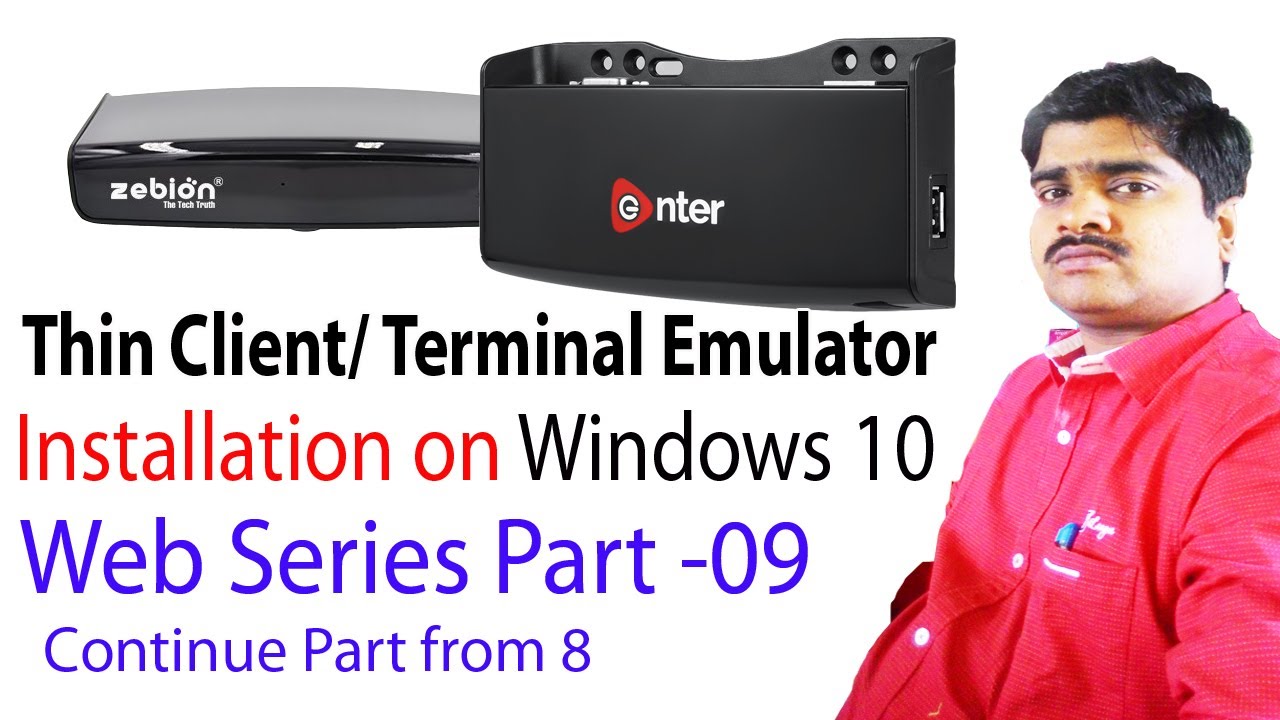
Thin Client Installation Windows 10 Part 2 | Zebion Enter Quantum Setup Complete Guide 2025
Автор: Technical Deepak
Загружено: 2022-04-26
Просмотров: 10843
Описание:
💻 Complete Thin Client Installation on Windows 10 (Part 2) | Zebion, Enter & Quantum Thin Client Setup Tutorial
Learn how to install and configure Zebion, Enter, and Quantum thin clients on Windows 10 with this complete step-by-step guide. This is Part 2 of our comprehensive thin client installation series covering network configuration, IP address setup, and terminal emulator configuration.
✅ What You'll Learn:
✓ Windows 10 thin client installation process
✓ Zebion FL200 thin client setup and configuration
✓ Enter thin client network settings
✓ Quantum thin client IP address configuration
✓ Static IP setup for thin client devices
✓ Network connectivity troubleshooting
✓ Terminal emulator configuration on Windows 10
✓ Remote desktop services setup
✓ Thin client server connection guide
🖥️ Compatible Thin Client Models:
• Zebion FL200 Thin Client
• Zebion 101 Thin Client
• Enter Thin Client Systems
• Quantum QHMPL Thin Client
• G1 Thin Client PC
• Dell Wyse Thin Client
• HP T620 Thin Client
• N-Series Thin Client
⚙️ Network Configuration Steps:
1. Set static IP address (192.168.1.x)
2. Configure subnet mask
3. Connect thin client to main server
4. Test network connectivity
5. Configure terminal settings
6. Enable remote desktop services
🎯 Part 1: • Thin Client Installation Windows 10 Part 2...
📱 Follow Technical Deepak:
Twitter: / saishtech
Facebook: / hitshortfilm
Linkedin: / deepak-ra
#ThinClient #Windows10 #ZebionThinClient #QuantumThinClient #ThinClientSetup #NetworkConfiguration #RemoteDesktop #TechnicalDeepak
Повторяем попытку...
Доступные форматы для скачивания:
Скачать видео
-
Информация по загрузке: