Steps to follow if safari can not open sites in iPhone or iPad
Автор: phoneandpctips
Загружено: 2021-12-23
Просмотров: 590
Описание:
Steps to follow if safari can not open sites in iPhone or iPad
This video also answers some of the queries below:
How to unblock websites on iPhone
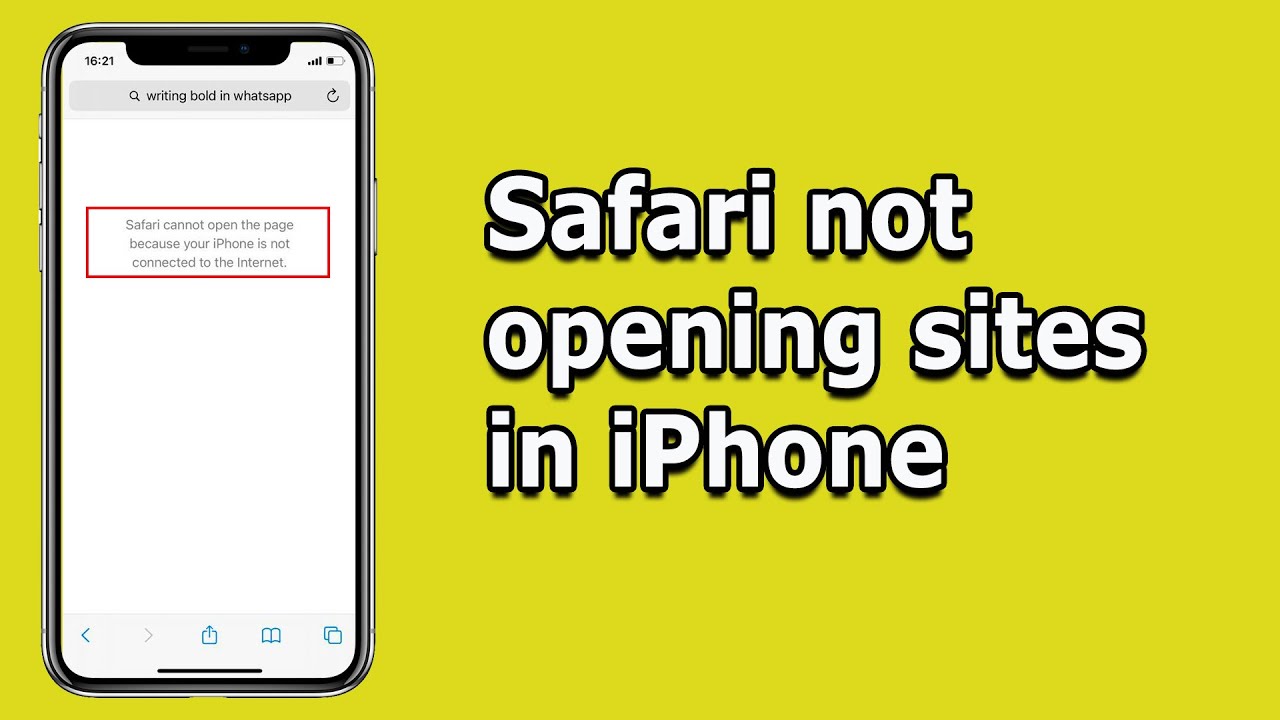
Safari can not open sites in iPhone
Safari not loading pages in iPhone
Safari won't load certain sites
How do you fix safari not loading web pages
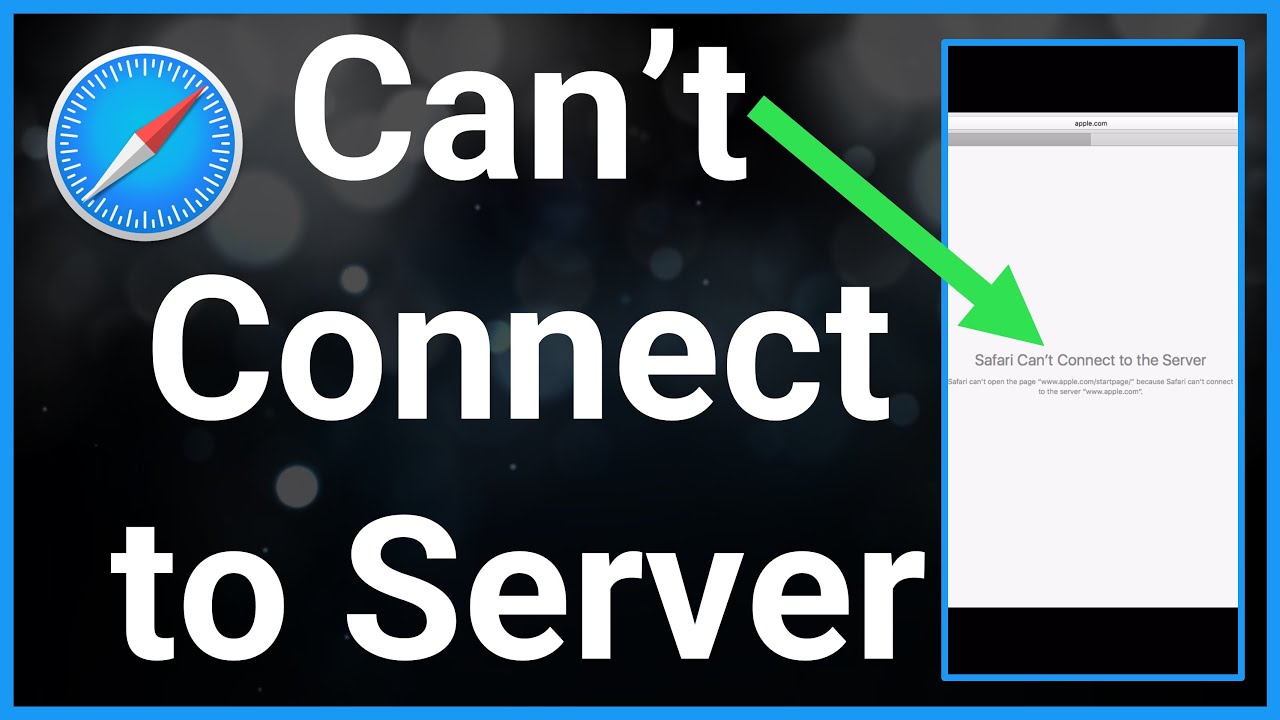
Safari can't connect to the server
Safari can't establish a secure connection
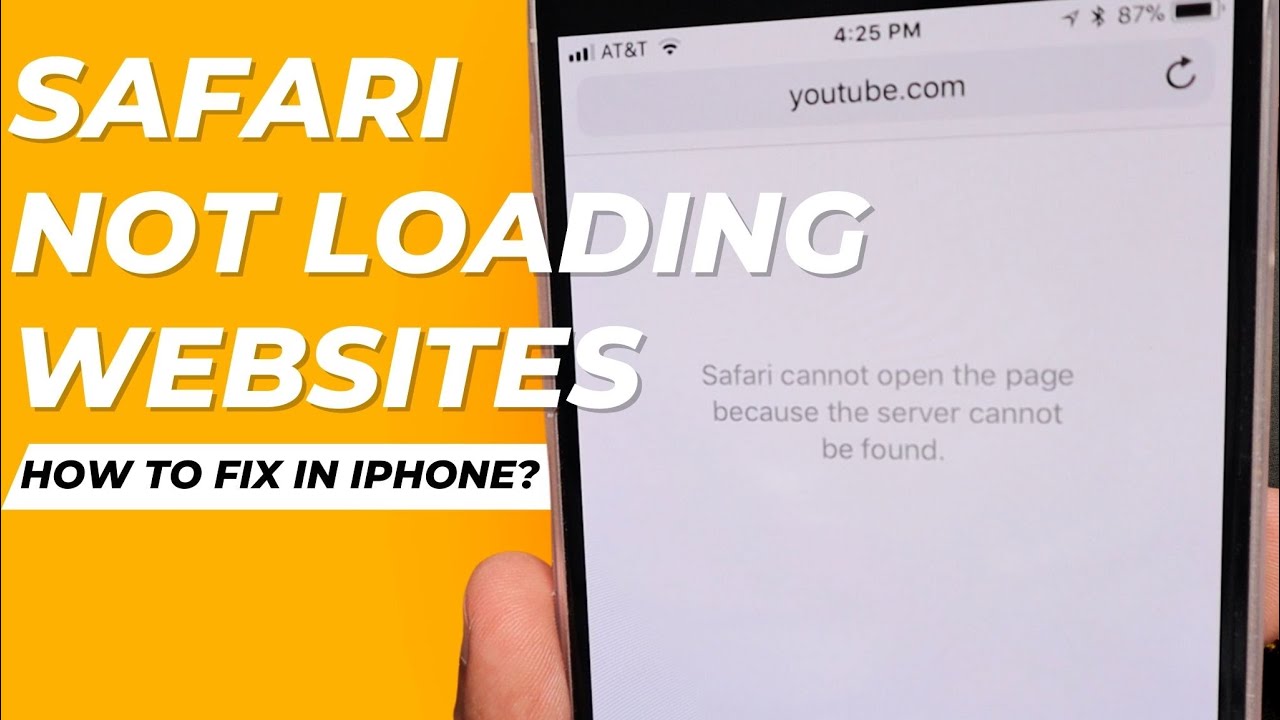
Safari can't open sites because the server can't be found
In case if the safari app cannot open websites in your iPhone then let us see what to do. The first thing that you will do is you will restart your iPhone and you will restart the router. Sometimes restarting the router and iPhone will fix the miner issues. The next thing that we will do is if you are using a VPN app in your iPhone then disconnect the VPN and check if the safari can open the website or not. The next thing that you have to check is you have to see if there is correct date and time displayed in your iPhone or not. If the date and time is not correct then the safari cannot connect to the website. If you want to adjust the date and time you have to go to settings. You have to go to general. Go to date and time and make sure that you have selected this option set automatically so that the date and time will be set correctly. The next thing that you will do after this one is you can reset the network settings. Go to settings here. Go to general. Go to transfer or reset iPhone. Go to reset. Select this option reset network settings. Now once you enter the passcode the network will be reset. So it will reset the settings for mobile data, bluetooth and for your wi-fi. That means you have to enter the password for the wi-fi again. The next thing that you will do is you will go to settings here. You will scroll down and you will go to safari. Open it. Go at the end and select this option advanced. Make sure that you have enabled this option javascript also. Go to this option website data and whatever the data are here you will delete this data. So select this option remove all website data and then select remove now. So once you do this one check if you can open websites with safari or not. Now if you are not able to open certain websites only or if you are able to open only certain websites then what you do go to the settings option.
Go to screen time. Go to this option content and privacy restrictions. Go to this option content restrictions. You have to enter the screen time password if you have used the screen time option and there is an option here web content. Now here there are three options. If you select this option unrestricted access almost all of the websites can be opened. If you select this option limit adult websites then the adult websites which are not suitable for children will be blocked and if you select this option allowed websites only then only the websites which are listed here will be opened. So if you want all the websites to be open you have to select this option unrestricted access. So do all of these things and hopefully you should be able to open websites by using the safari app in your iPhone.
Subscribe to my YouTube channel: / @kundanbhattarai
Watch some of our videos:
How to activate and show followers on Facebook profile using phone
https://studio.youtube.com/video/yqd2...
iPhone apps keeps crashing frequently
https://studio.youtube.com/video/rS8L...
How to download videos from Google drive
https://studio.youtube.com/video/pXs0...
Play store not downloading apps
https://studio.youtube.com/video/aMKj...
#safarinotopeningsites
#safarinotloadingpages
Повторяем попытку...
Доступные форматы для скачивания:
Скачать видео
-
Информация по загрузке: