How to Make a QR Code Menu With Photos (Step by Step)
Автор: QRvora
Загружено: 2026-11-05
Просмотров: 3044
Описание:
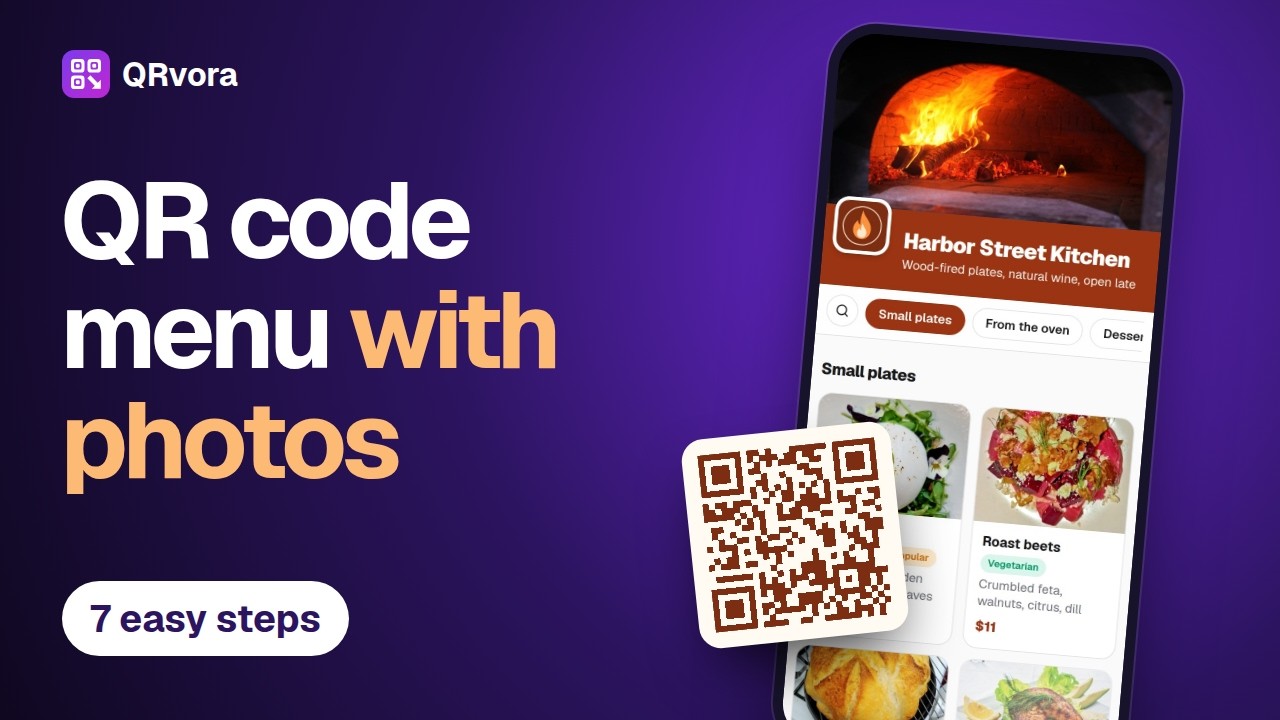
Build a QR code menu for your restaurant in 7 steps, with photos, prices, tags and your own branding. When a price changes, you edit the menu and keep the printed code.
Start free, no card needed: https://qrvora.com/?utm_source=youtub...
Written guide: https://qrvora.com/blog/qr-code-menu-...
See the finished menu: https://qrvora.com/example/menu?utm_s...
0:00 What we're building
0:15 Step 1: Create your code
0:28 Step 2: Name your menu
0:54 Step 3: Add your dishes
1:18 Step 4: Add photos and details
1:53 Step 5: Add details and branding
2:13 Step 6: Design your QR code
2:32 Step 7: Test and print
2:51 What's next
Paste format for step 3, one dish per line:
Burrata - 14 - Basil pesto, garden peas, peppery leaves
Good to know:
Item photos and the cover photo work on every plan.
The Photo cards and Dark looks, and your logo on the page, start on the Starter plan.
For a table card, make the code at least 4 to 5 cm wide (about 2 inches).
The restaurant is a sample. Plan features can change: see the pricing page for current limits.
#QRCode #QRCodeMenu #RestaurantMarketing
Повторяем попытку...
Доступные форматы для скачивания:
Скачать видео
-
Информация по загрузке: