Jio launches news app - jiomeet || jiomeet vs zoom || best video conferencing app || best features||
Автор: TECH F.A.Q
Загружено: 2020-07-04
Просмотров: 108
Описание:
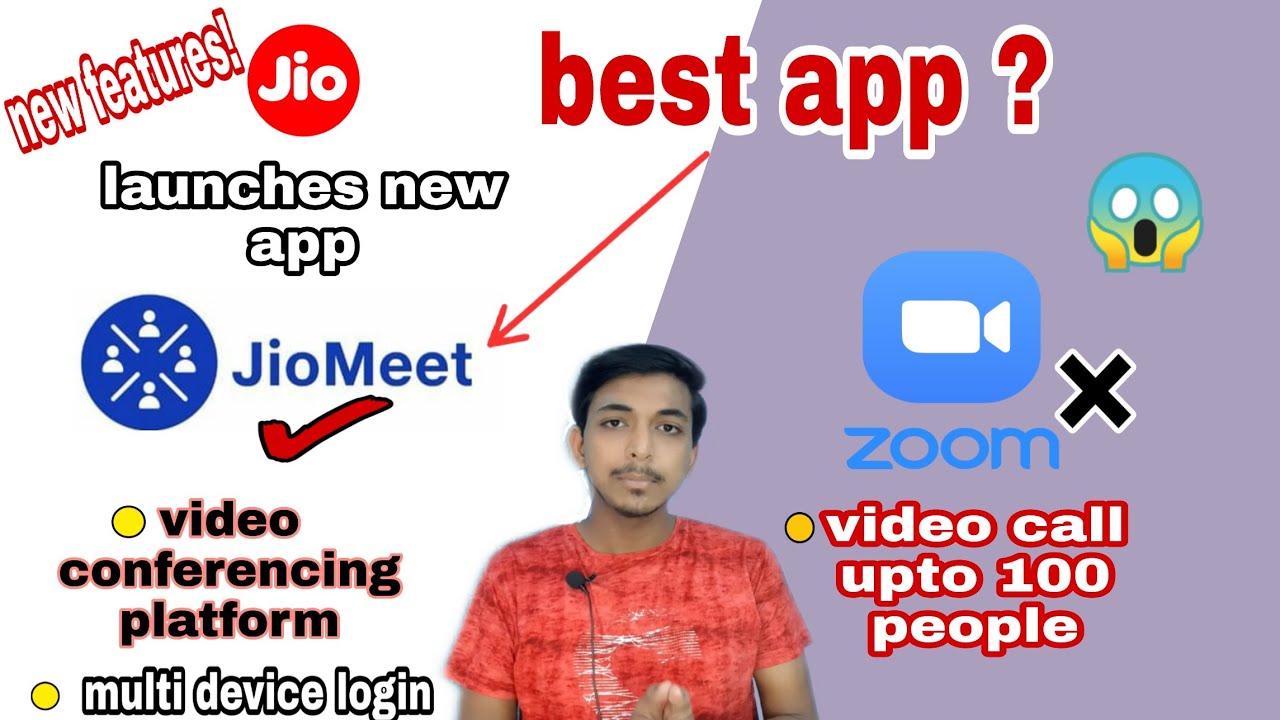
Hey Guys, Welcome to TEC F.A.Q channel. In this video, i am telling you about jiomeet which is a new app launches by reliance jio company. It's a video conferencing app which let you directly video call to other person one-on-one and group video call upto 100 participants. This app is similar to "zoom app" which is also a video conferencing app and available on play store before jiomeet. Both apps have same features and also different features. So it is interesting to know which app is best...
Jiomeet is a indian app while zoom is an american app which shares same platform.
There are many features in jiomeet which are not available in zoom app like "multi-device login upto 5 device" this feature is not available in zoom and zoom app also have some privacy issues, therefore zoom app is not good for you and your data privacy. but, asa of now, jiomeet is new to all therefore it is hard to say that this app don't have issues. we will got that after we use it .
Jiomeet Feature Highlights
• Easy sign up with either Mobile Number or Email ID
• Meeting in HD Audio and Video quality
• Create instant meeting and start inviting friends
• Schedule a meeting in advance and share meeting details with invitees
• Active Speaker view layout
• Unlimited Meetings per day
• Each meeting can go uninterrupted up to 24hrs
• Each meeting is password protected
• Host can enable ‘Waiting Room’ to ensure no participant joins without permission
• Create Groups and start calling/chatting on single click
• Share Screen and start collaborating
• Use ‘Safe Driving Mode’ while driving
• Use JioMeet on Android, Windows, iOS, Mac, SIP/H.323 systems
• Multi-device login support up to 5 devices
• Seamlessly switch from one device to other while on call
Zoom Feature Highlights
★ KEY FEATURES ★
✔Best Android video meeting quality
✔Best Android screen sharing quality
✔Screen share directly from your Android device
✔Screen share photos, web and Google Drive, Dropbox or Box files
✔Send group text, images and audio from mobile and desktop
✔Contact availability status
✔Easily invite phone, email or company contacts
✔Join as interactive participant or view-only webinar attendee
✔Works over WiFi, 4G/LTE and 3G networks
✔Safe driving mode while on the road
✔Connect with anyone on Android, other mobile devices, Windows, Mac, iOS, ZoomPresence, H.323/SIP room systems, and telephones
.................................................................................
Accessories used in video recording
Smartphone - Samsung galaxy M30s
Mic - Techlicious 3.5mm mic
Light - Any ring light
.................................................................................
.................................................................................
Follow me on social media
facebook - TECH F.A.Q
instagram - techfaq1
.................................................................................
.................................................................................
Music used in video
1st music - Book_The_Rental_wit_It. (youtube audio library)
.................................................................................
So, If you like the video, then hit the thumbs up button and subscribe the channel also..
THANKS FOR WATCHING..... :)
Повторяем попытку...
Доступные форматы для скачивания:
Скачать видео
-
Информация по загрузке: