How To Repair DVR Step by step in Bangla Tutorial
Автор: Ashik Computer and Hardware Lab
Загружено: 2024-03-01
Просмотров: 1747
Описание:
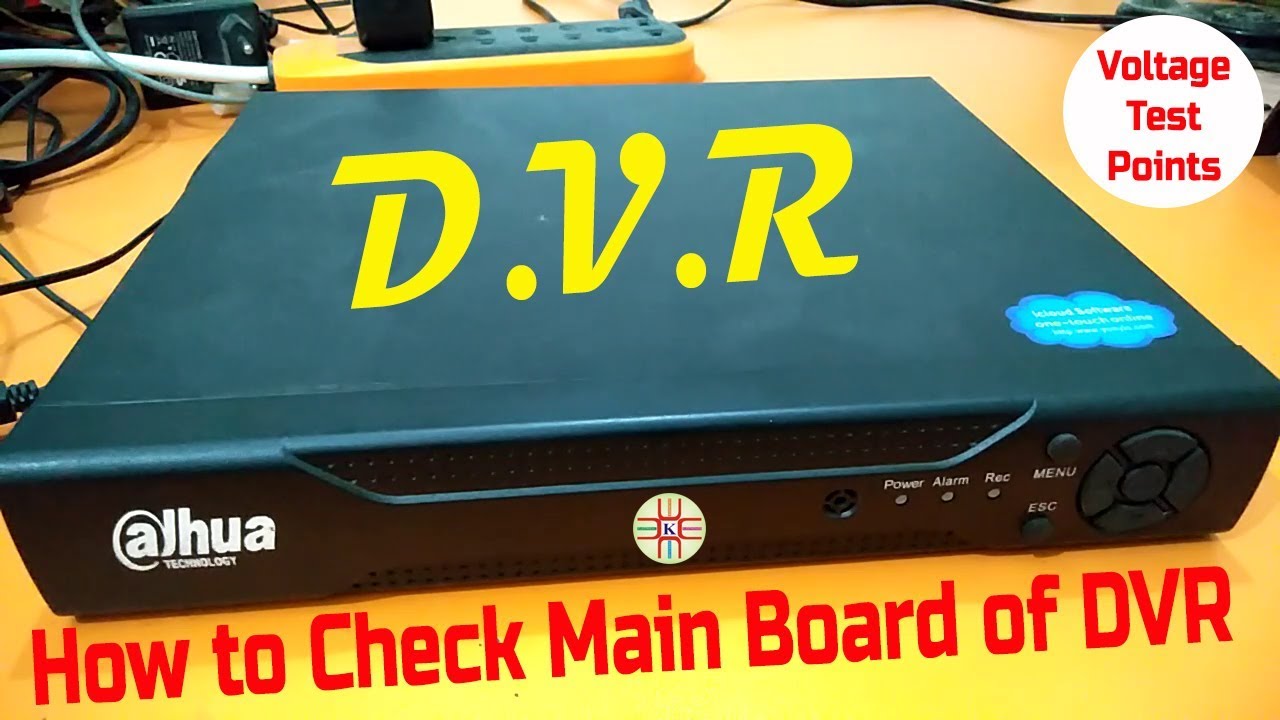
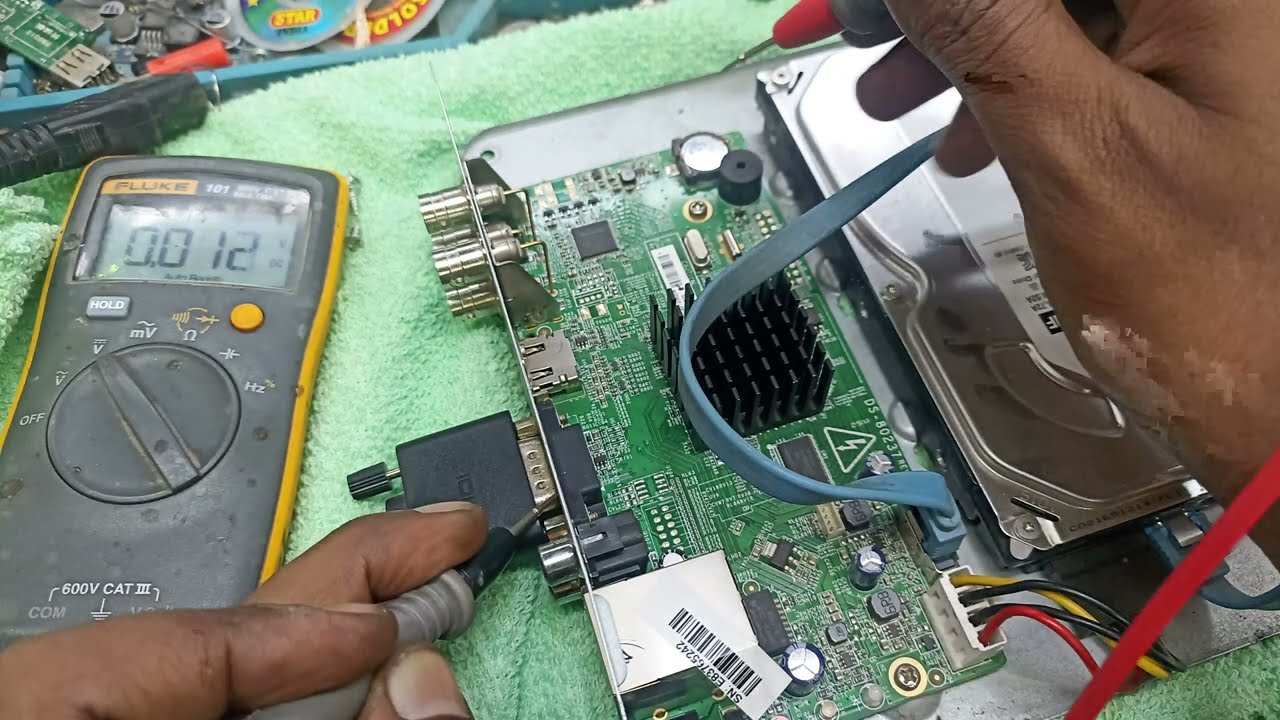
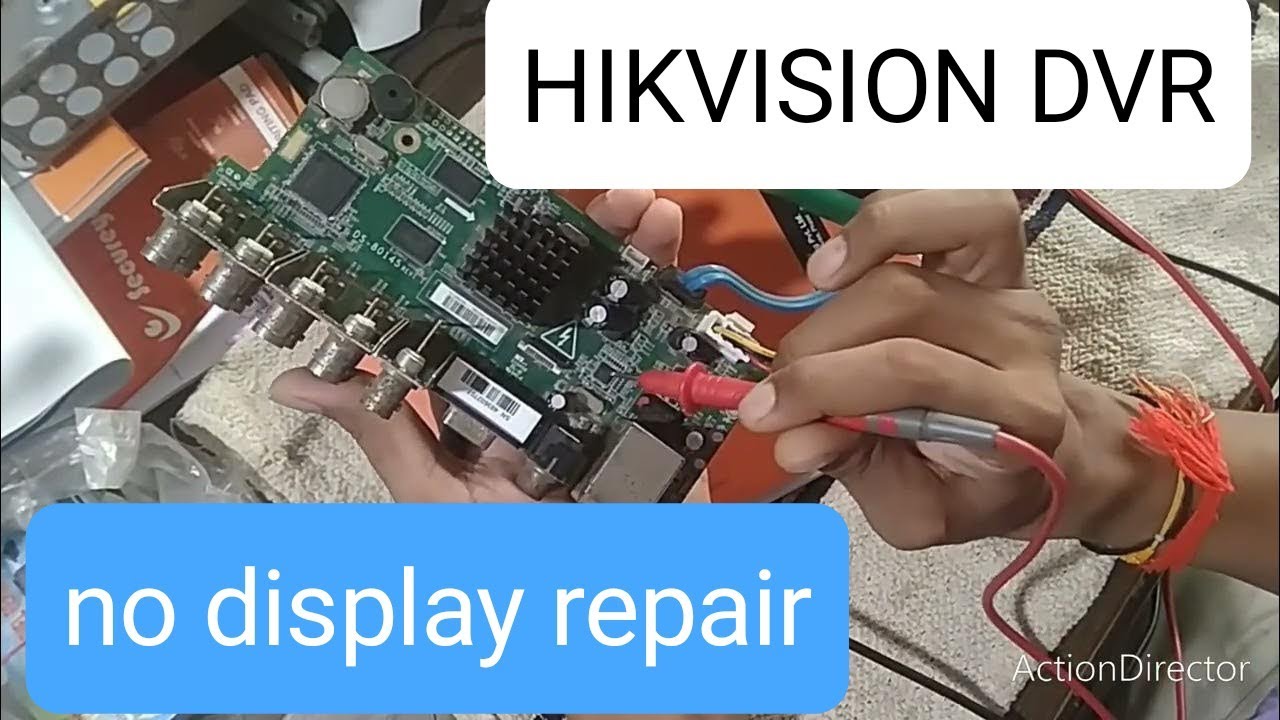
Repairing a CCTV DVR typically involves diagnosing the specific issue and then addressing it accordingly. Common problems include hardware failures, software glitches, or connectivity issues. Here are some steps you can take:
1. *Power Cycling:* Turn off the DVR, unplug it from the power source, wait for a few minutes, then plug it back in and turn it on again. Sometimes, this simple reset can fix minor issues.
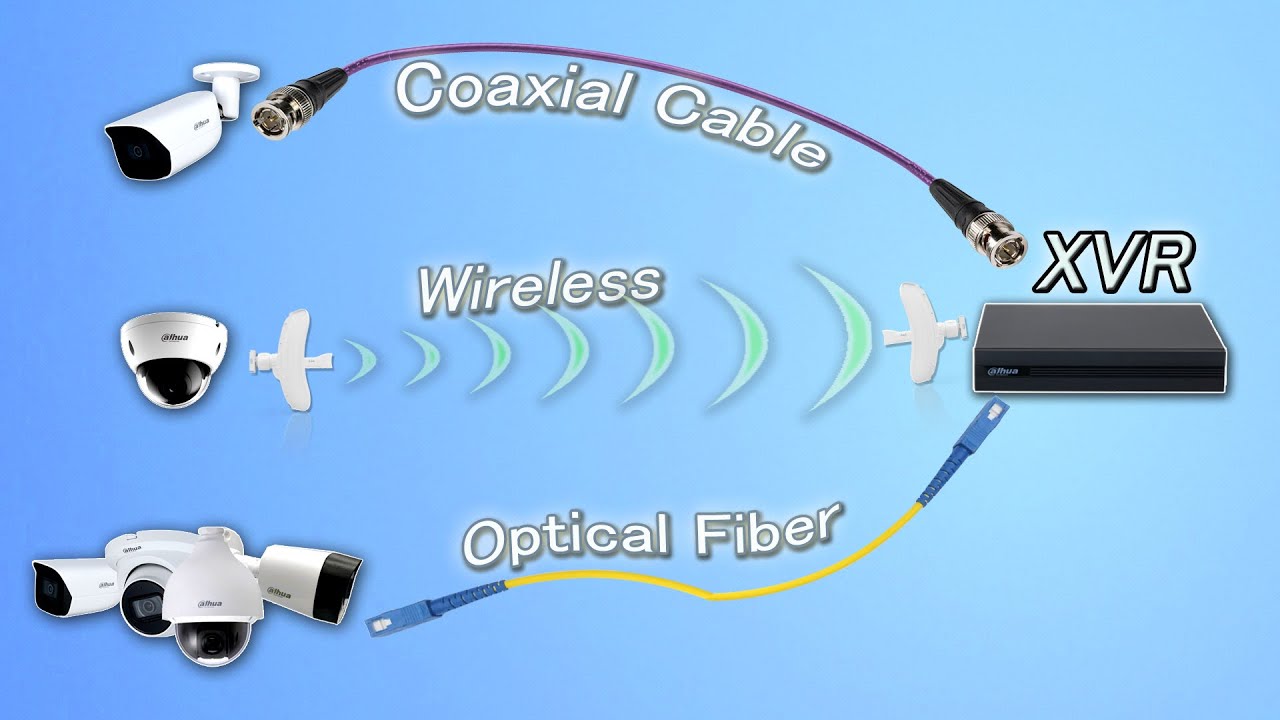
2. *Check Connections:* Ensure all cables connecting the DVR to cameras, monitors, and power sources are securely plugged in. Loose connections can cause signal loss or interruptions.
3. *Check Power Supply:* Verify that the power supply to the DVR is stable and sufficient. Faulty power sources can cause malfunctions or damage to the device.
4. *Check Hard Drive:* If the DVR records footage, check if the hard drive is functioning properly. A failing hard drive can cause recording issues or system crashes.
5. *Update Firmware:* If possible, check if there are any firmware updates available for your DVR model. Updating the firmware can sometimes resolve software-related issues and improve system stability.
6. *Professional Help:* If you're unable to diagnose or fix the issue on your own, consider contacting a professional CCTV technician or the manufacturer's customer support for assistance. They can provide further guidance or repair services if needed.
Remember to exercise caution when troubleshooting electronic devices, especially if they involve opening up the equipment. If you're not comfortable with DIY repairs, it's best to seek professional help to avoid causing further damage.
Повторяем попытку...

Доступные форматы для скачивания:
Скачать видео
-
Информация по загрузке: