How to set privacy passcode for app lock in Oppo A3S
Автор: 5-Minutes Tech
Загружено: 2018-12-13
Просмотров: 3513386
Описание:
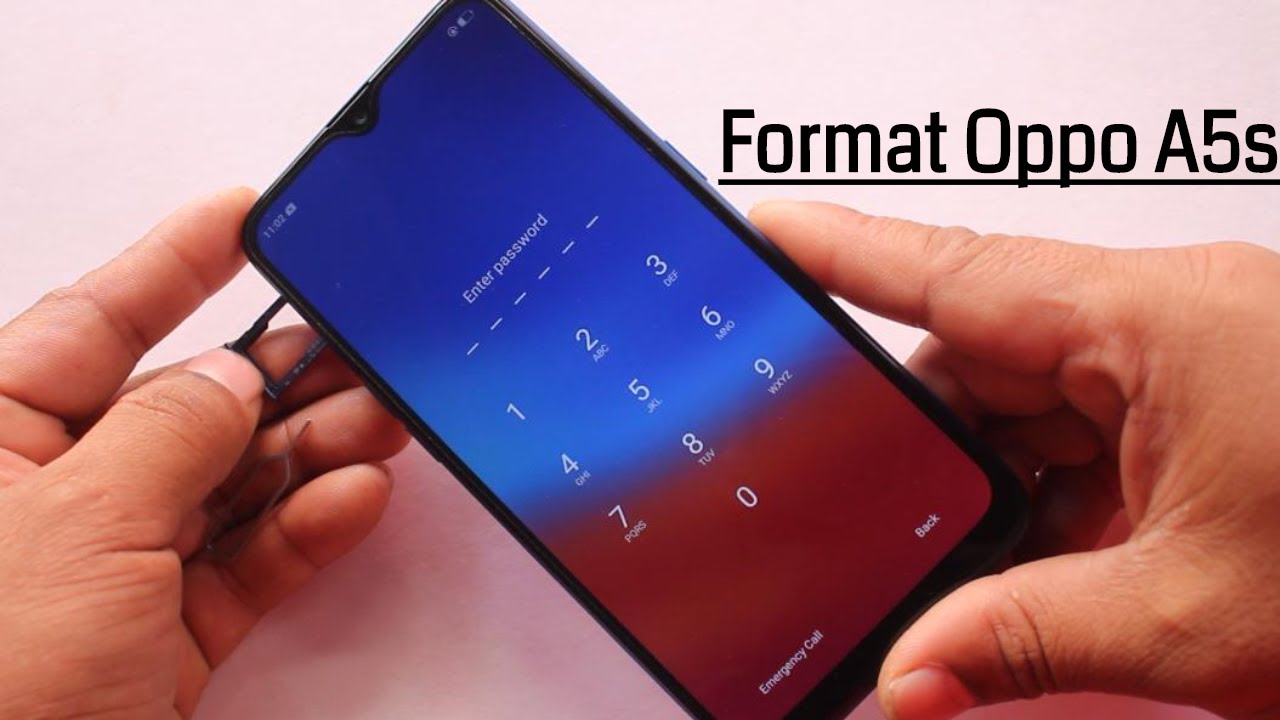
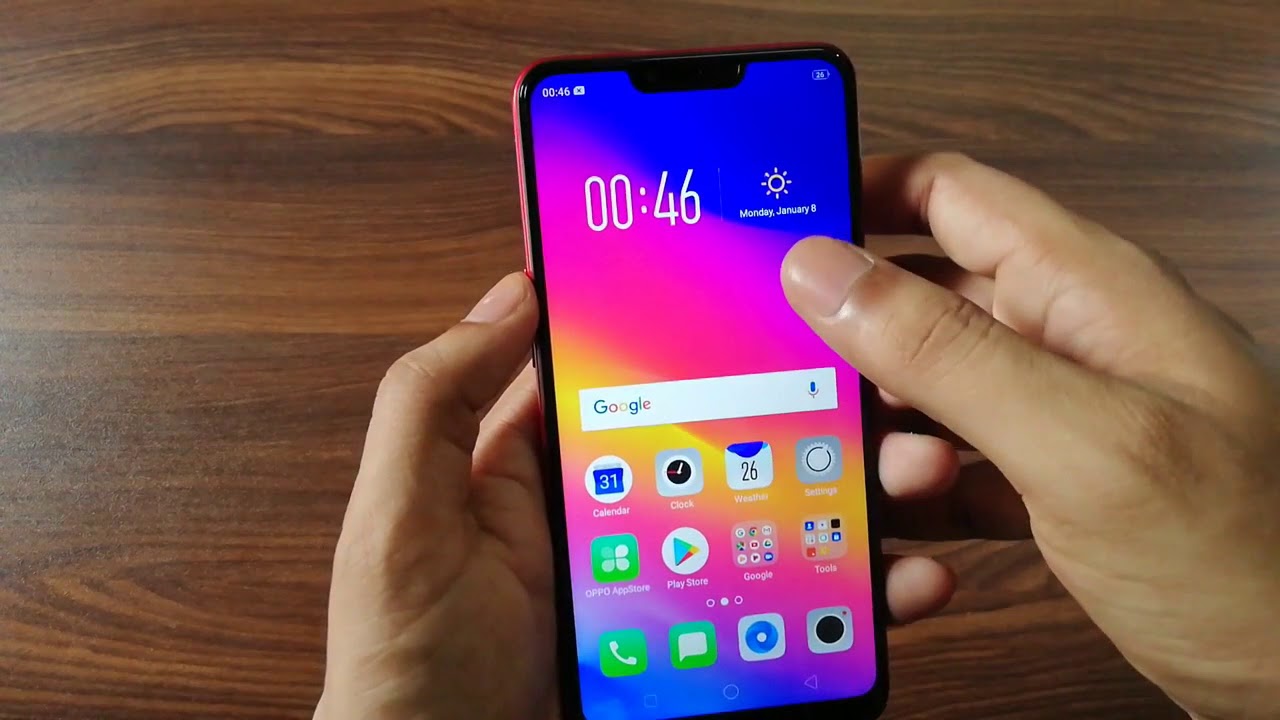
Oppo A3S app lock privacy passcode settings: Go to settings and click on face and passcode in Oppo A3S smartphone. Now click on privacy passcode and turn on the privacy passcode option. Now the Oppo A3S will ask you to set new privacy passcode. Enter any 6 digit number that you want to set as privacy passcode for app lock in Oppo A3S smartphone. Again you have to give the same 6 digit number to verify. Now go to app lock in settings and select the desired app that you want to put a lock. So the app in lock will be set as private and without the privacy passcode no can access those app. It will be your privacy. That'all... Enjoy...
Buy latest phone from Samsung : https://amzn.to/2LXAzOG
Do you want to buy another phone Oppo A74 5G online for you or your friends, here is the link by which you can get another Oppo A74. 6GB RAM and 128 GB internal memory storage. Buy link : https://amzn.to/3ENfjUA
Повторяем попытку...

Доступные форматы для скачивания:
Скачать видео
-
Информация по загрузке: