LG Remote Not Working? Try LG Remote App:Remote for LG: Smart Remote (Easy Solution)
Автор: BoostVision
Загружено: 2022-11-27
Просмотров: 1173282
Описание:
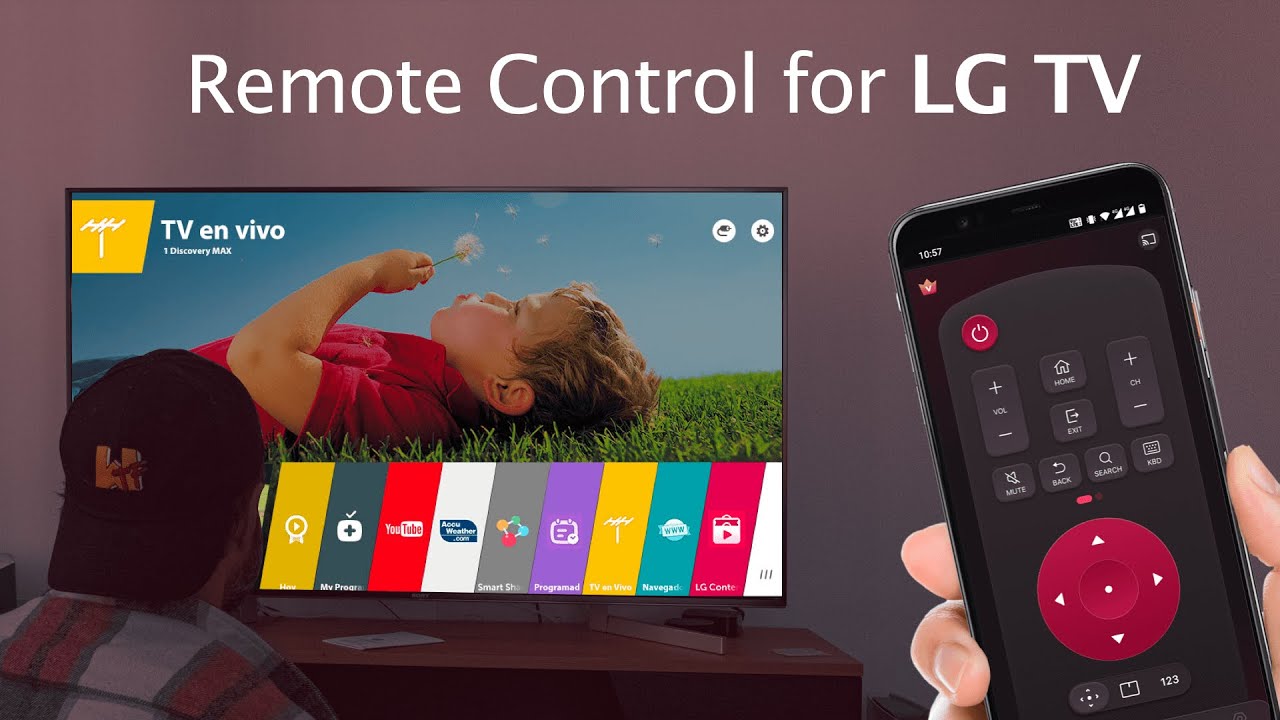
Remote for LG: Smart Remote is a software application that allows you to control the LG smart TV using your mobile device such as a smartphone or tablet.
Get the App! https://bit.ly/3qHXWTX
This LG remote app typically uses Wi-Fi to communicate with the LG smart TV it controls, allowing users to turn on/off WebOS TV, change channels, adjust volume, touchpad control, keyboard input, mirror mobile screens to TV with low latency and cast local media files and web videos to LG TVs in high quality.
The LG remote control app can be downloaded from Google Play Store, and can be used on devices running Android operating system 7.0 and later. It is a convenient alternative to traditional LG remote control and can provide added functionality and convenience for users who prefer to control their LG WebOS TV from their mobile devices.
As a universal remote for LG TVs, the LG magic remote app is compatible with most LG Smart TVs released from 2012 onwards, including the popular LG OLED TVs, LG TV plus and Netcast models of 2012 and later.
Main Features:
Remote control for LG TV with easy operation
Power On/Off LG TVs with just one tap
Enter text to LG WebOS TV when needed
Launch favorite channels and apps on smart TV
Mirror phone/tablet screen to TV in high definition
Cast local photos/videos from Android phones to LG TVs
Cast web videos to LG TVs with AI ThinQ
Steps of Connecting the LG remote app with LG smart TV:
1. Make sure your LG WebOS TV is connected to the same WiFi network as the smartify remote app.
2. Turn on your phone/tablet's WiFi and connect this LG replacement remote to the same network as your TV.
3. On the LG TV remote app, tap any button on the app interface and select your LG Smart TV from the list of available devices to connect with.
4. Connection completed! You can enjoy the convenience of controlling your LG TV from your phone without worrying about the physical LG remote control not working.
Tips:
• LG Remote Control App can only work when connected to the same WiFi network as your LG TV device.
• If you experience disconnection issues with your WebOS TV, try reinstalling the LG WiFi remote app and rebooting the TV.
📣Know More About Our Apps📣
✨BoostVision's Own Site: https://www.boostvision.tv/app/lg-tv-...
✨BoostVision's Apps on AppleStore: https://apple.co/45OEOCf
✨BoostVision's Apps on GooglePlay: https://bit.ly/3Rf6mgr
✨BoostVision's Apps on WindowsStore: https://bit.ly/45toXJE
▶Subscribe for more future content◀
#lg remote #lg remote control #lg control #lg remote not working # remote for lg #lg remote replacement
Повторяем попытку...
Доступные форматы для скачивания:
Скачать видео
-
Информация по загрузке:

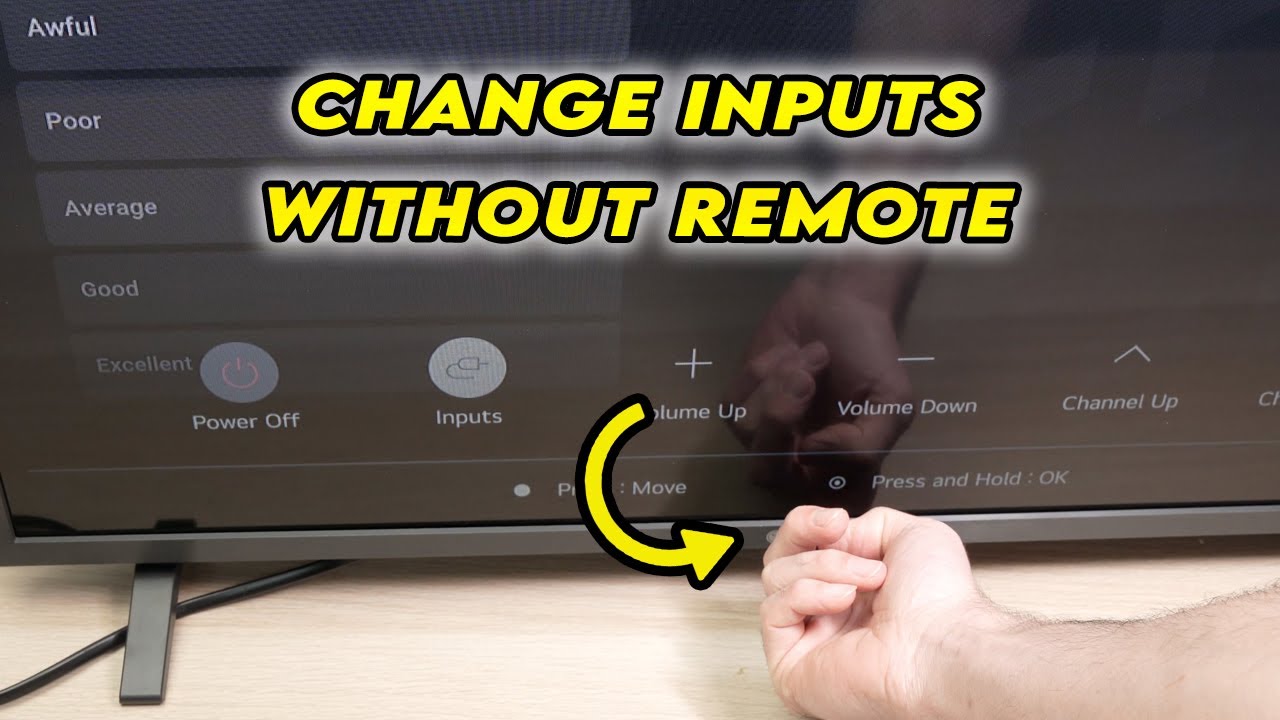


![[Телевизор LG] Не работает пульт? Сбросьте настройки, выполнив следующие действия.](https://imager.clipsaver.ru/2BovMBPlnzE/max.jpg)