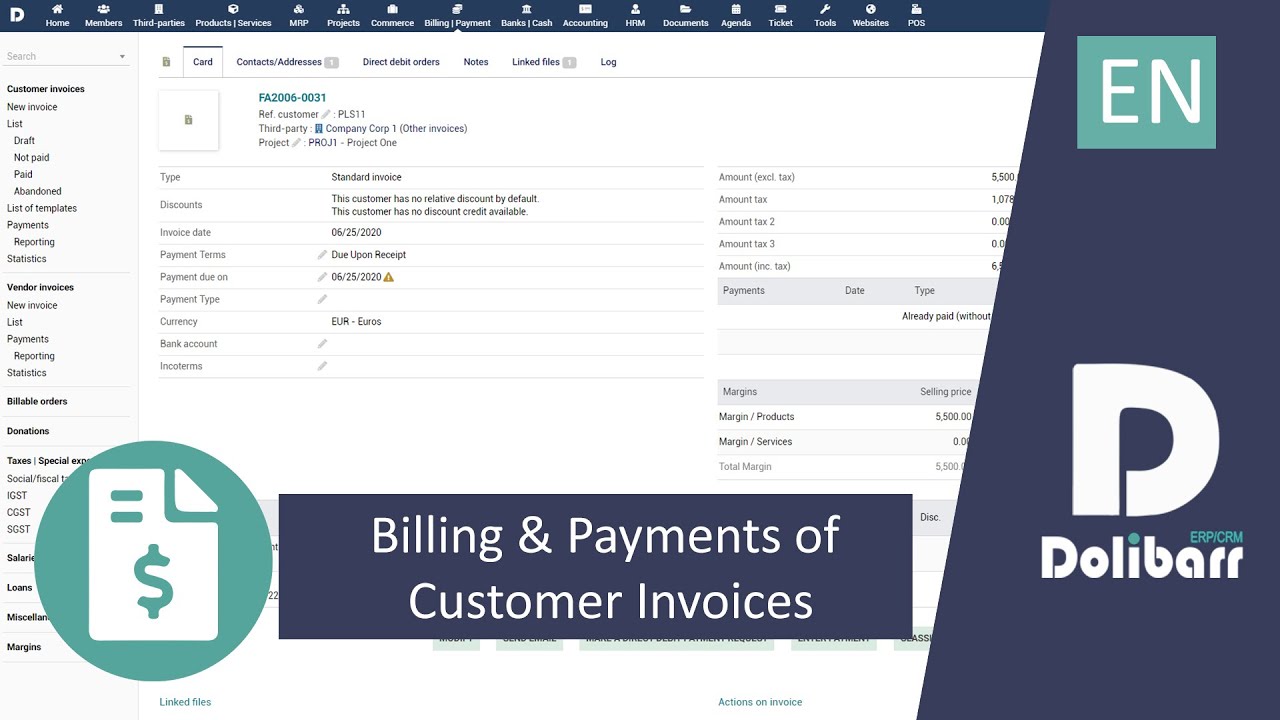
Tutorial 10 - EN - Billing and payments of customer invoice in Dolibarr ERP CRM
Автор: Dolibarr ERP & CRM - Tutorials, Conferences...
Загружено: 2020-08-17
Просмотров: 24645
Описание:
Manage your invoices and payments with Dolibarr ERP CRM - English version
Customer invoices can be created from a commercial proposal or sales order that has been validated and approved. In this scenario, all the information available in the commercial proposal or sales order such as the customer details, payment terms, and the list of products and services are copied automatically into the invoice. If a customer invoice needs correction, then you can issue a credit note invoice for the same.
Once created, the customer invoice can be emailed directly to the customer. Payments made by the customer can be recorded into the system against the invoice. Dolibarr supports partial payments and automatically closes invoices when the full payment has been received. Excess payments can be converted into discounts, which are then made available for use when issuing the next invoice to the same customer.
If you need custom fields to capture any additional information in the invoice, you can use the custom fields option to add any number of fields to the invoice (See 8:27 for an illustration)
Introduction: (0:00)
Prerequisites: (0:14)
Creating an Invoice: (0:47)
Choosing the Invoice Type: (2:07)
Validating and Sending the Invoice: (3:53)
Invoices - Payments: (4:30)
Invoices - Module Features: (7:09)
Adding Custom Fields: (8:27)
Conclusion: (8:43)
#dolibarr #erp #crm #invoice #billing
Повторяем попытку...
Доступные форматы для скачивания:
Скачать видео
-
Информация по загрузке: