How to Export Data from Trello (2026 Official Backup & CSV Guide)
Автор: Guidr
Загружено: 2026-04-14
Просмотров: 4
Описание:
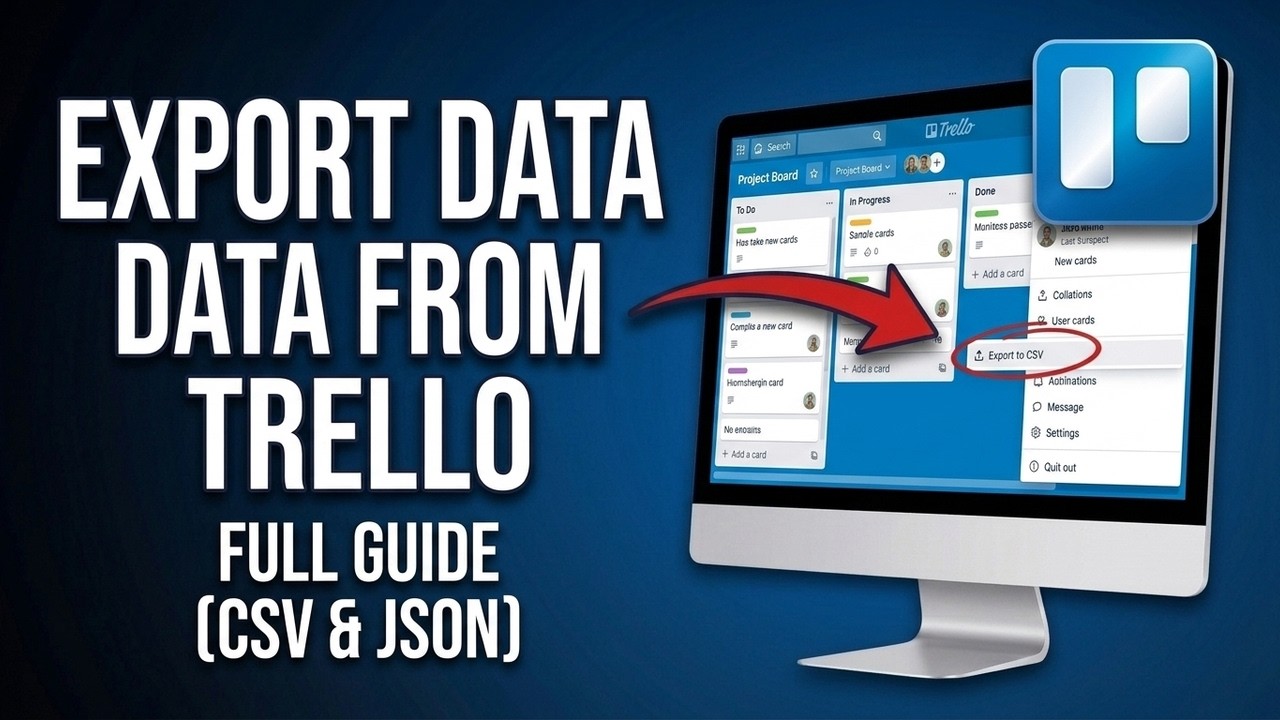
Need a backup of your hard work? In this video, I’m showing you the official April 2026 method to export your data from Trello so you can use it in Excel, Google Sheets, or other project management tools.
In 2026, Trello has simplified the export process for everyone. I’ll walk you through the updated Export Hub, show you how to generate a clean CSV file for your spreadsheets, and explain how the JSON export works for developers and full-board backups. Whether you're moving data for a client or just keeping a personal archive, this 3-minute guide is all you need.
What you’ll learn in this video:
✅ The 2026 Export Hub: Navigating to Menu More Print, Export, and Share in the updated Trello UI.
✅ Export as CSV: How to get your board into Excel or Google Sheets using the now-standard 2026 free export feature.
✅ The JSON Backup: Why the JSON file is the "gold standard" for saving every detail, label, and comment on your board.
✅ The .CSV Browser Trick: Does the classic "add .csv to the URL" shortcut still work in 2026? (Spoilers: Yes, and I'll show you how!).
✅ Exporting Attachments: A quick look at the 2026 Premium Power-Ups that allow you to download all card files in one zip folder.
✅ PDF & Print Layouts: How to save a visual snapshot of your Trello board for professional reports or physical printing.
✅ Automated Backups: Using the 2026 Butler (Automation) to schedule weekly data exports to your Google Drive.
Protect your data and take your project analysis further with the latest 2026 Trello export tools!
If this 2026 Trello tutorial helped you secure your data, please Like the video and Subscribe for more project management tips and tech hacks!
Повторяем попытку...
Доступные форматы для скачивания:
Скачать видео
-
Информация по загрузке: