PS4 Update Error Code SU-42118-6 NEW FIXES
Автор: Zadius Tech
Загружено: 2021-04-24
Просмотров: 35396
Описание:
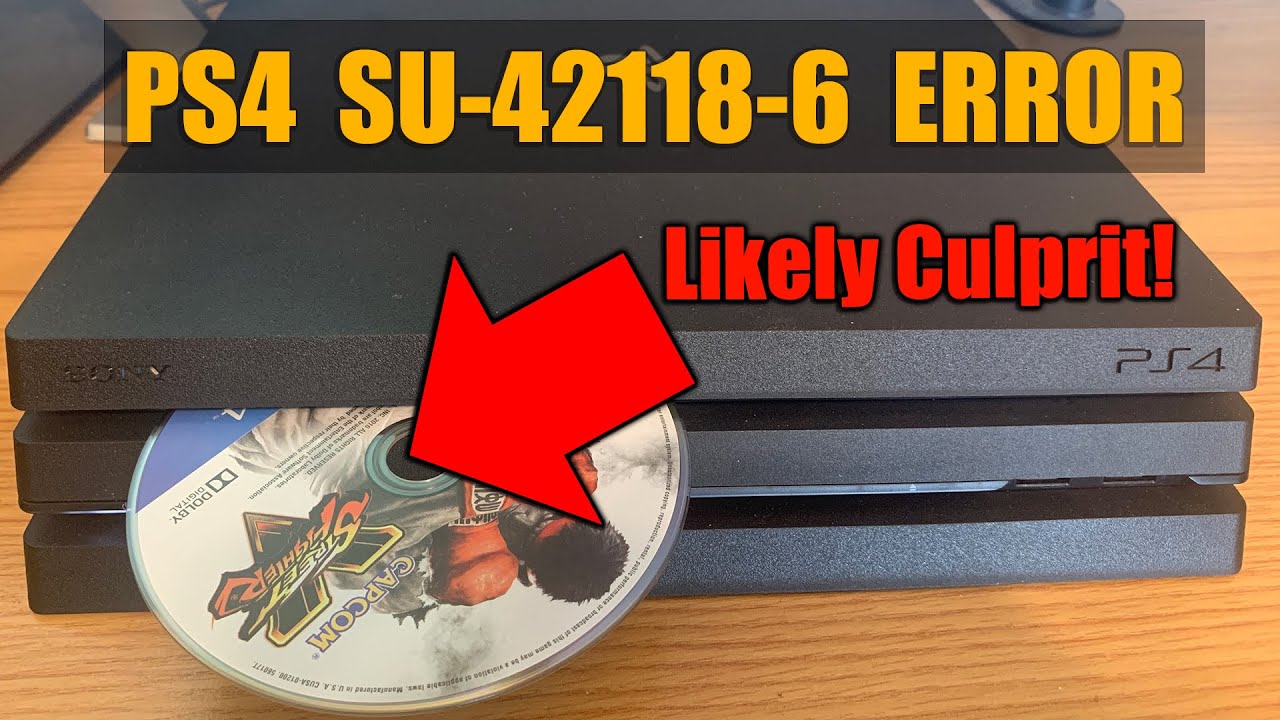
In this video I show you how to fix PS4 8.50 Update error code SU-42118-6. This error was introduced with the 8.50 PS4 update and usually happens after the PS4 tries to install the update and then fails. The likely culprit of getting this error surprisingly is that your optical drive on your PS4 is not working properly. Watch this video to find out what you can do if your PS4 is getting error SU-42118-6 when trying to install PS4 8.50 update AND your optical drive is not working. Some users have reported that there PS4 is still working, however the 8.50 update simply won't install, while others have reported that the PS4 8.50 update has rendered their PS4 unusable and they are stuck in a Safe Mode loop. Watch this video to find out how to fix your PS4 and get it working again.
Replacement Optical Drive Ribbon Flex Cable: https://geni.us/FvYnv2 (Amazon)
Replacement PS4 Blu-ray Optical Drive: https://geni.us/ayzvhf (Amazon)
F6202 Replacement Fuse for PS4: https://ebay.us/i2gtD5
Compatible PS4 USB Replacement Cable: https://geni.us/VKdi (Amazon)
Compatible PS4 replacement hard drive: https://geni.us/vPBGJB (Amazon)
DISCLAIMER: This video, description, and comments contain affiliate links, which means that if you click on one of the product links, I’ll receive a small commission. This helps support the channel and allows us to continue to make videos like this. Thank you for the support!
Повторяем попытку...
Доступные форматы для скачивания:
Скачать видео
-
Информация по загрузке:


