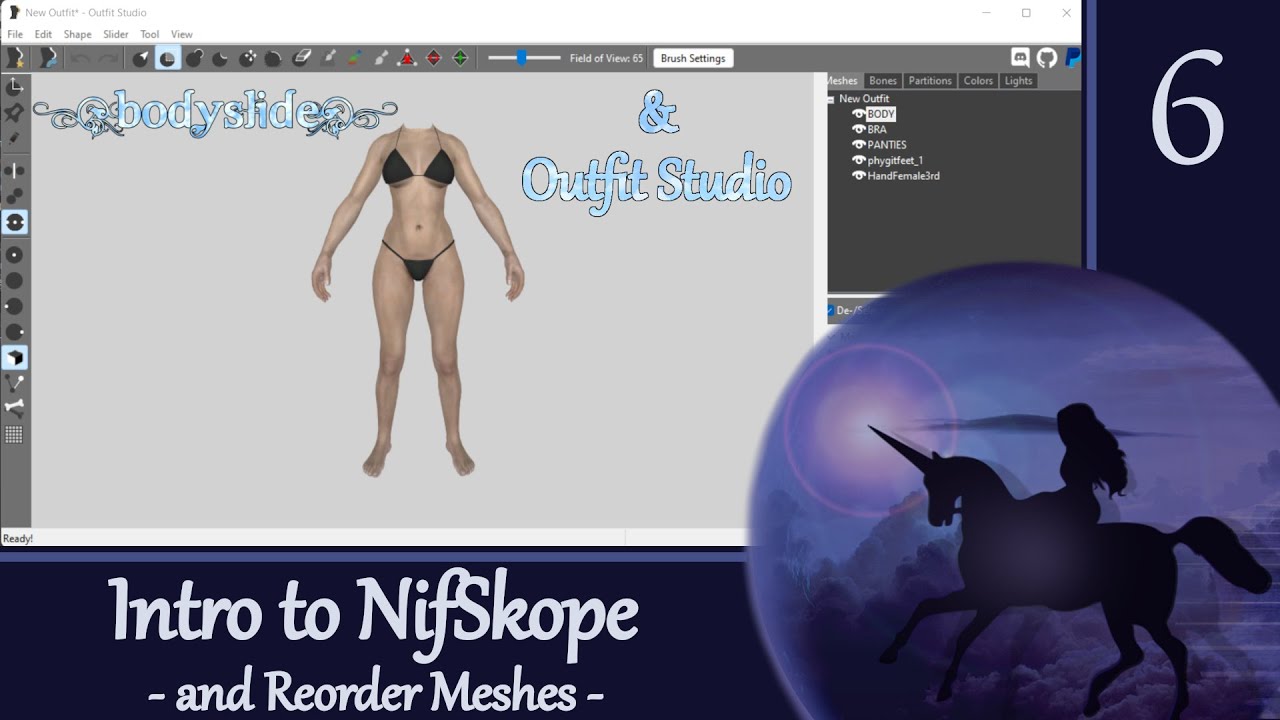
Outfit Studio 6: Intro to NifSkope (and how to reorder meshes)
Автор: Mom's Gaming Channel (Ciraeyna)
Загружено: 2023-07-09
Просмотров: 12775
Описание:
This video is a tutorial for beginners on how to install NifSkope, set NifSkope as the default app for opening NIF files when you double-click on them, open multiple NifSkope windows at the same time, get a rough idea of how to navigate the NifSkope window, and re-order mesh pieces in NifSkope by cutting and pasting branches in the Block List.
Between this video and a future one I have planned about optimizing NIFs, I will only be scratching the surface of what NifSkope can do. While I am reasonably fluent in using NifSkope in the outfit workflow process, I do not claim to be a great expert, as there are many functionalities I have never used. The only ‘real’ NifSkope activity I will be showing in this video is how to re-order meshes because that is the first thing we will need to do in the upcoming tutorials. Also note that there is so much to learn about NifSkope that it can be rather overwhelming, and I did not want to explode anyone’s brain. We will use NifSkope more in later videos, and I will parse out the necessary information as it is needed.
I consider NifSkope to be an indispensable tool for doing outfit work for Skyrim. Get it, learn it, use it. If you are eager to jump right in - or are just looking for specific info, tips or tricks - there are some great resources that you can use to help understand its capabilities. Please see the links below for some good sources of information I have found.
This video is intended for beginners, so I will be going slow and explaining in detail. If you would like to follow along with me, please download and install the mod I created as a companion to this tutorial series. You can find the mod link, “Simply for Practice,” in the RESOURCES below.
• Outfit Studio Tutorials
• BodySlide Tutorials
TIMESTAMPS
00:00 Outfit Studio 6: Intro to NifSkope
01:41 Quick Reference Guide
02:06 Step 1: Install NifSkope
04:21 Step 2: Set NifSkope as default for opening NIFs
06:17 Step 3: Add texture paths to Resources
12:26 Step 4: Open multiple NIFs at the same time
14:10 Step 5: WTH is this? (Navigate the NifSkope window)
15:25 Step 6: Understand the Panes
18:12 Step 7: Review the Block List
21:32 Step 8: Explore Toolbar Options
22:49 Step 9: Reorder meshes
27:33 TL;DR: 30 sec Reorder
28:19 HELP! I accidentally saved the new order…
28:54 Wrap Up
RESOURCES:
1. Simply for Practice (tutorial mod for series) https://www.nexusmods.com/skyrimspeci...
2. My (rambling) NifSkope install: • Modding Adventures SSE-3: Setting up the ...
3. NifSkope: https://github.com/niftools/nifskope/...
4. kinggath NifSkope layout (start @5:26): • Bethesda Mod School: Nifskope 101 - Basics...
5. Arcane Univ NIF data format: https://wiki.beyondskyrim.org/wiki/Ar...
6. Arcane Univ NifSkope article: https://wiki.beyondskyrim.org/wiki/Ar...
7. Arcane Univ Outfit Studio NIF cleanup: https://wiki.beyondskyrim.org/wiki/Ar...
8. NifTools articles (see topic list at bottom): https://niftools.sourceforge.net/wiki...
9. More NifTools articles: https://niftools.sourceforge.net/wiki...
10. Some NifSkope tips on reddit: / nifskope_tricks_to_share
11. Some NifSkope tips on Nexus: https://forums.nexusmods.com/index.ph...
Here are a few videos you can try for more info (quality and length varies, but all have little tidbits of useful info if you are willing to sit through them):
1. Darkfox127 NifSkope videos: • Nifskope Tutorials
2. kinggath modding videos (including NifSkope): • Bethesda Mod School
3. LVX Magick NifSkope video (turn on CC): • Nifskope Tutorial Series For Dummies - Sky...
CREDITS:
Hexabits and all NifSkope devs - for such an amazing and indispensable tool
Petrovich - for the assets used in my demo mod & shown in many of these videos
Ousnius, Caliente, and Jeir - for the amazing tools BodySlide and Outfit Studio
Bethesda - for the wonderful world of Skyrim & background music in the video
Mod Authors - for their tireless efforts creating awesome enhancements for our games
Created with Outfit Studio (v5.6.0), OBS, WavePad, and Wondershare FilmoraScrn
Input Overlay for OBS: https://obsproject.com/forum/resource...
Повторяем попытку...
Доступные форматы для скачивания:
Скачать видео
-
Информация по загрузке: