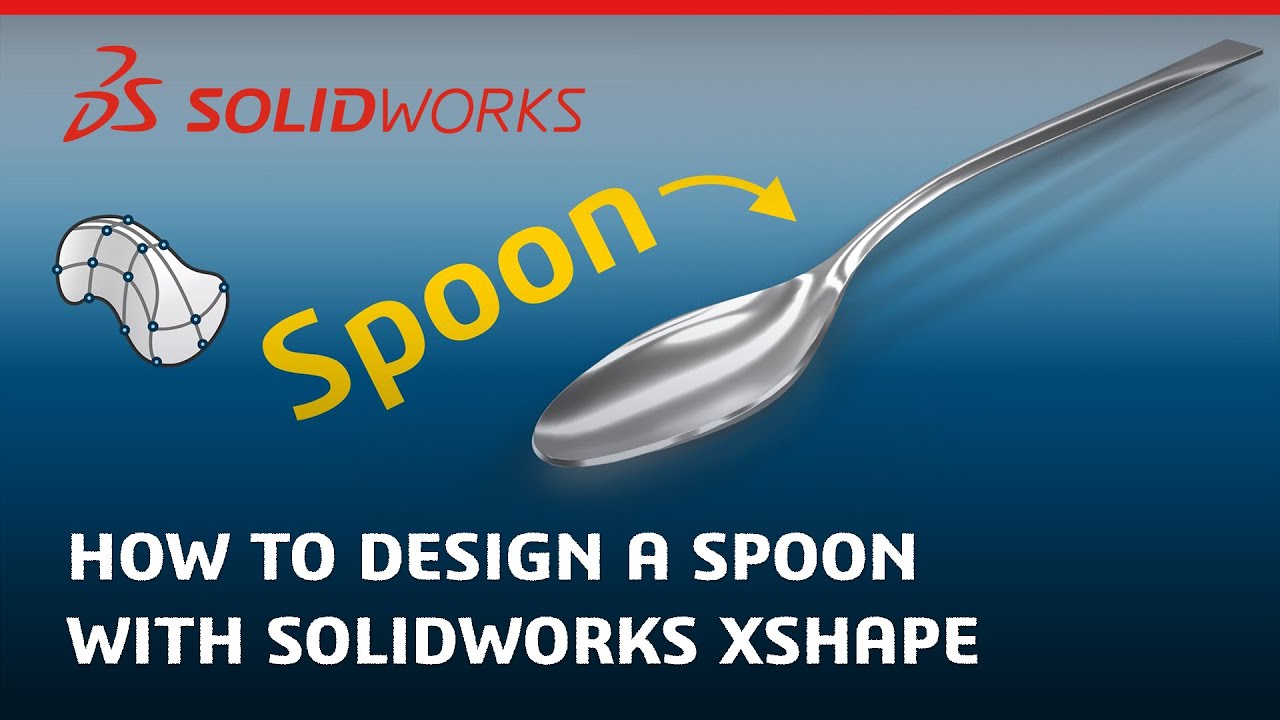
How to Design a Spoon with Subdivision Modeling - Made in SOLIDWORKS xShape
Автор: SOLIDWORKS
Загружено: 2023-09-01
Просмотров: 6400
Описание:
Learn how to design a spoon with SOLIDWORKS xShape, found in 3D Sculptor on the 3DEXPERIENCE platform.
Download the files needed to follow along with this tutorial using this link: https://www.solidworks.com/xShapeTuto...
xShape is a next-generation subdivision modeling tool that runs entirely in your browser. It takes a freeform approach to creating complex shapes and surfaces. You can design 100% in the cloud or seamlessly integrate your xShape models with your SOLIDWORKS designs. Follow along with this tutorial to become a modeling master.
Learn more at https://www.solidworks.com/xShapeMast...
Looking to buy xShape professionally? Use this link: https://www.solidworks.com/product/3d...
Looking to buy xShape for personal use? Use this link: https://www.solidworks.com/makers
#solidworks #CAD #design #industrial #conceptual #conceptualdesign #3dmodeling #3d #engineering #industrial #industrialdesign #productdesign #tutorial #rhino #blender #blender3d #cloud #subdivision #3dsculpting #digitalsculpting #surfacing #surface #surfacedesign #moto #sculpting #solidworkstutorial #solidworksdesign
Follow us!
Instagram: / solidworks
Facebook: / solidworks
Twitter: / solidworks
LinkedIn: / 5003792
00:00 - Intro
00:24 - Create a New Component
00:32 - Insert Sub-D Surface Primitive
00:44 - Adjust Segments of Box
00:51 - Scale by Bounding Box
01:08 - Center On Plane
01:20 - Symmetry
01:36 - Precise Translation with Robot
01:55 - Precise Rotation with Robot
02:07 - Subdivide Faces
02:21 - More Translation with Robot
02:46 - Select with CONTROL Key and Translate/Rotate
03:24 - Box Select & Scale with Robot
03:47 - More Translation/Rotation with Robot
04:08 - SHIFT key to Select Edges
04:24 - Insert Edge Loop
04:46 - Show Bounding Box and Scale
05:11 - Exit Sub-D Environment
05:17 - Thicken Command
05:34 - S-Key Shortcut and Fillet Command
05:53 - Edit Sub-D surface
06:05 - Reorient Robot to XYZ
06:22 - View Parameters
06:40 - Final Shape Complete
06:45 - Outro
Повторяем попытку...
Доступные форматы для скачивания:
Скачать видео
-
Информация по загрузке:


