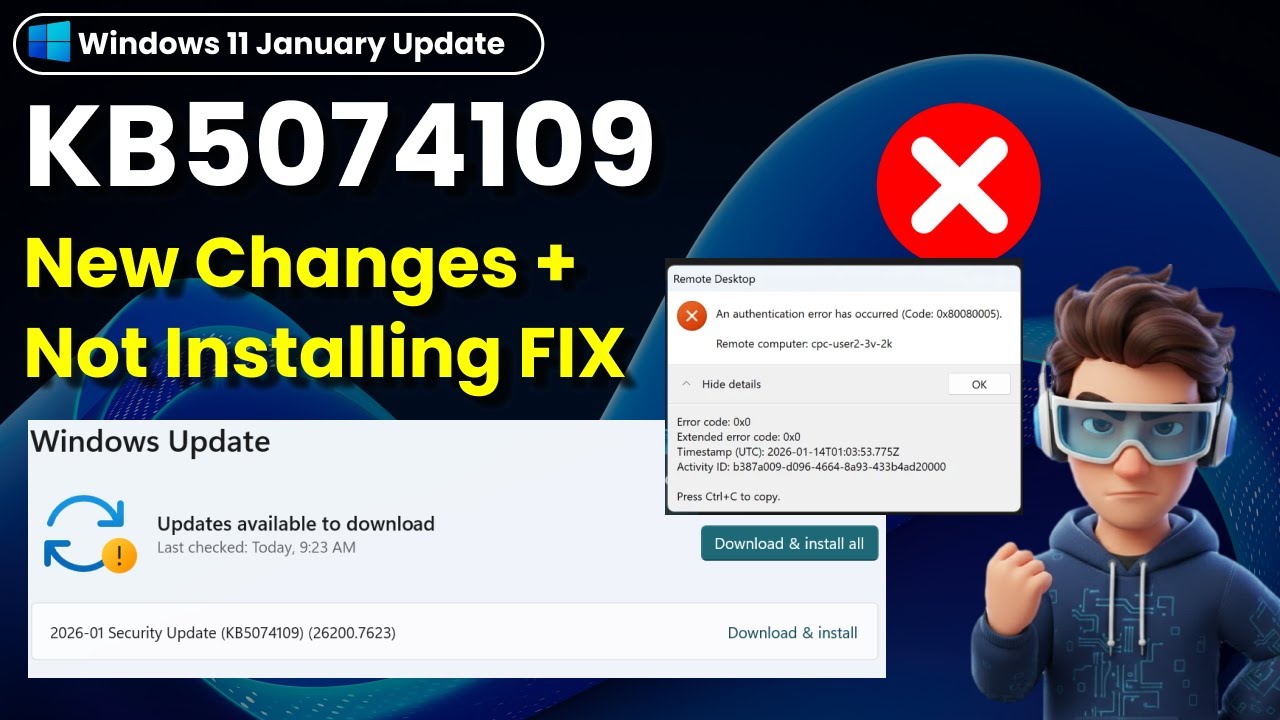
⭐ Windows 11 KB5074109— Update Stuck or Failed to Install? Easy Fix for 0x80080005
Автор: WinSense
Загружено: 2026-01-14
Просмотров: 408
Описание:
Windows 11 KB5074109 (January 2026 update) is here—this video breaks down the new features, battery fixes, and step-by-step solutions for common install errors like 0x80080005.
📌TIMESTAMP
00:00 Intro
00:18 What’s new in KB5074109
01:30 Method 1: Manual Installation via Microsoft Update Catalog
02:02 Method 2:Run System Repair Tools (SFC + DISM)
02:24 Method 3: Resetting Windows Update Components
03:03 Method 4: Fix Problems using Windows Update
📝 Watch Related Videos:
How to Fix Second Monitor Not Detected on Windows 11 (Easy Fix!) • How to Fix Second Monitor Not Detected on ...
⭐Windows 11 KB5072033—What’s New, Issues & How to Fix (24H2/25H2) • ⭐Windows 11 KB5072033—What’s New, Issues &...
Manual Installation via Microsoft Update: Cataloghttps://www.catalog.update.microsoft....
✔️sfc /scannow
After it reaches 100%, run: DISM /Online /Cleanup-Image /RestoreHealth
✔️Stop the services:
net stop bits
net stop wuauserv
net stop cryptsvc
Rename the 'clogged' folders:
ren %systemroot%\SoftwareDistribution SoftwareDistribution.bak
ren %systemroot%\System32\catroot2 catroot2.bak
Restart the services:
net start bits
net start wuauserv
net start cryptsvc
#KB5074109 #0xc0000005 #0x80080005 #0x80070306 #Windows11 #wensense #AzureVirtualDesktop
🔔 If you found this video helpful, please like and subscribe! Feel free to ask questions in the comments — I’ll do my best to help you out ✨
Повторяем попытку...
Доступные форматы для скачивания:
Скачать видео
-
Информация по загрузке:
















![⭐[URGENT] Windows 11 Users Must Check! Emergency Update KB5078127 Fixes Outlook & App Freezes](https://imager.clipsaver.ru/knS6KYPlIjQ/max.jpg)