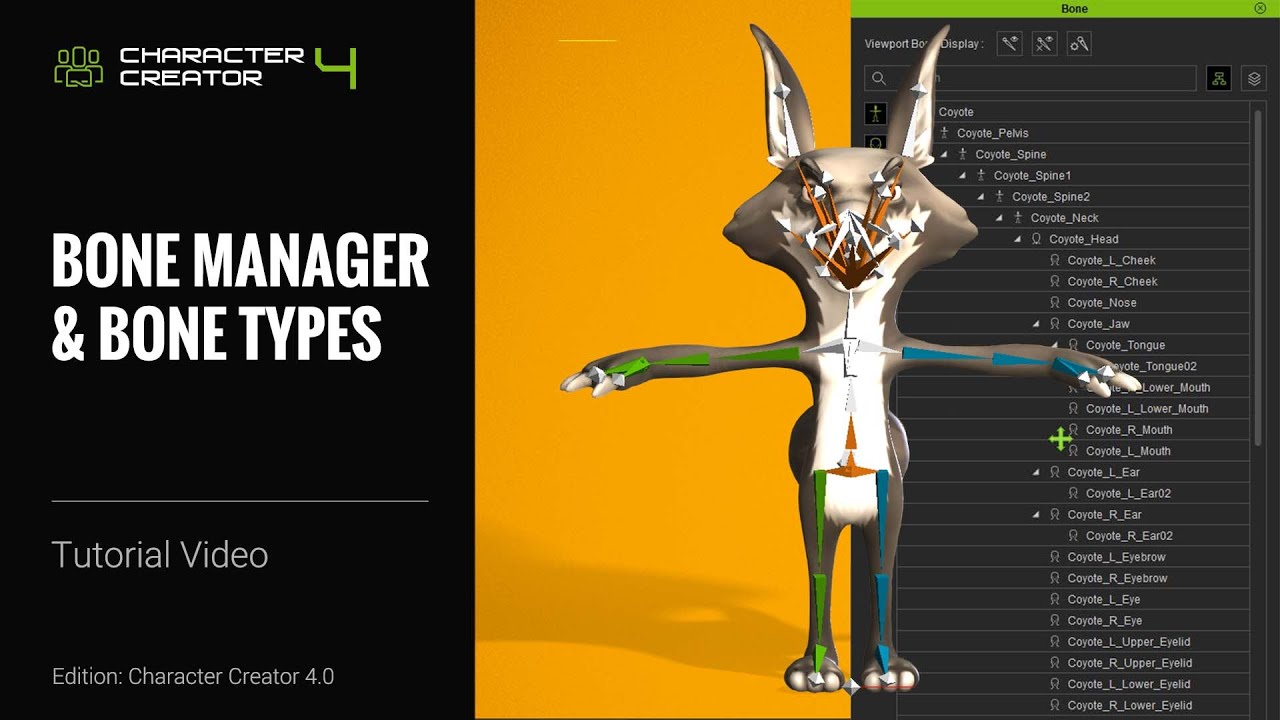
How to Add Extra Bones for Humanoid Characters with Blender & AccuRIG | Character Creator 4 Tutorial
Автор: Reallusion
Загружено: 2022-12-11
Просмотров: 31006
Описание:
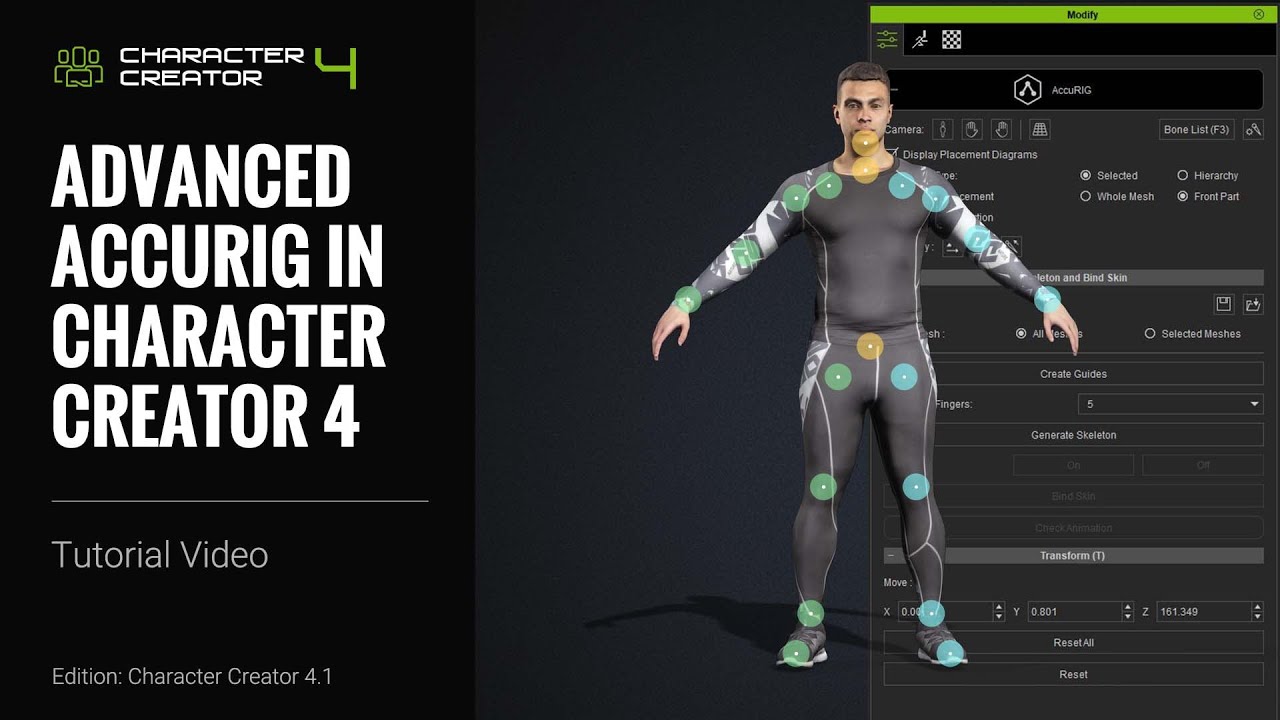
https://www.reallusion.com/character-... With AccuRig, you need to assign a certain number of bones for your character to be classified as a Humanoid type and therefore be able to utilize all of iClone’s body motion tools. However, you can also manually add bones to your character in other software like Blender after you’ve already set up your character’s basic rig and use them for a variety of things such as bouncy tails. In this tutorial, you’ll learn about how you can add extra bones to your Humanoid character in Blender, re-import, and then assign them spring values.
00:00 Intro
00:17 Exporting & Adding Bones
02:00 Bone Mapping
03:29 Painting Skin Weights
*Note: Assets shown in this tutorial serve only as reference material.
Character Creator 4 (CC4) is a full character creation solution for designers to easily generate, import and customize stylized or realistic character assets for use with iClone, Maya, Blender, Unreal Engine, Unity, Daz3D, 3dsMax, or any other 3D tools. CC4 connects industry-leading pipelines with one system for 3D character generation, animation rig, asset management, look-dev rendering, and interactive design.
✦WATCH MORE
Learn about Character Creator: https://www.reallusion.com/character-...
Learn about iClone animations: http://www.reallusion.com/iclone/defa...
✦FOLLOW US!
Facebook: / reallusionsoftware
LinkedIn: / 94371
Twitter: / reallusion
Instagram: / reallusionofficial
Magazine: https://magazine.reallusion.com/
Forum: http://forum.reallusion.com/default.aspx
✦ONLINE HELP
[Character Creator]
TUTORIALS: https://courses.reallusion.com/home/c...
MANUAL:
https://manual.reallusion.com/Charact...
#charactercreator #rig #characterdesign
Повторяем попытку...

Доступные форматы для скачивания:
Скачать видео
-
Информация по загрузке: