How To Make FL Studio Run Faster [2022]
Автор: HCONTUNES
Загружено: 2022-03-29
Просмотров: 8668
Описание:
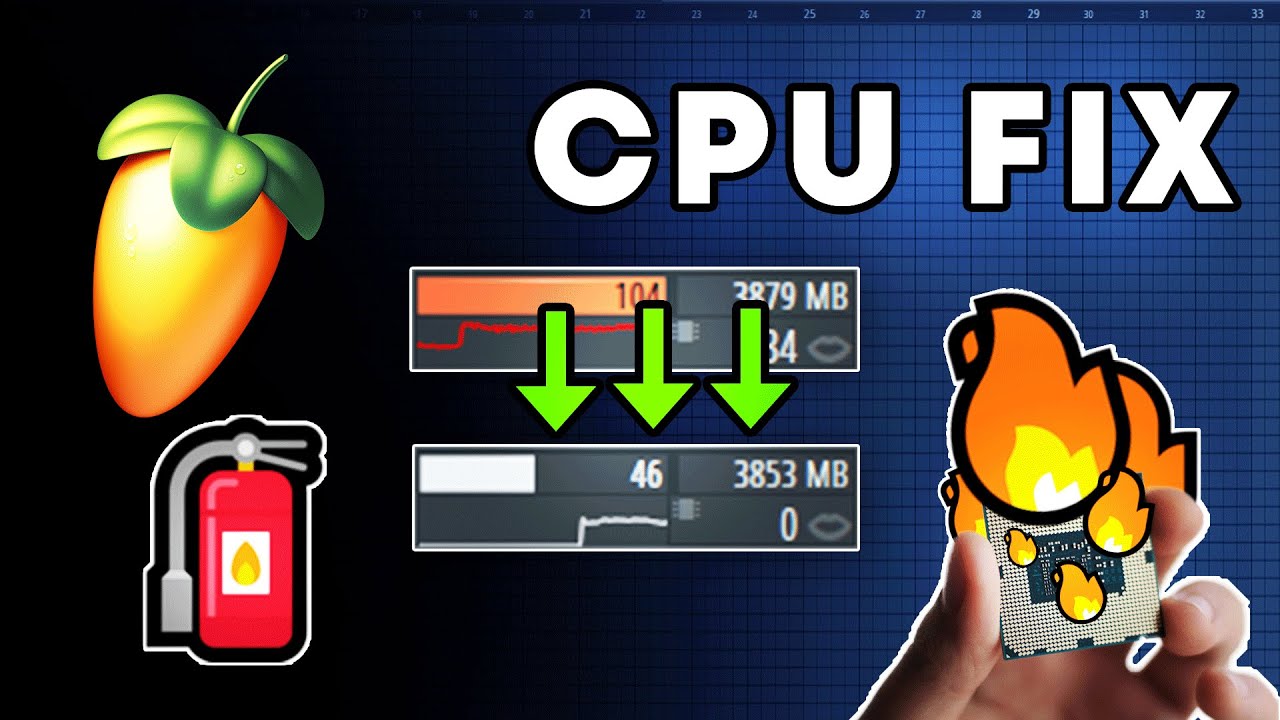
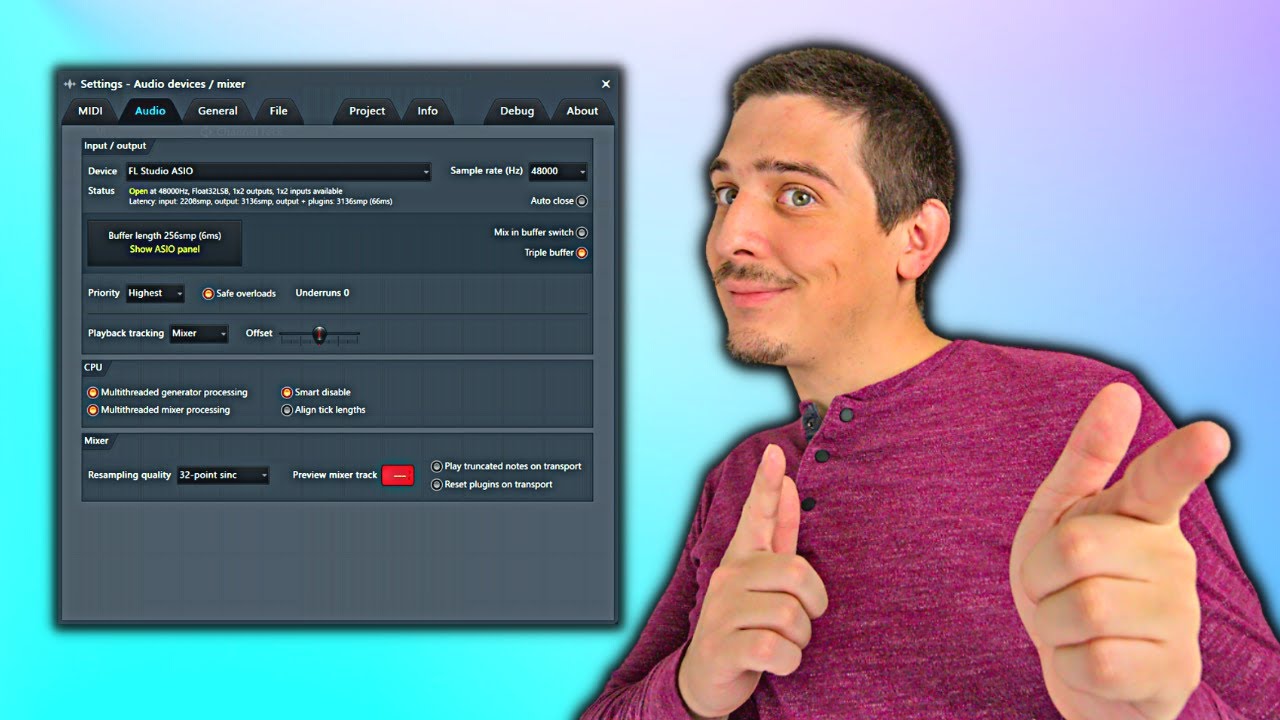
This tutorial shows how to fix FL Studio lag/stutter issues. I show the best fl studio settings to make FL Studio run smoothly with any pc, first of all we will check out your audio driver settings, because using the best audio drivers in FL Studio is the most important thing for performance. This tutorial will also show you the correct buffer setting to optimize performance to latency ratio. This video explains what is Mixer Resampling and how to actually use this setting to boost FL Studios CPU performance. Follow this step by step guide to make FL Studio run without lag or latency. This tutorial uses official information from Image-Line and this video puts this information in an easy-to-understand format.
My Epic Partners:
🎹 Plugin Boutique ► https://pluginboutique.com/?a_aid=648...
📀 Loopmasters ► https://www.loopmasters.com/?a_aid=64...
⛅ Loopcloud ► https://loopcloud.com/?a_aid=64887beb...
Find me from here:
Exclusive tutorials&content on patreon: https://beacons.ai/hcontunes
Timestamps:
0:00 - How to fix FL Studio Lag
0:04 - Windows Performance Settings
0:17 - Multithread CPU Optimization
0:34 - ASIO Drivers
0:57 - Correct Buffer Length
1:08 - Sample Rate?
1:24 - How to Setup Correct Sample Rate In Windows
1:50 - Check Your Audio Interface Settings!
2:15 - Mixer Resampling
2:50 - What happens if you use wrong Resampling settings??
4:36 - Plugins settings...
5:10 - Use correct plugin versions! 32 and 64-bit
5:46 - Timebase PPQ
6:41 - Strech Mode in Sampler Channels
7:00 - Monitor your plugins
7:54 - Freezing Tracks Easily
8:08 - Still lagging? Try This!
8:45 - How to close plugins correctly :D
9:11 - Shortcut for closing plugins fast
9:19 - Don't type "You didn't show this setting" in the comments 8)
#FLStudio #Performance #Optimization
Повторяем попытку...
![How To Make FL Studio Run Faster [2022]](https://imager.clipsaver.ru/Kka2dncotHY/max.jpg)
Доступные форматы для скачивания:
Скачать видео
-
Информация по загрузке: