Disable This Windows Setting to Instantly Fix Game Stutter & Input Lag (Fullscreen Optimizations)
Автор: The Software Guy
Загружено: 2025-04-30
Просмотров: 16492
Описание:
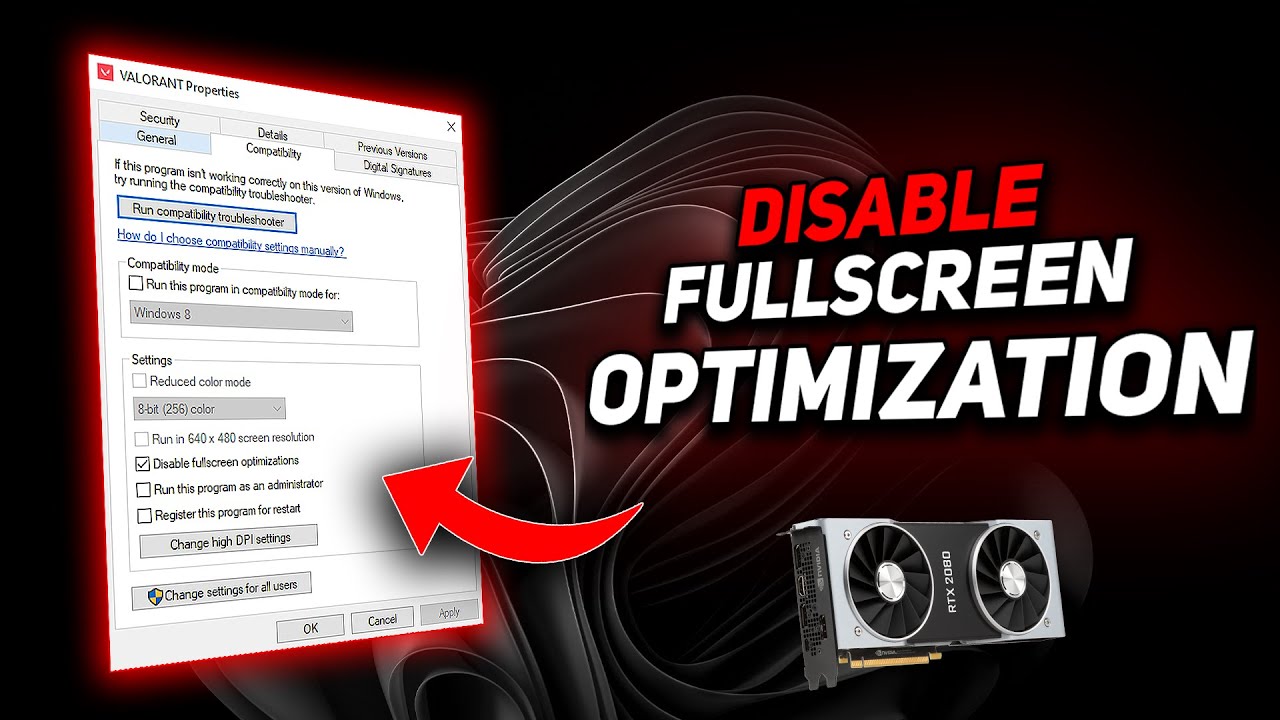
Are your games stuttering, dropping frames, or just not feeling smooth in fullscreen mode? The problem might be a hidden Windows setting called Fullscreen Optimizations — and it's ON by default.
In this video, I’ll show you step-by-step how to: ✅ Disable Fullscreen Optimizations per game
✅ Turn it off globally through the Windows Registry
✅ Know when you shouldn’t disable it
✅ Test if it improves FPS, input lag, and smoothness in your favorite games
🎮 This tweak can make a noticeable difference in competitive games like Valorant, Fortnite, Apex Legends, and CS2 — especially if you're chasing low latency.
📈 BONUS: Learn when it’s best to keep it enabled for smoother alt-tabbing and overlays like Xbox Game Bar.
🛠 Windows 10 & Windows 11 Compatible
📅 Updated for 2025
🔔 Subscribe for more easy PC performance guides!
💬 Let me know in the comments which game you tested this on — and if it made a difference.
Повторяем попытку...
Доступные форматы для скачивания:
Скачать видео
-
Информация по загрузке: