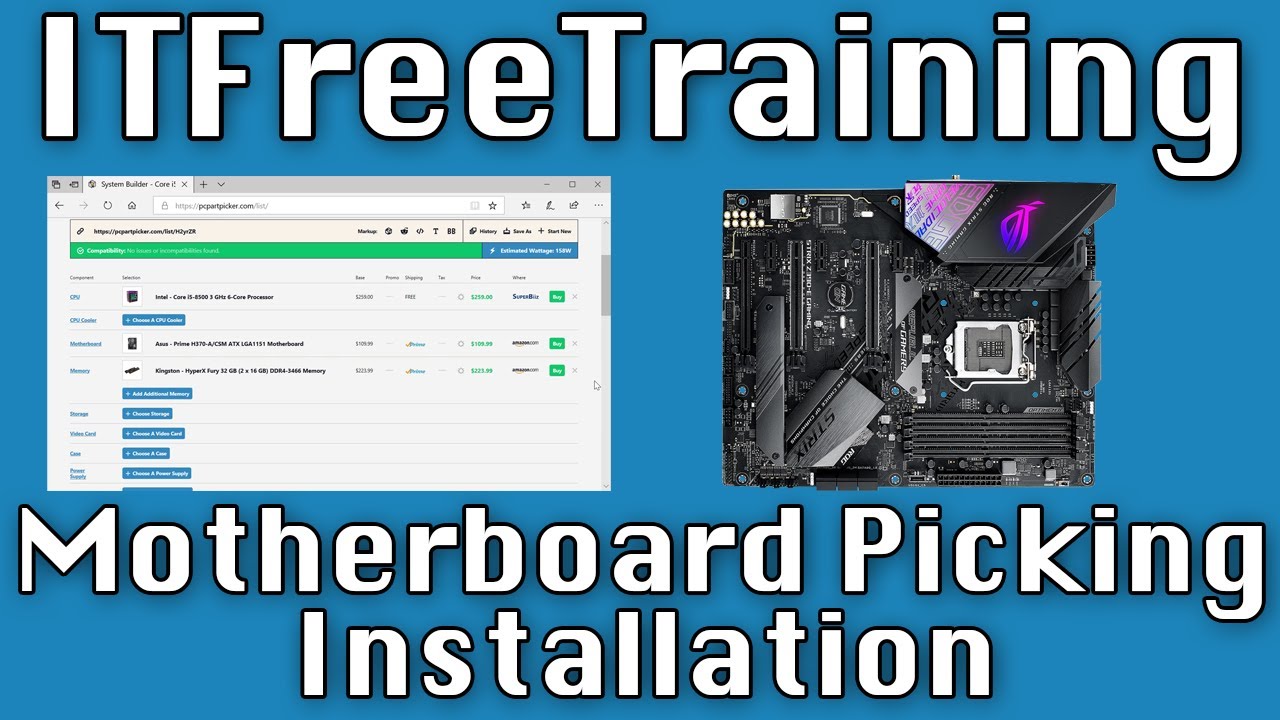
Motherboard Picking/Installation
Автор: ITFreeTraining
Загружено: 2020-06-14
Просмотров: 45755
Описание:
In this video from ITFreeTraining I will look at picking and installing a motherboard. The motherboard is one of the most important parts of a computer because ultimately it determines what else the computer can support.
Download the PDF handout: http://itfreetraining.com/handouts/ap...
Purpose of The Computer
0:12 The first decision you will need to make is what is the purpose of the computer that you will be putting together. Computers can be used for many things; however, they generally fall into three different categories. The first is being used for basic applications like e-mail, internet and office work. These computers, since they don’t require too much performance generally don’t cost too much.
The second category is gaming computers. These computers tend to have higher specifications than the basic computers and also may include a powerful video card. It is possible to purchase a cheap gaming computer, but if you want some good performance, you are going to have to spend more money, particularly for the graphics card.
The last category is workstation or server. These can be cheap or cost a lot of money and generally cost more than your basic computer. The high-power workstation generally has more processing power. This can include things like more memory or specialized memory, additional CPUs and multiple monitors. All these features require a motherboard that can support these features. Thus, workstation and server motherboards cost more money due to having to support additional features.
Intel/AMD
1:33 The first choice you will need to make when selecting a motherboard is, are you are going to use an Intel or an AMD CPU? Motherboards will only support one type of CPU of one socket type. You will also find that it is not uncommon for motherboards to only support certain CPUs of that socket type.
Intel and AMD have come up with very different solutions for accessing memory. Each CPU will also have different features. For example, some CPUs will have video support so the computer will not require a graphics card. For these reasons, Intel and AMD motherboards are built very differently.
Nowadays, the CPU is also tied into how much memory the system can support. Choosing the right CPU will determine what features the motherboard will be able to support. To compare Intel CPUs, Intel has the Ark website. This site will also allow you to compare Intel’s other products.
AMD also has a similar website that will allow you to compare AMD CPUs with each other. There are so many components in a computer system. Since Intel and AMD have different approaches on how to design a CPU, the motherboards designs are very different. Because of this, it can be difficult to compare CPUs because it depends on what software and hardware you are using. Memory intensive applications may run better on some motherboards while CPU intensive applications may run better on other motherboards.
To get some idea which CPU may meet your needs, the CPU benchmark website compares a lot of different systems together. This will give you an idea of which CPU you should choose. Once you select which CPU you want to use, the next step is to select a motherboard that will work with your CPU.
Features
3:31 To select a motherboard, you should start considering what features you need and what you don’t. You don’t want to pay for features that you are never going to use. Motherboards are designed with a specific purpose in mind. Let’s consider two motherboards to understand why.
At the time this video was created, both these motherboards cost around about the same, but designed with a different purpose in mind. The first motherboard was designed for gaming, while the second was designed with business in mind.
If I compare the features, the gaming computer has 15 USB ports and the business one has 9 USB ports. The business computer is designed for a high-end workstation or a server so it is anticipated that it will not need as many USB ports.
Description to long for YouTube. Please see the following link for the rest of the description. http://itfreetraining.com/ap/1b95
References
“CompTIA A+ Certification Exam Guide Tenth Edition” pages 233-240
“Picture of game controller” https://www.pexels.com/photo/white-re...
“Picture of monitor” https://unsplash.com/photos/ncOQxZe8Krw
”Picture of workstation two monitors” https://unsplash.com/photos/p-xSl33Wxyc
Credits
Trainer: Austin Mason http://ITFreeTraining.com
Voice Talent: HP Lewis http://hplewis.com
Quality Assurance: Brett Batson http://www.pbb-proofreading.uk
Повторяем попытку...
Доступные форматы для скачивания:
Скачать видео
-
Информация по загрузке: