The Easiest Way to Create SPFx Projects using VS Code & PnP Toolkit
Автор: Ninad Joshi
Загружено: 2025-12-01
Просмотров: 18
Описание:
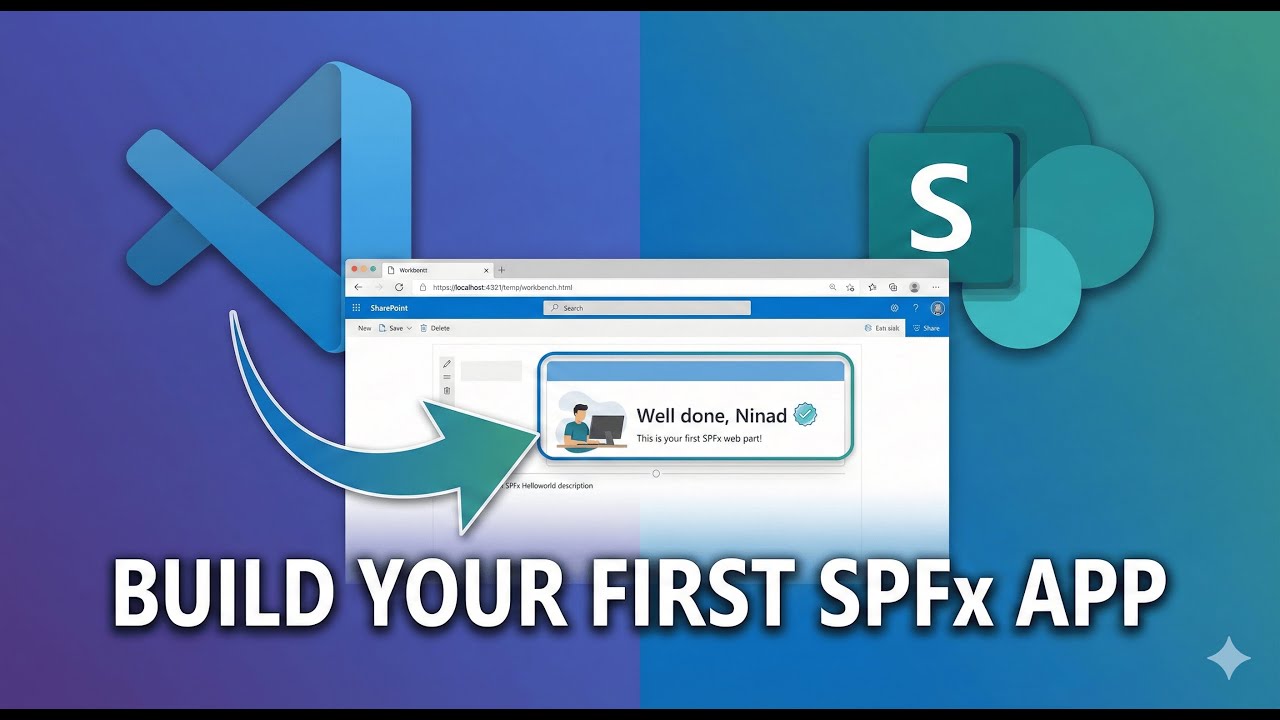
In this video, I walk you through how to set up your development environment and build your very first SharePoint Framework (SPFx) web part from scratch.
If you are a SharePoint Developer or looking to modernize your classic development skills, this step-by-step guide will help you understand the prerequisites, the project structure, and how to use the "SharePoint Framework Toolkit" extension in VS Code to make your life easier.
🚀 In this video, you will learn:
How to set up the SPFx Environment (Node.js, Gulp, Yeoman).
How to use the PnP SharePoint Framework Toolkit extension.
Understanding the SPFx project folder structure (src, webparts, manifest).
How to modify the React component (.tsx) and see changes live.
How to run and test your web part using the SharePoint Workbench.
Resources Mentioned:
Set up SPFx Environment: [Insert Link to Microsoft Learn Page you showed]
Node.js Download: [Insert Link]
VS Code Extension: SharePoint Framework Toolkit
⏱️ Timestamps: 0:00 - Introduction & Why SPFx? 01:45 - Step 1: Installing Prerequisites (Node.js) 04:00 - Step 2: Installing Gulp & Yeoman 06:30 - The Easy Way: Using the PnP SPFx VS Code Extension 08:15 - Creating Your First "Hello World" Solution 10:00 - Understanding the Project Structure (Folders & Files) 16:15 - Running the App (Gulp Serve) 17:45 - Testing on SharePoint Workbench 19:00 - Modifying the Code (Live Demo) 21:50 - Outro & What's Coming Next (AI Integration)
#SharePoint #SPFx #Microsoft365 #WebDevelopment #React #TypeScript #CodingTutorial
Повторяем попытку...
Доступные форматы для скачивания:
Скачать видео
-
Информация по загрузке: