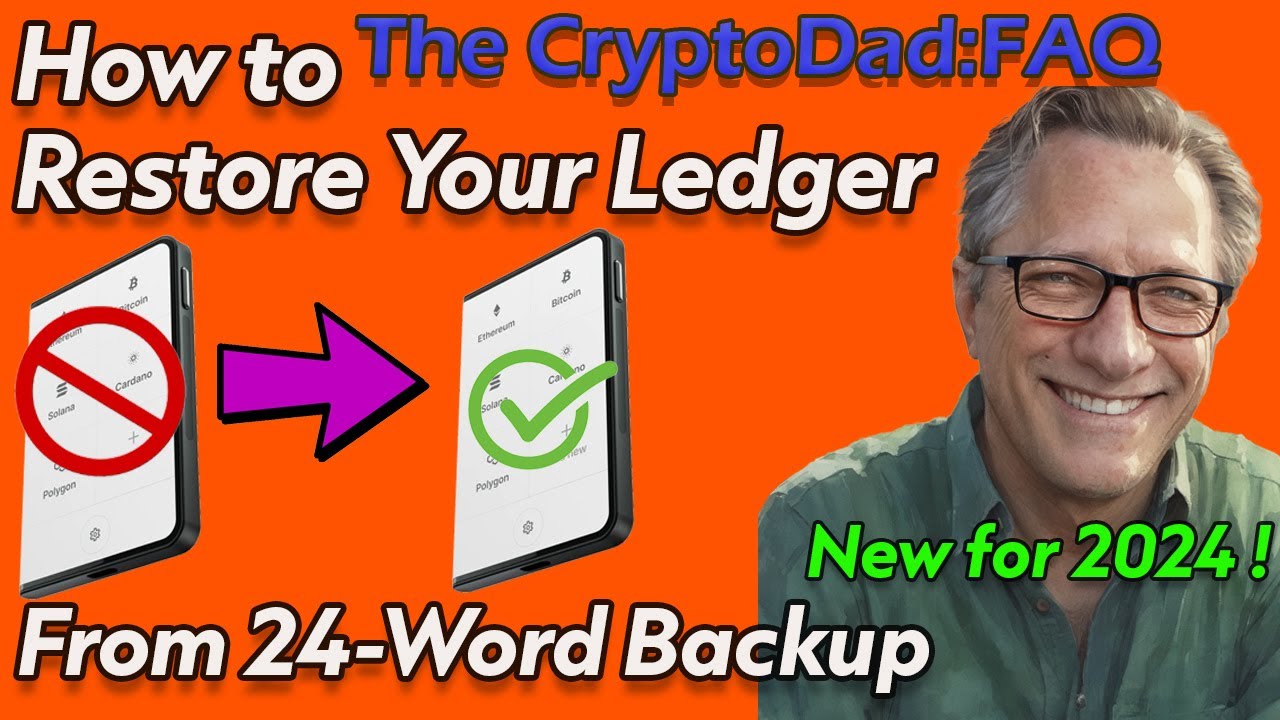
How to Restore a Ledger Device from 24-word backup phrase (Latest Version 2024) | CryptoDad FAQ
Автор: The CryptoDad
Загружено: 2024-10-10
Просмотров: 16508
Описание:
In this video, I explain how to restore a Ledger Stax or Flex hardware wallet using your 24-word seed phrase or backup phrase. This process also applies to Ledger Nano X and S Plus but the interface is slightly different. I break down the process step-by-step, ensuring it's as simple as possible for beginners. Remember, you don't need to reset or change anything in Ledger Live. The key is to understand that your Ledger device is like a set of car keys—if you lose them, you don't need a new car, just a new set of keys. I'll walk you through how to create a replacement device or key to access your existing accounts safely. Make sure to avoid common pitfalls and stay in control of your crypto.
Bip-39 Word List:
https://github.com/bitcoin/bips/blob/...
👉 Order Your Ledger STAX here:
https://shop.ledger.com/pages/ledger-...
👉 Get your Ledger Flex here:
https://shop.ledger.com/pages/ledger-...
👉 Get your Ledger Nano X here: https://shop.ledger.com/pages/ledger-... and secure your Bitcoin transactions! 🔒💼
👉 Don't miss out on the Ledger Nano S Plus! Grab yours now: https://shop.ledger.com/pages/ledger-... and keep your Bitcoin safe! 🔒💼
00:00 Introduction
01:58 Ledger Live Considerations
02:50 Prepare Seed Phrase and Replacement Device
03:41 Configure Device for Restore
04:13 Name Device and Set Pin
05:30 Choose Restore and Enter Words
07:27 Common Problems and Solutions
09:40 No Apps on Restored Device? Don't worry
10:31 Confirm Accounts in Ledger Live
14:57 Manually Install 3rd Party Wallet Apps
15:46 Overview
Join this channel to get access to perks:
/ @cryptodad
Connect with CryptoDad:
🐦 Twitter: / the_cryptodad
🎥 YouTube: / cryptodad
📸 Instagram: / the_cryptodad
Interested in a video chat session to get your new wallet set up or restored? Or maybe you have a technical issue that you can't figure out. Or perhaps you just want a Q & A session. Shoot me an email and we can set something up!
📬Email: [email protected]
💡 DISCLAIMER: This video is for educational purposes only and should not be considered financial advice. Always do your own research before investing in cryptocurrencies.
Повторяем попытку...
Доступные форматы для скачивания:
Скачать видео
-
Информация по загрузке:


