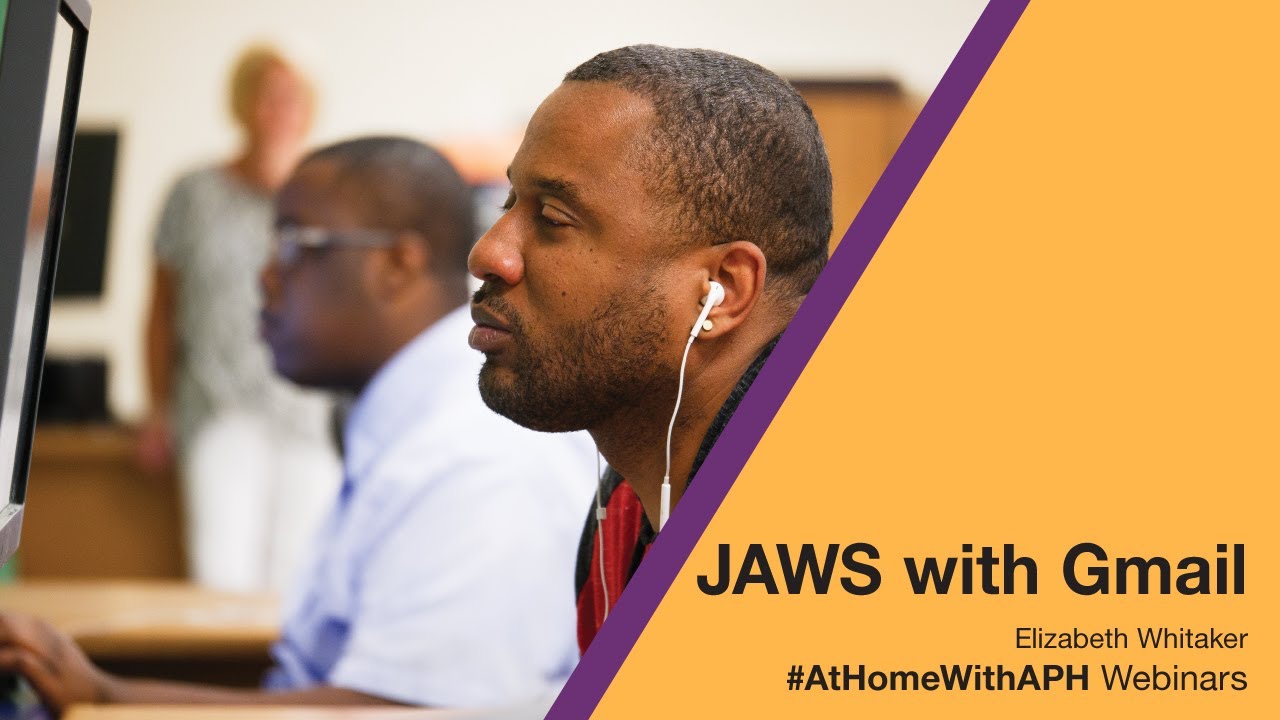
JAWS and Gmail
Автор: APH — American Printing House for the Blind
Загружено: 2020-07-15
Просмотров: 6742
Описание:
Want to know how to access your Gmail from anywhere using Google’s Web Mail option? This presentation outlines optimal accessibility settings, show you how to work with messages, and discuss important features designed to enhance your email experience.
Instructor: Elizabeth Whitaker
Instructor’s Title: Educational Trainer
Instructor’s Affiliation: Vispero
Instructor’s Email: [email protected]
Instructor: Mike Wood
Instructor Title: Strategic Accounts Manager - Education
Instructors Affiliation: Vispero
Instructors Email: [email protected]
Primary Core or ECC Area: Assistive Technology
Target Audience: TVI, Assistive Technology Instructors, Students, Parents
Pre-requisite knowledge: Fundamental Understanding of JAWS Screen Reader
Lesson Plan Goal: The participant will review strategies and keystrokes to maximize the use of JAWS with Google’s Gmail.
Learning Objectives:
The participant will review two steps for setting Gmail to Basic HTML view.
The participant will review at least four keystrokes for navigating Gmail with JAWS.
The participant will review steps for navigating Gmail settings.
The participant will review steps for composing and sending an Email.
The participant will review keystrokes for navigating the inbox and reading email.
The participant will review steps for deleting and archiving messages.
Materials Needed: Will forward handouts prior to the webinar
Повторяем попытку...
Доступные форматы для скачивания:
Скачать видео
-
Информация по загрузке:


![[2026] Feeling Good Mix - English Deep House, Vocal House, Nu Disco | Emotional / Intimate Mood](https://image.4k-video.ru/id-video/cxLdtvzf2sI)
